Language
Date/Time
Screen
CAME Connect
Tones
Multimedia
SIP settings
Maintenance
Network
LEDs and sensors
Settings
Access Control
User-Interface Configuration
Save
Language
LANGUAGE
English
❸
❶
❷
Page 5 - Manual FA 014 8 2-E N - 10/2020 - © CAME S.p.A. - The contents of this manual may be changed, at any time, and without notice. - Translation of the original instructions
Settings
Some of these sections require specific knowledge of how to operate the video-entry system. Incorrect configuration may cause full or partial malfunctions.
For this reason, some parameters can only be modified from the installer profile.
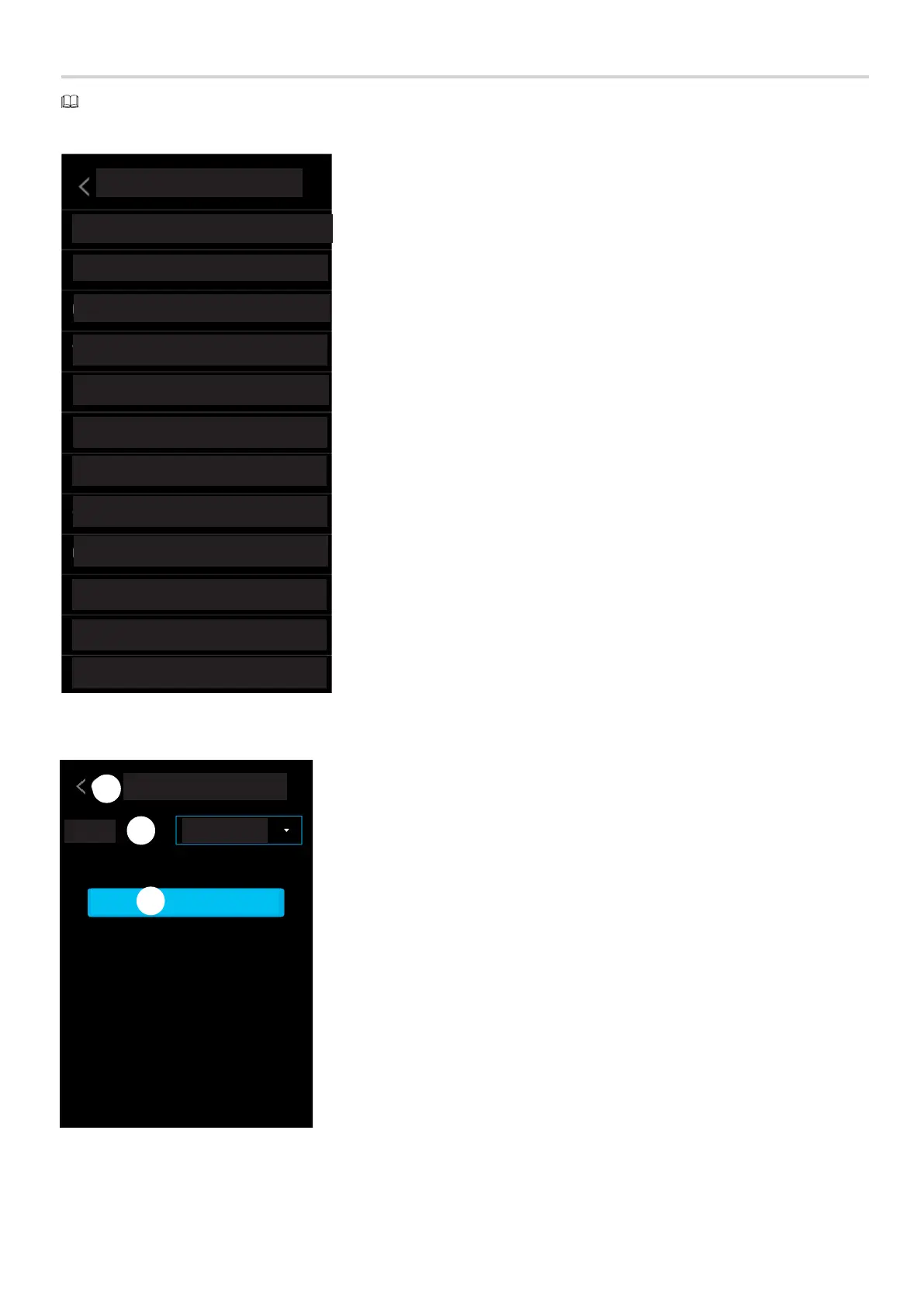
Choosing the interface language
❶ Choose the interface language.
❷ Save the configuration.
❸ Go back to the previous page.



 To Next Page
 Loading...