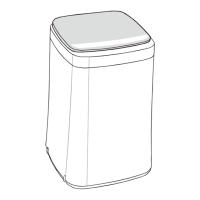
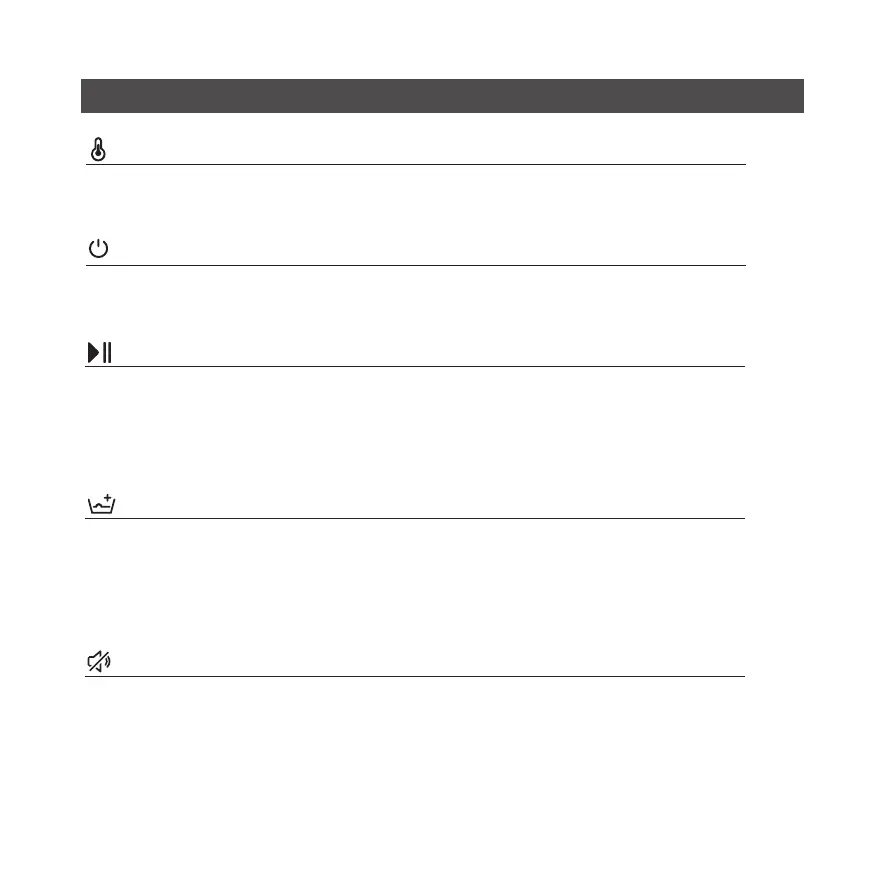
Temp. button
Power button
Start/pause button
Rinse+
Voice/ mute
If this icon is on, the device will not output any sound.
Setting method: press “Rinse+” for 3 seconds to start or close the mute function.
Repeat this button to add the number of times for rinsing.
This function may be set before starting the procedure. If you want to change the setting
after the start of the procedure, please suspend the procedure and make adjustment before
rinsing.
When the washing machine is powered on, select the required washing procedure and press
this button to start the washing machine.
If the washing procedure needs to pause, press this button to suspend the machine and
press it again to resume work.
Turn on/off the washing machine by pressing this button. If the washing machine is kept
unused for 10 minutes after power on, the power supply will be shut off automatically.
The set temperature will be displayed at the temperature display area. Select the
appropriate water temperature based on the clothes to be washed.
Overview of the control panel
1 2 3 4 5 6 7 8 9 10 11 12 13 14 15 16 17 18 19 20 21 22 23 24 25 26 27 28


 To Next Page
 Loading...