10
12. Up key. Press and hold the key when the system is in standby mode to move the laser head (Y axis), or
elevating/feeding/ rotating axis upwards. Refer to the definition of the “Center” key for choice of a control
axis. When inputting a number, press the key once and the value will increase by one. When selecting an
operation document or changing the configuration of a parameter (e.g. language), press the key for upward
selection.
13. Down key. Press and hold the key when the system is in standby mode to move the laser head (Y axis), or
elevating/feeding/rotating axis downwards. Refer to the definition of the “Center” key for choice of a
control axis. When inputting a number, press the key once and the value will decrease by one. When
selecting an operation document or changing the configuration of a parameter (e.g. language), press the key
for downward selection.
14. Left key. Press and hold the key to move the laser head leftwards1) when the system is in standby mode.
Upon reaching the most space of X axis, the laser head stops moving and the key will be inoperative. (The
most space of X axis can be set in machine parameters and is limited to the worktable size.) Upon setting
the engraving speed and operation power, press the key once and the corresponding value will decrease by
10. When selecting an operation document, press the key to access the previous document. When inputting
a number (e.g. pulse time), press the key for leftward selection and cursor location.
15. Right key. Press and hold the key to move the laser head rightwards when the system is in standby mode.
Upon reaching the origin of X axis, the laser head stops moving and the key will be inoperative. (The most
space of X axis can be set in the machine parameters and is limited to the worktable size.) Upon setting the
engraving speed and operation power, press the key once and the corresponding value will increase by 10.
When selecting an operation document, press the key to access the next document. When inputting a
number (e.g. pulse time), press the key for rightward selection and cursor location.
16. Center key. In the main interface, press the Center key to choose a control axis from
Y/Elevating/Feeding/Rotating axis. Or select the automatically focus function.
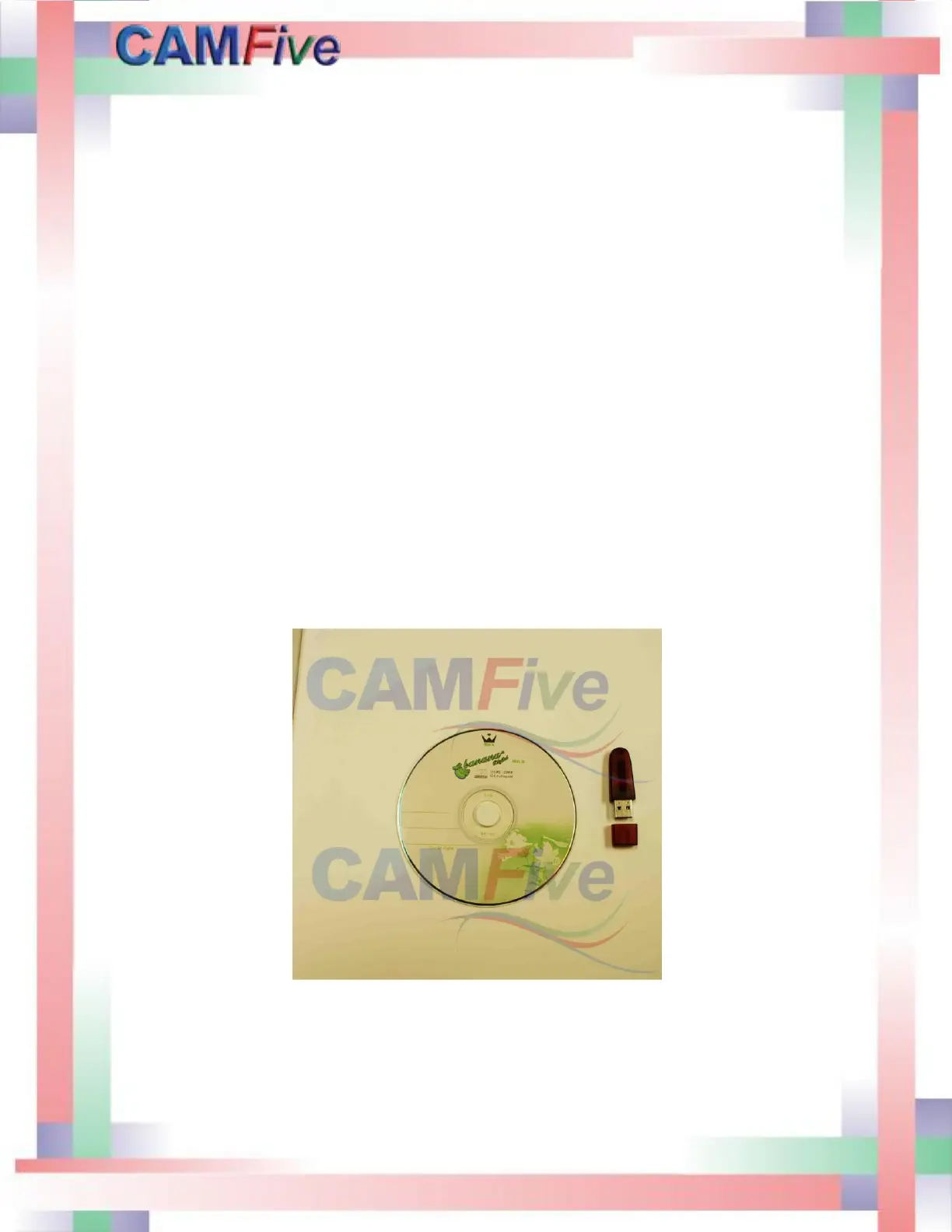
Software and Soft dog (dongle) are included.



 To Next Page