24
ROTARY ATTACHMENT INSTALLATION (Models 1390K, 1080K and 6040K Only)
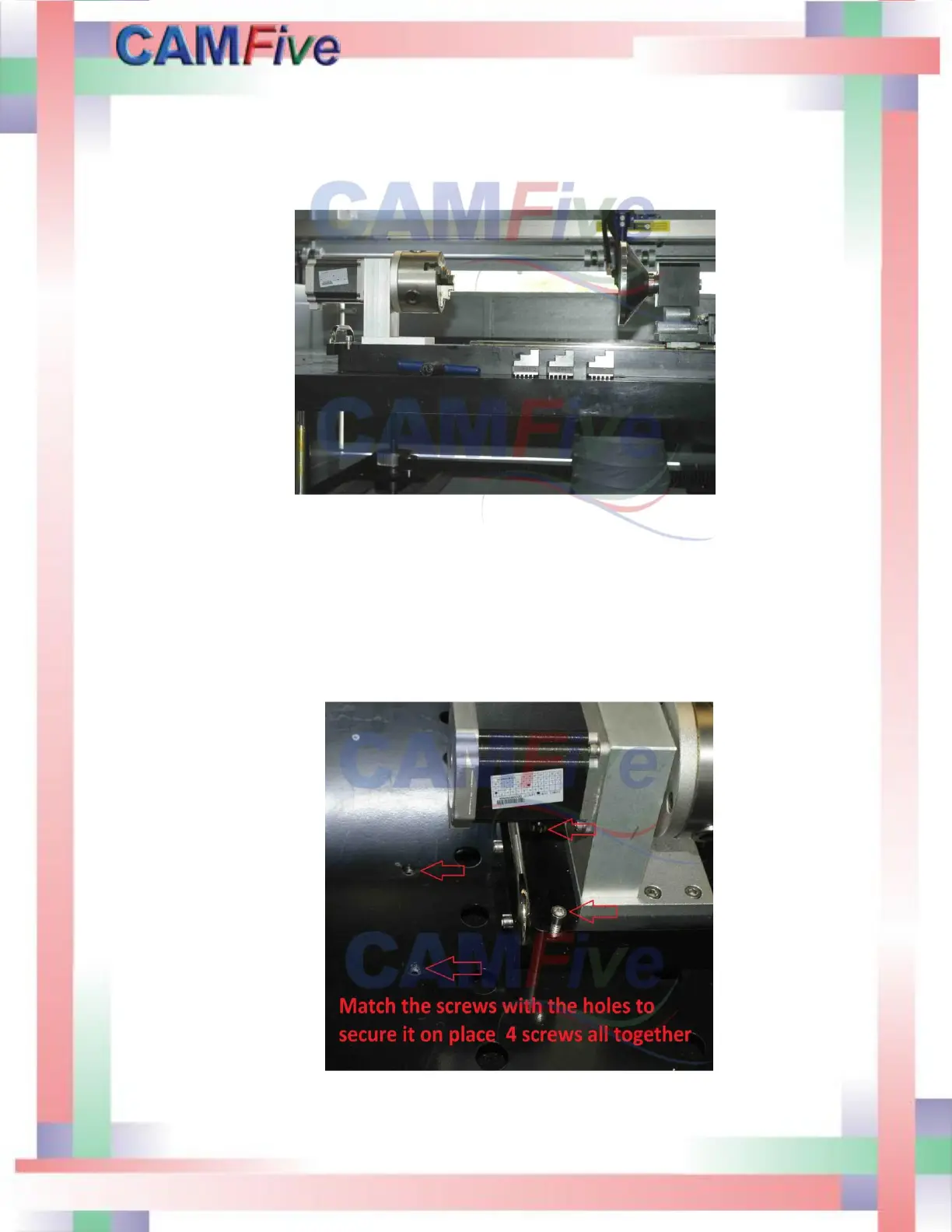
1. Removed the honeycomb bed and set the rotary attachment in place. Secured with
screws provided. Move the table down by pressing the inner circle on the control
panel. Select the rise and fall option and press enter. Use the up and down keys to
move the table. Once is set in position go back to the menu and select Y axis and
press Enter to reactivate the Y movement.
2. Connect the cable and place object.



 To Next Page