Camtraptions PIR Motion Sensor v3 Manual Page 13
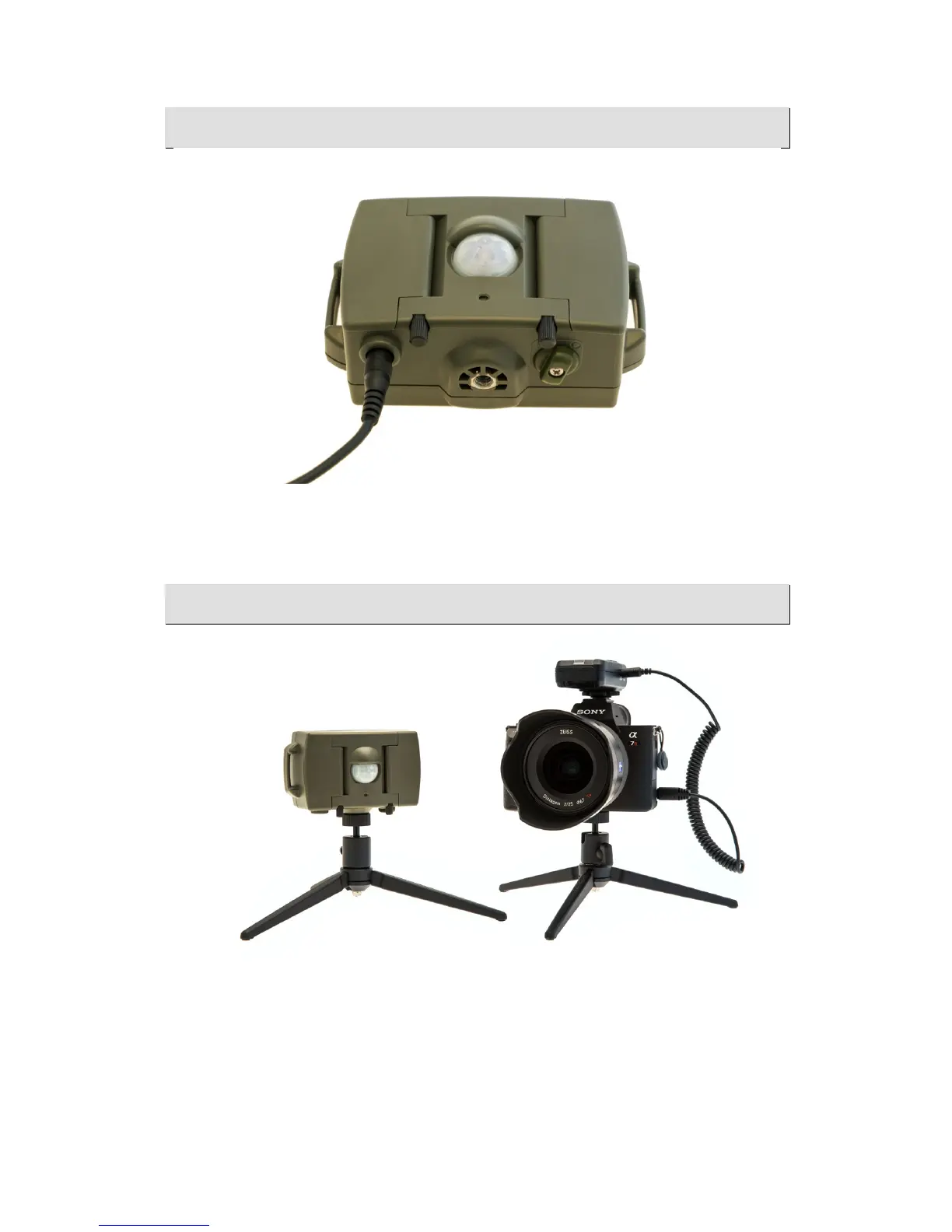
Connecting!a!Wired!Camera!
Remove the bung in the socket on the bottom of the sensor and plug in the
camera connecting cable. Connect the other end of the cable to your
camera’s shutter release port.
Connecting!a!Wireless!Camera!
To connect your camera wirelessly:
• Ensure you know which channel the PIR transmitter is set to. By
default it is Channel 1.
• Set the Camtraptions wireless receiver to the corresponding channel.
• Connect the camera connecting cable to the “Camera” socket on the
receiver and the other end to the camera’s shutter release port.


 To Next Page