Camtraptions PIR Motion Sensor v3 Manual Page 8
Inserting!Batteries!
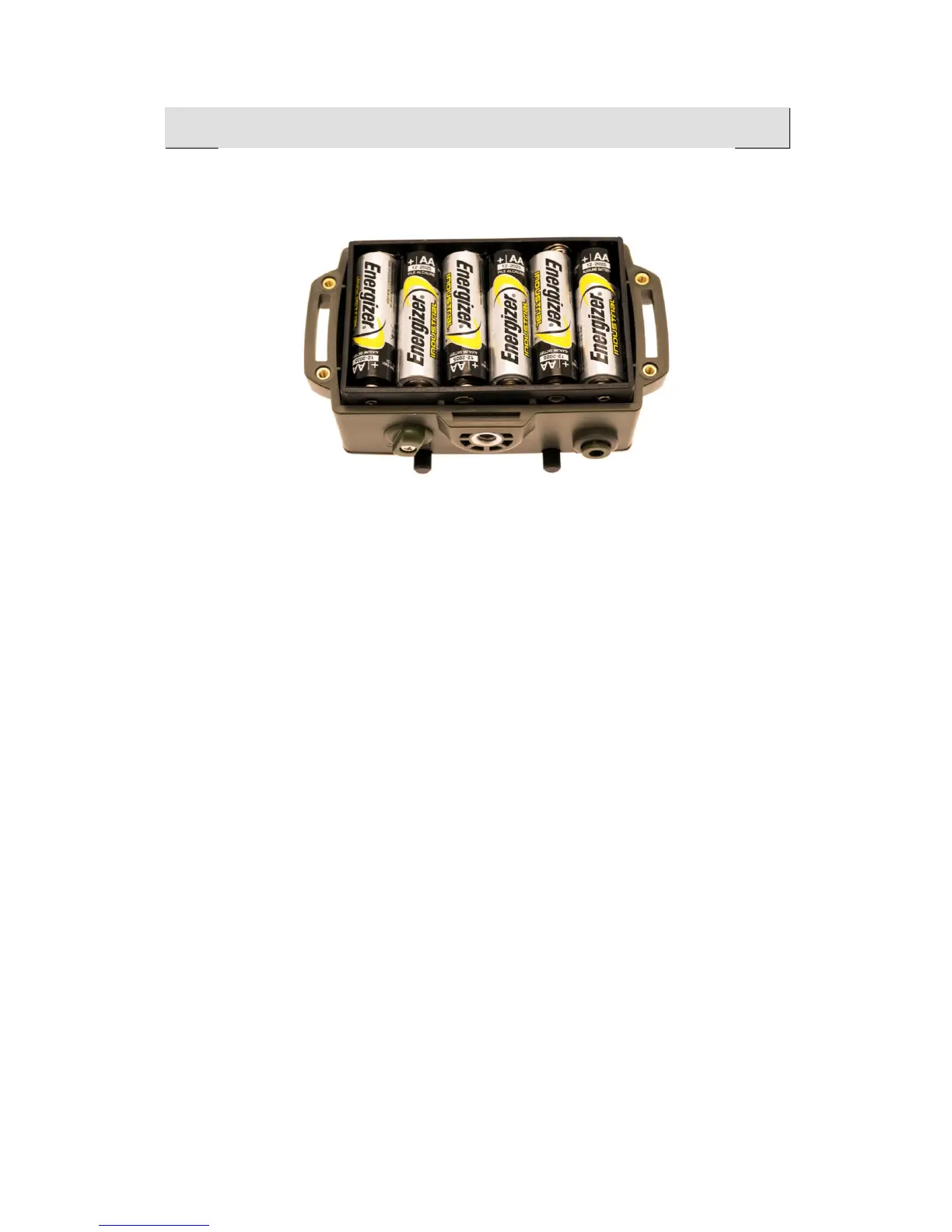
Use a screwdriver to remove the four screws on the back of the device and
take off the back wall. Insert six AA batteries into the battery holder, taking
care to follow the polarity direction indicated on the holder. Check the sensor
turns on and then replace the back wall and the four screws. When replacing
the back wall, ensure that the seal around the edge is clean and free of
debris.
The sensor accepts either Alkaline or NiMH rechargeable batteries and will
operate while the supply voltage is greater than 3.7 volts. Please note that if
using a different type of battery or powering the sensor from an external
power source, the supply voltage should not exceed 9.6 volts.
When the sensor is first turned on, the red LED on the front indicates the
battery voltage, see Page 9.
!


 To Next Page