15
USE
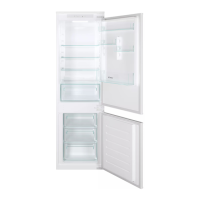
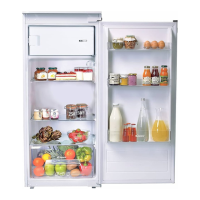
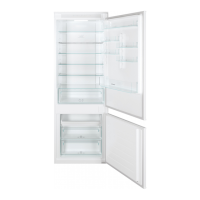
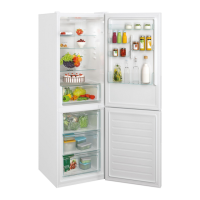
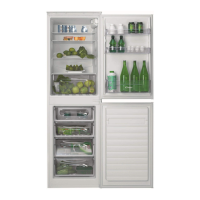
*The pictures above are only for reference. The actual
configuration will depend on the physical product or statement by
the distributor
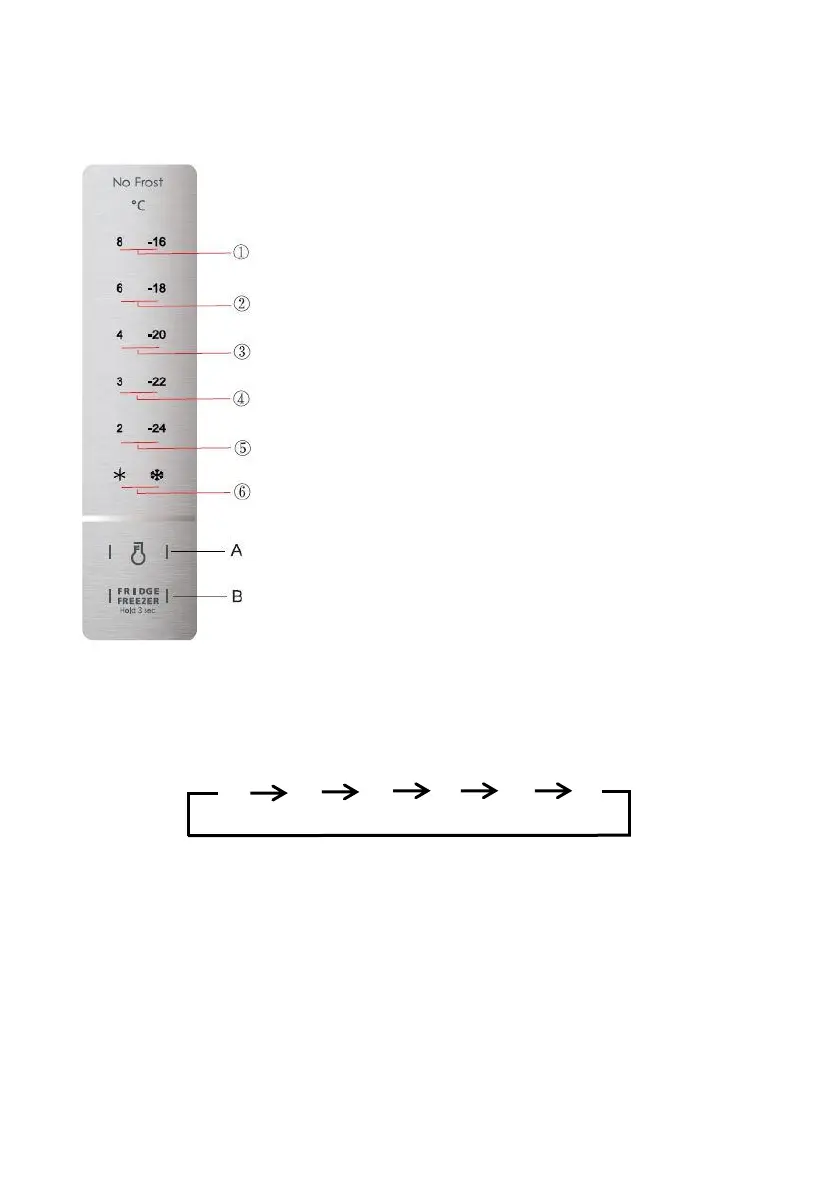
Keys
A. SET key (temperature setting button)
B. Fridge/Freezer switch button
1. Temperature of 8°C or -16°C
2. Temperature of 6°C or -18°C
3. Temperature of 4°C or -20°C
4. Temperature of 3°C or -22°C
5. Temperature of 2°C or -24°C
6. Quick cooling or quick freezing
When you first turn on the appliance, the display screen turns on
completely for 3s, the default set temperature is -20°C.
After this, every time you turn on the appliance, the last selected
temperature level will be restored.
Freezer/Refrigerator conversion
Press the Fridge/Freezer switch button (B) for 3s, the corresponding
temperature icons shine.
Temperature setting
To change the temperature, press the SET key (A), after 15s the selection is confirmed and the
corresponding LED light stays on.
The temperature setting change runs as follow:
1 2 3 4 5 6
Quick cooling
Under refrigerator mode, press the SET Key (A) until the icon ✱ lightens.
During quick cooling mode, the refrigerator temperature is set at 2°C, and it will exit this mode
automatically after running for 150 minutes or temperature setting or mode setting.
Quick freezing
Under refrigerator mode, press the SET Key (A) until the icon ❅ lightens.


 To Next Page
 Loading...