TOOLS
Navigation
Latitade
24°48’32.3’N
Longitude
121°02’25.1’E
001
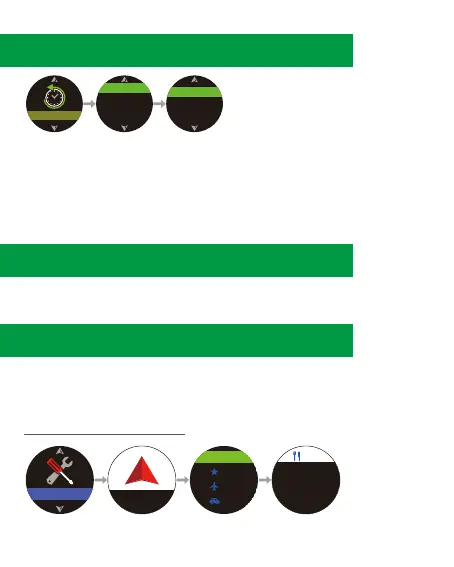
1.Press ④ to enter main menu, select [TOOLS] → [Navigation].
To set or view Alarm, Navigation, Compass, Bubble Level, Timer,
and view your Geolocation.
11-1 Navigation
11. TOOLS
1. Press ④ to enter main menu.
2. Press ④ to enter [History].
3. Press ④ to select a sport mode, and to view the history record.
(The records will be sorted by time)
4. To exit, press ②.
Shows the best score under each sport mode.
9. History
10. Records
HISTORY
RUNNING
CYCLING
SWIMMING
TRAINING
06/11 0.92 km
07/08 999.99 km
09/01 49.99 km
12.



 To Next Page