8
E
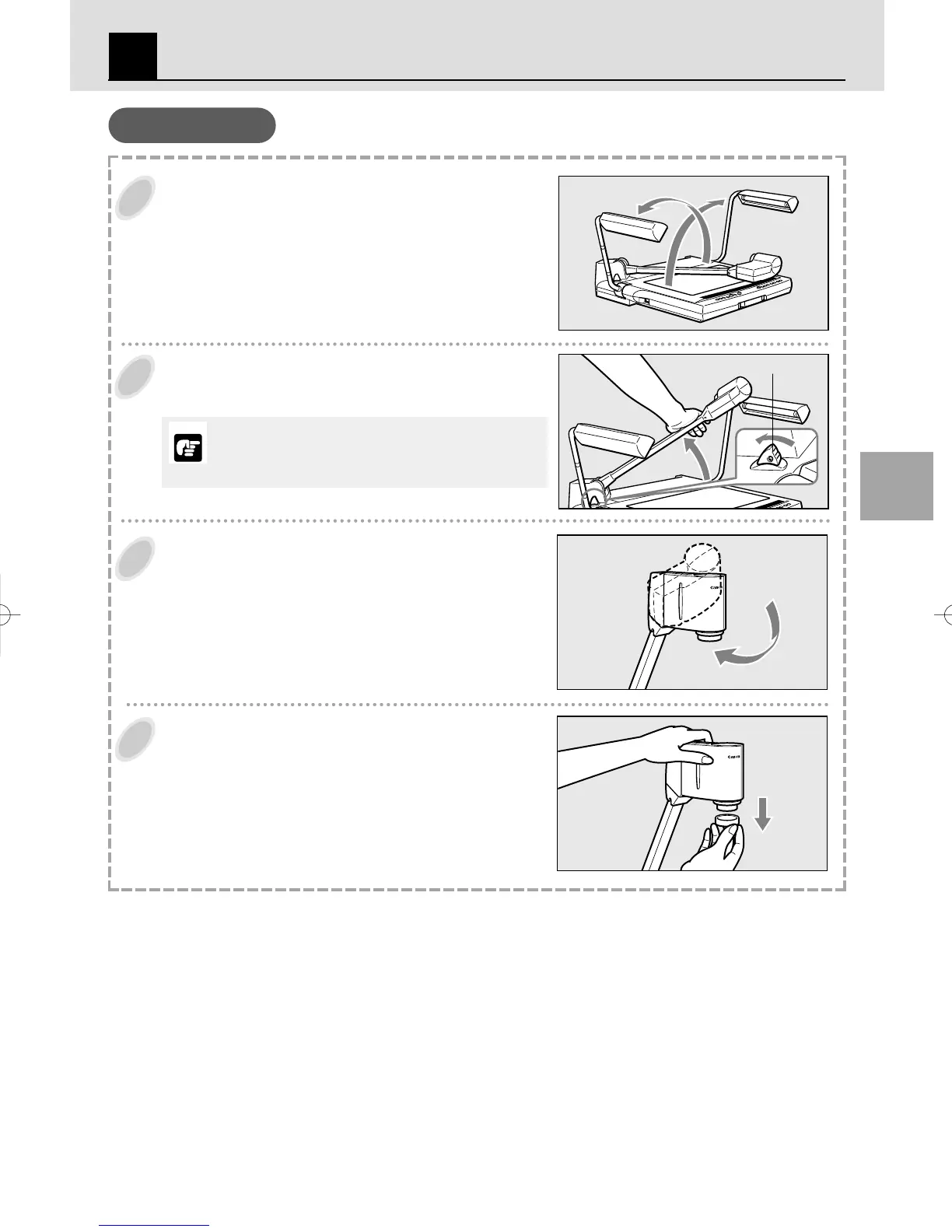
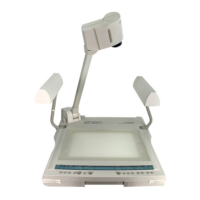
Unfold and raise the pair of illumination lamps.
Raise the right-hand illumination lamp first (
), then the left-
hand illumination lamp (
).
Press the arm lock release lever, and raise the
arm until it stops.
Direct the camera head towards the document
table.
Remove the lens cap.
Keep the lens cap in a safe place.
Assembling
Arm lock release lever
ASSEMBLING, STORING AND CONNECTION
2
Make sure to hold the arm when pressing the arm lock
release lever. If the lever is pressed without holding the arm,
the arm jumps up and may result in injury or malfunction.
Please raise the arm slowly.
NOTICE
RE-450XE01.10.2422:15ページ8


 To Next Page