BLM550+ Booklet Maker Service Support Guide
2. Internet Support
a. Canon USA’s e-Support Center Web Site
Canon USA’s Engineering Services and Solutions Division provides high
quality e-Support via the Internet and is only available for Canon USA
authorized servicing dealers.
Canon USA’s e-Support Center Web Site is designed to provide dealer
Systems Engineers and Technicians access to technical support
information via the Worldwide Web.
The following functions and information can be accessed:
• Proactive notification of new releases, patches, Technical
Publications, and other information via e-mail
• Search for Technical Solutions with the Integrated Knowledge
Management System through natural language query
• Read or download on-line documentation
• Download patches and their Readme files
• Download Firmware and Software Drivers
• Track and Modify logged Cases
• Review all open Cases
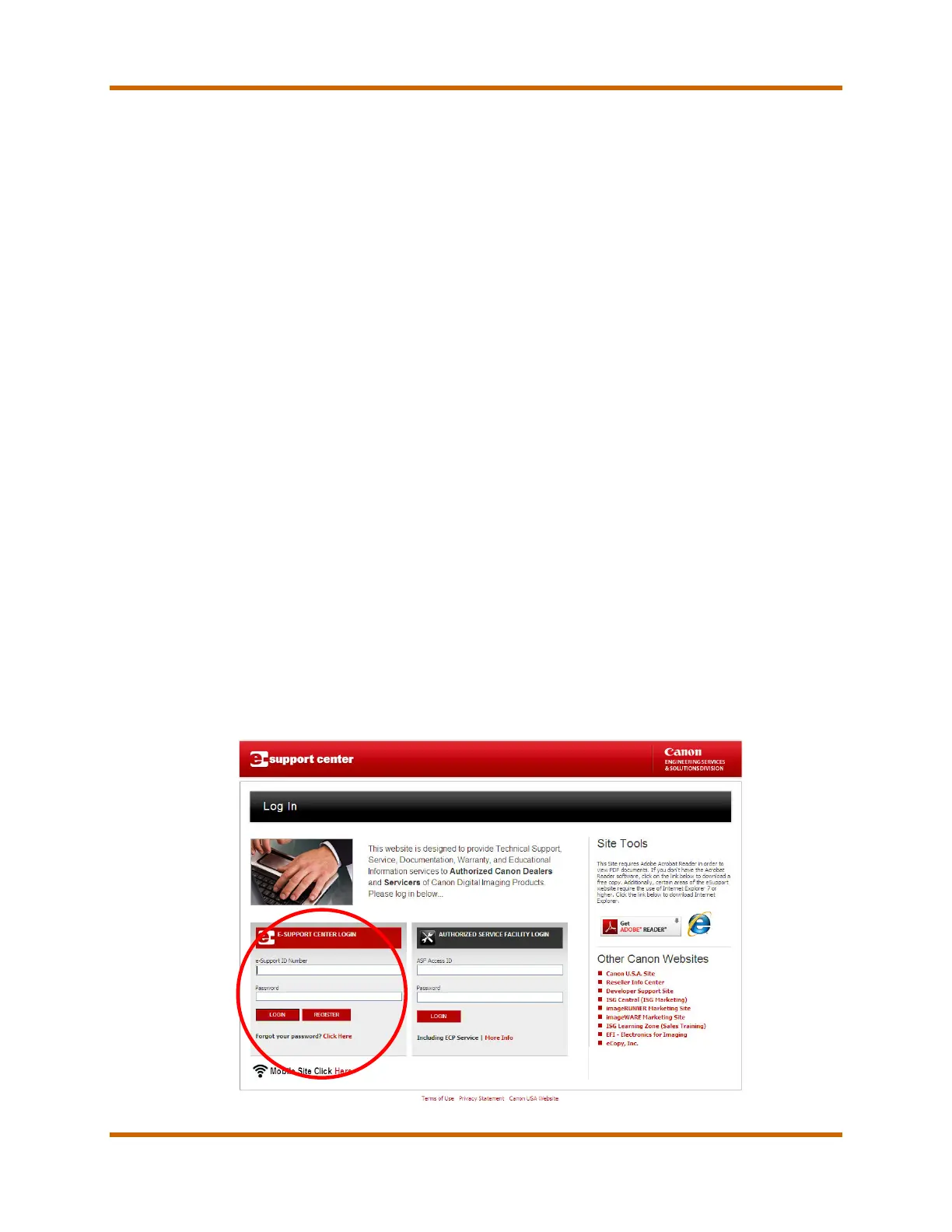
In order to access the e-Support Center Web Site, you must first register
for a Support ID. To register for a Support ID, go on-line to the Canon
USA Engineering Services and Solutions Division’s e-Support Center
Web Site. Click on the “Register” button and follow the instructions for
registration. This service is available at no additional charge to all
authorized dealers.
Figure 4 – The Canon e-Support Center Login
BLM550+ Booklet Maker Service Support Guide March 2015
Revision 1 Page 21



 To Next Page