BLM550+ Booklet Maker Service Support Guide
III. Configuration
Note: All configurations shown are for reference purposes only and are subject to
change without notice. Please refer to the Dealer Price List on the ISG Central
Web Site (http://isgcentral.cusa.canon.com) for the most up-to-date Item Numbers.
Table 1 – Configuration
Item Item Number
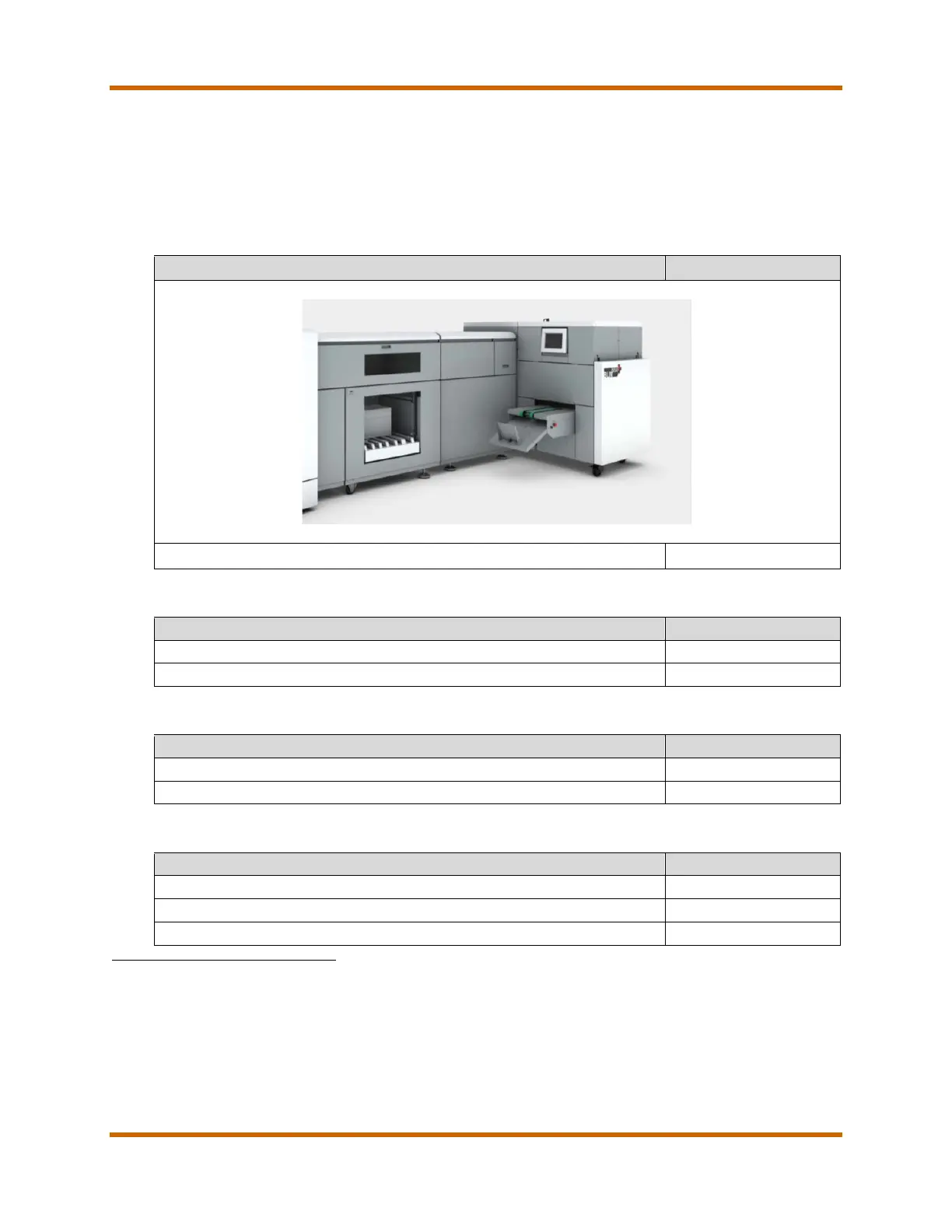
BLM 550+ Booklet Maker shown
BLM 550+ Booklet Maker
2, 3
Table 2 – Hardware Accessories
Watkiss P2T 2-Knife Trimmer for BLM 550+
Table 3 – Interface Kit
Interface Kit for the BLM550
4
Interface Kit for the BLM500
4
Table 4 – Options
Configuration Kit (P2T & PBS configuration)
5
GUI Pivot Arm Kit for BLM550+ (P2T & PBS configuration)
6
Trimming Conveyor (P2T & PBS configuration)
7
1 Item Numbers and Part Numbers are subject to change without notice.
2 Requires one (1) Océ VP6000 DFD2 at Océ iHCS for Online Finisher, one (1) Océ VP6000 R-Sided Docking at iHCS.
3 Service Training is required to purchase the BLM 550+ Booklet Maker.
4 Required to install the Book Stacker to the BLM 550 or BLM 500.
5 Required Configuration Kit when installing the BLM5X0 Book Stacker and Watkiss P2T 2-Knife Trimmer.
6 Mounts the BLM550+ User Interface on a pivoting arm, for easier access when the Book Stacker and Watkiss P2T 2-Knife
Trimmer are attached.
7 Conveys the waste trimmings from the Watkiss P2T 2-Knife Trimmer into a collecting box in the base of the Book Stacker.Not
compatible with the Book Stacker Release 1.
BLM550+ Booklet Maker Service Support Guide March 2015
Revision 1 Page 4



 To Next Page