26 CHAPTER 4 Teach Your Camera New Tricks
substantial and the Overexposure Value will be significant. When using
Overrides, you should definitely display at least the Overexposure Value.
The small differences in automatic mode are caused by the fact that
Canon software quantizes all values to 96 units per f-stop. This can lead to
small (and insignificant) rounding errors.
4.2.8 Customizing the DOF calculator
The Depth of Field ( DOF) calculator is a useful tool built into the CHDK.
Based on the real aperture value and the focal length, it is able to compute
values such as near sharpness limit, far sharpness limit, hyperfocal dis-
tance, and depth of field.
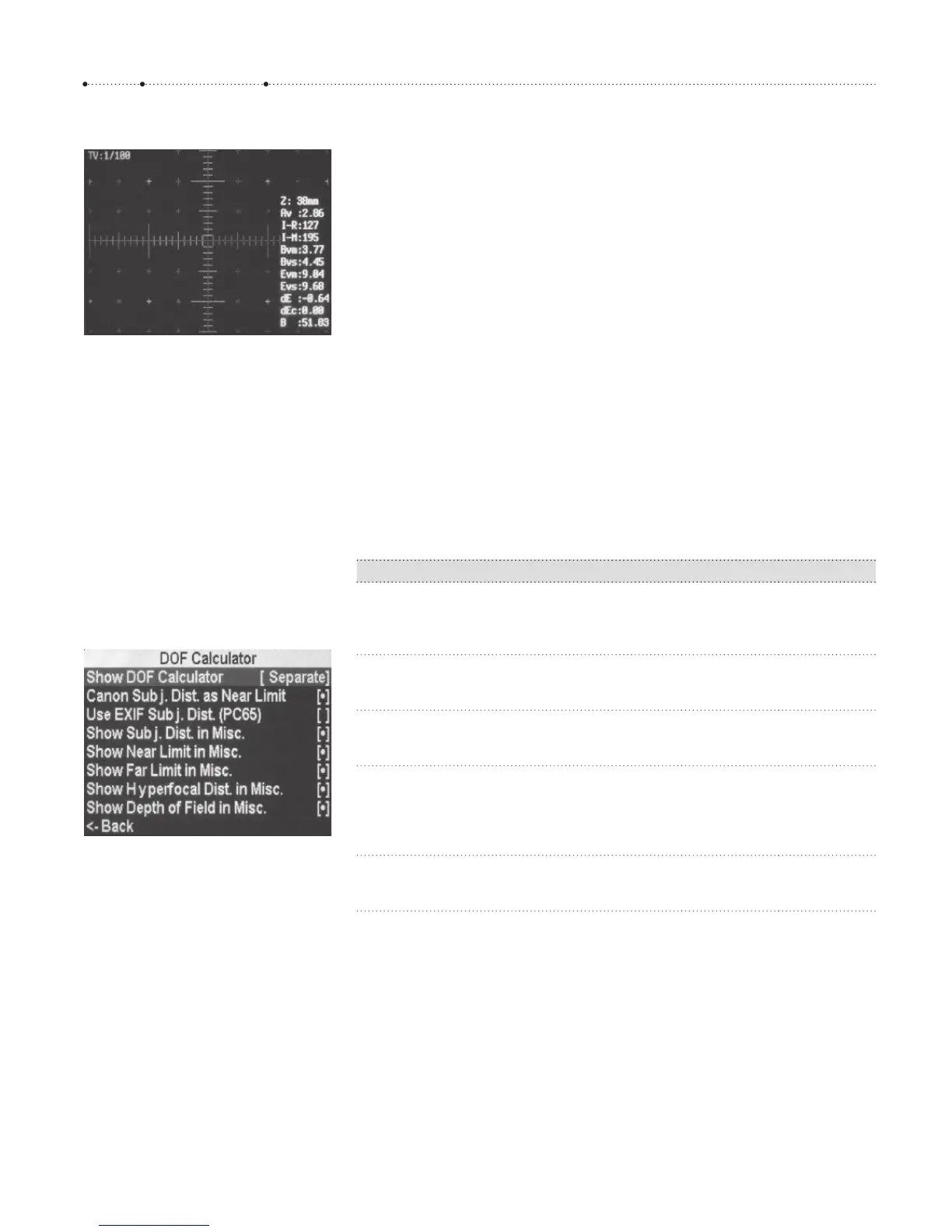
The entry Show DOF Calculator allows switching off the DOF calculator
altogether (Don’t), displaying its values in a separate group (Separate, see
Figure 4-16, or displaying the values within the Miscellaneous Values group
(In Misc). Depending on these settings, the displayed values are repre-
sented differently:
Value Separate In Misc
Subj.Dist.
Subject distance as determined by the AF system
or as set manually.
SSD
Near Limit
The near limit of sharpness.
R1 NL
Far Limit
The far limit of sharpness.
R2 FL
Hyperfocal Dist.
The minimum distance that must be set to achieve
sharpness until infinity. The near limit is the hyper-
focal distance divided by 2.
Hyp Hyp
Depth of Field
The difference between the near and far limits.
DOF DOF
A bit disturbing is the fact that you can choose between different distance
values:
f
The option Canon Subj. Dist. as Near Limit uses the distance determined
natively by the camera as the near limit. Based on this value, the subject
distance and the far limit are both computed by the CHDK. My observa-
tion is that this option results in values that are too large.
Figure 4-15
The Miscellaneous Values display (right)
with all entries enabled. At the top is
the 35mm-equivalent focal length (Z).
Here the screen shows a 35mm-
equivalent of 38 mm – the true focal
length of the lens, however, is 6.2 mm.
The dE entry indicates that the
exposure is slightly incorrect. The
reason is that a manual shutter speed
of 1/100 sec was set via an Override
(top left).
Figure 4-16
The submenu DOF Calculator is used to
configure the DOF Calculator.








 To Next Page