4.10 Utilities 71
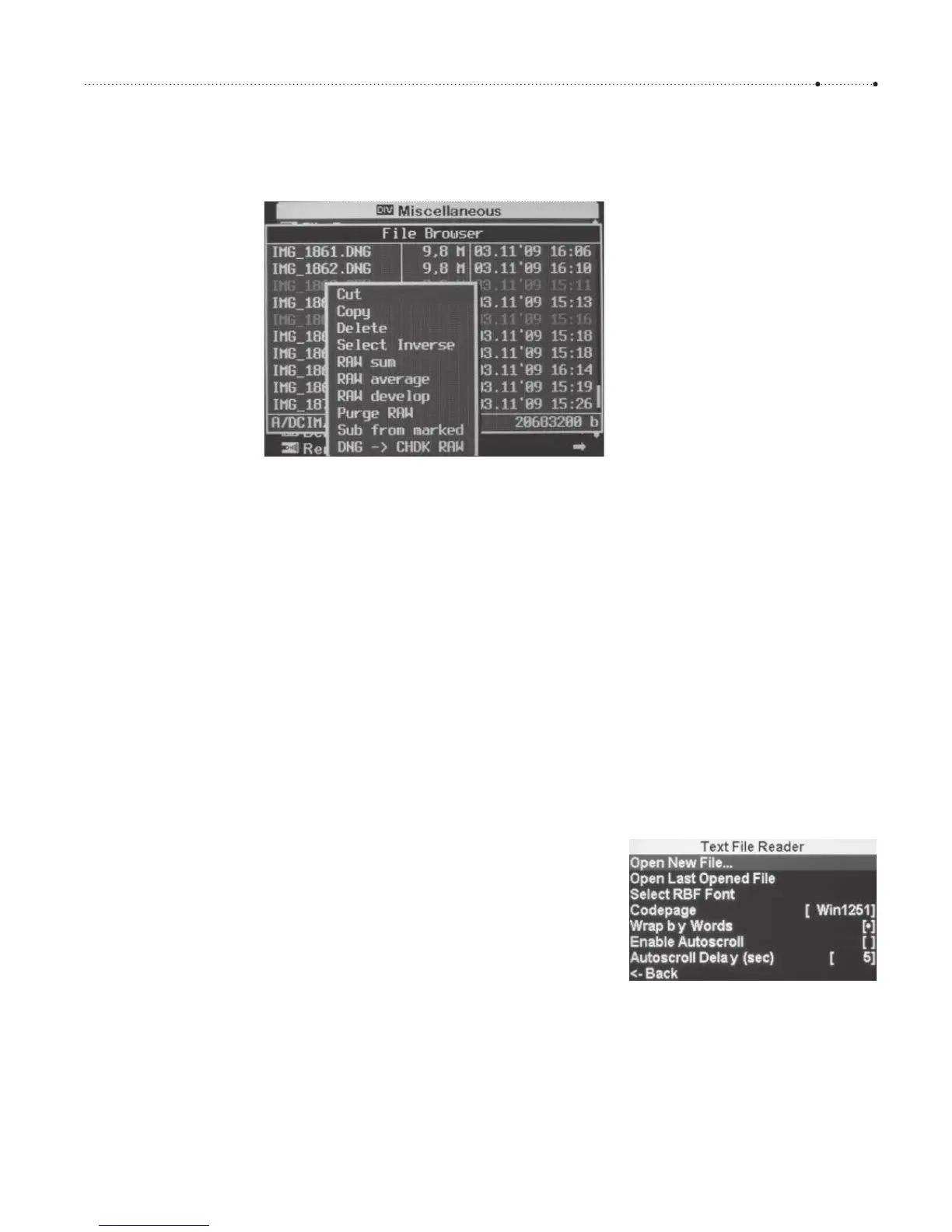
functions from the context menu. This is invoked by pressing the LEFT but-
ton. Another click on the
LEFT button closes the context menu.
Most of the functions of the context menu are related to RAW file process-
ing. We have already discussed that function in section 4.5.6. Only a few
general file management functions remain:
f
Cut. Cuts all marked files from the current folder and stores them in the
clipboard. If no file is marked, the selected file is cut.
f
Copy. Copies all marked files from the current folder and stores them in
the clipboard. If no file is marked, the selected file is copied.
f
Paste. This function is only available if the clipboard does contain files.
It will copy the files in the clipboard into the current folder.
f
Delete. Deletes all marked files. If no file is marked, the selected file is
deleted.
f
Select Inverse. Unmarked files are marked, and marked files are un-
marked.
4.10.2 Text file reader
The Tex t File Reader is typically used to look into text files stored on the
memory card. For example, you might want to look into the comments of a
script file, or read a README file or some other documentation. As its name
says, the Tex t File Reader only allows reading files, not modifying them. It is
also restricted to plain text files—PDFs, HTML pages, or Office files are not
in the scope of the Tex t File Reader.
When starting the Text File Reader with the function Open New File…
you will first see a file browser showing the contents of the folder CHDK/
BOOKS/. Now navigate to the file that you want to open and press
FUNC/
SET
. If you want to reopen the file later, you can invoke Open Last Opened
File.
Figure 4-47
The functions of the context menu
apply to marked files only. Here, two
files are marked (appearing here as
grayed).
Figure 4-48
The Text File Reader allows opening
and reading text files. It has its
own settings for fonts and codepage,
and supports word wrapping and
auto scroll.








 To Next Page