To Download Images to a Computer
for
Windows
for
Macintosh
Install the Software p.
7
p.
63
Connect the Camera to a Computer p.
ii
p.
ii
Start the Software and Download Images p.
11
p.
65
ENGLISH
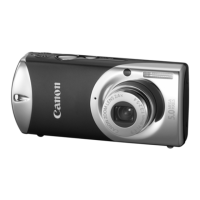
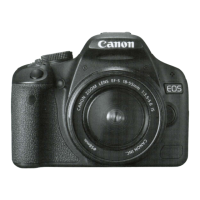
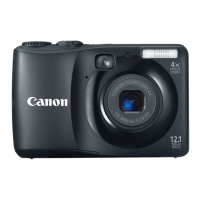
• This guide explains the installation method and features of the software for loading and
processing images on a computer that have been shot with a Canon digital camera.
For detailed instructions on how to use the softwares, see the help files of each software.
• Read the agreement in this guide before using the software on the supplied CD-ROM.
By using the software, you agree to be bound by the terms of the agreement.
Windows
Macintosh
Start ZoomBrowser EX (Windows) or ImageBrowser (Macintosh computers)
and load images onto the computer.
CDI-E019-010 XXXXXXX.X © 2001 CANON INC. PRINTED IN JAPAN
Installing the USB Driver
The USB driver must be installed to connect the camera to a computer (Windows) via a USB
interface.
To install the USB driver the easy way, ensure that you install the software before you
connect the camera to the computer. This will install the correct USB driver automatically.
DIGITAL CAMERA
Software Starter Guide
For Use with the Canon Digital Camera Solution Disk Version 5



 To Next Page
 Need help?
 General