Preparing the Power Supply
20
Checking the Voltage Level of the Power Source
The voltage level appears on the screen (A 43). Select > [B System Setup] > [DC IN Warning (V)] to set
a power warning level. When the voltage from the DC IN terminal reaches the set value, the onscreen voltage
indicator will turn red and a warning will be displayed.
• The camera will not start recording if the voltage falls below the selected low-power warning level (A 172).
While shooting, the recording will be interrupted and the camera will turn off if the power voltage falls below the
level required for the camera's operation.
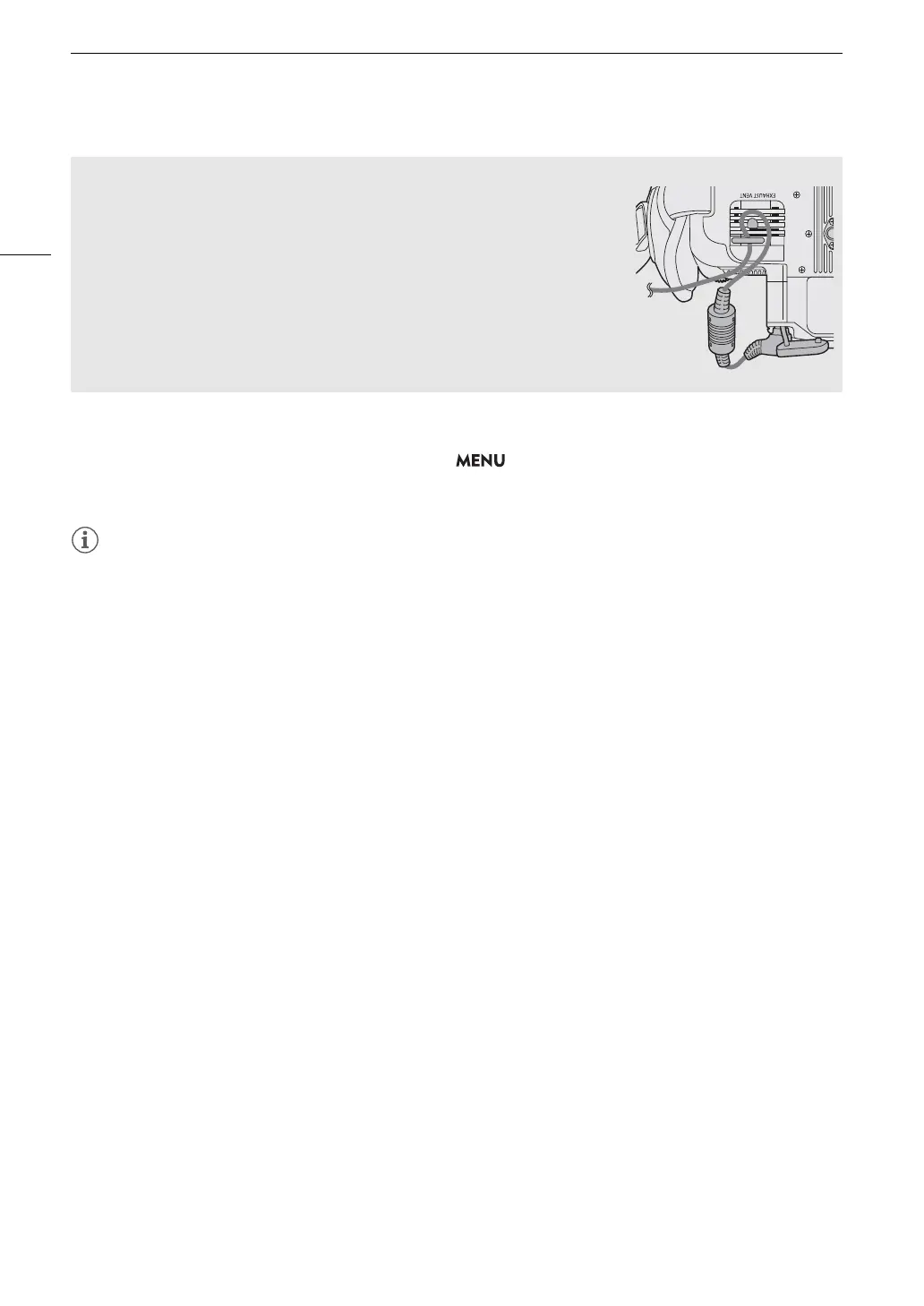
Preventing the accidental unplugging of the power cord
Pass the power cord through the clamp at the bottom of the camera as
shown in the illustration to prevent the accidental unplugging of the DC plug.



 To Next Page