Recording Audio
90
Selecting the Audio Input Source for Audio Channels
You can select the audio input source that will be recorded on CH1/CH2 or CH3/CH4, independently for each
pair of audio channels. For details refer to the Audio Settings and Recorded Audio Channels table (A 87).
1 Select > [
¡
Audio Setup] > [Audio Input Selection] > [CH1/CH2].
2 Select [INPUT Terminals], [MIC Terminal] or [Built-in Mic].
3 Select the audio input for [CH3/CH4], in the same way.
4Press CANCEL to return to the previous screen.
Recording the Same Analog Audio Input to Two Channels
By default, each audio input is recorded to a separate audio channel (INPUT 1 to CH1 and INPUT 2 to CH2).
If necessary audio from the INPUT 1 terminal can be recorded on both CH1 and CH2 (CH2 as backup). In that
case, you can adjust the audio recording levels of each channel independently of each other.
Select > [
¡
Audio Setup] > [CH2 Input] > Desired option.
Options
[INPUT 2]: Records audio to each channel separately. Audio input into INPUT 1 is recorded to CH1, while
audio input into INPUT 2 is recorded to CH2.
[INPUT 1]: Audio input into INPUT 1 is recorded to both channels. Audio input into INPUT 2 will not be
recorded.
Adjusting the Audio Recording Level
You can adjust the audio recording level of the INPUT terminals, MIC terminal or the built-in microphone. You can
select automatic or manual audio level adjustment, and adjust each audio channel separately or adjust CH1/
CH2 or CH3/CH4 together (when the audio level adjustment of the audio channels is linked, A 91).
For the built-in microphone the audio recording level will be adjusted automatically when set to [Voice Memo].
When set to [Normal], the adjustments of CH1 apply to both CH1/CH2.
Automatic Audio Level Adjustment for CH1, CH2 or CH1/CH2
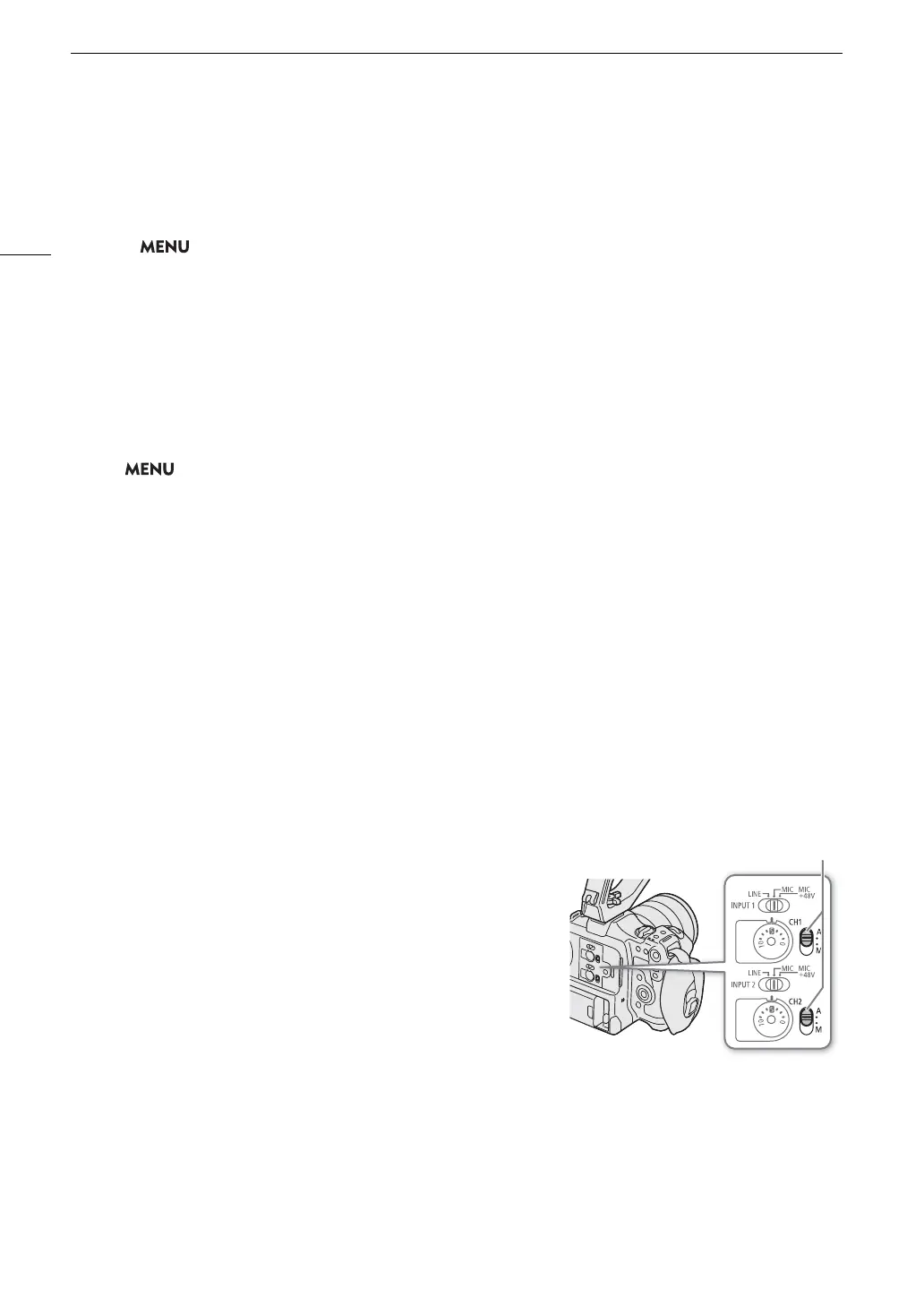
Set the audio level switch of the desired channel to A (automatic) to let
the camera automatically adjust that channel’s audio level.
CH1/CH2 audio level switches



 To Next Page