93
Recording Audio
Monitoring the Audio with Headphones
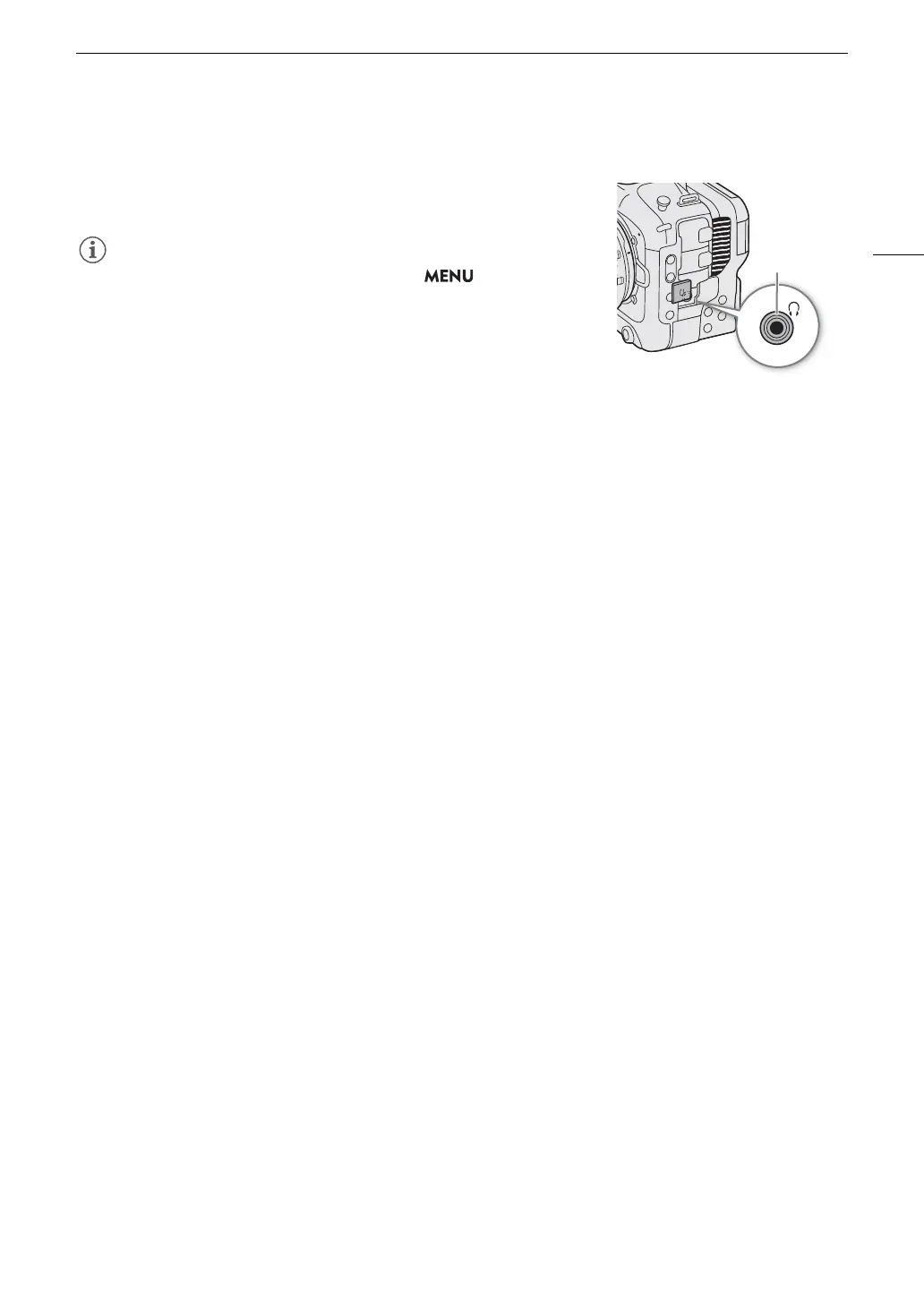
Connect headphones with a ∅ 3.5 mm stereo mini-plug to the
×
(headphone) terminal to monitor the recorded audio.
• You can adjust the headphone volume with the > [
¡
Audio
Setup] > [Headphone Volume] setting. If you set an assignable button to
[Headphones +] or [Headphones –] (A 105), you can press the button
to adjust the headphone volume without using the menu.



 To Next Page