Focus
74
• Autofocus will not work in the following cases.
- When slow & fast motion recording is activated, if using lenses not compatible with autofocus.
- When the shooting frame rate in slow & fast motion recording is not set to 24, 25, 30, 48, 50, 60,100 or 120
(fps).
• Continuous AF will not work in the following cases.
- When using an EF lens that does not have a focus mode switch.
- While adjusting the focus using a remote controller connected to the REMOTE terminal.
• Autofocus may not work well on the following subjects or in the following cases. In such case, focus manually.
- When using small apertures.
- When subjects at different distances appear in the picture.
- When an ISO speed or gain value in the extended range is selected (A 59).
- When the gamma curve component of the [Gamma/Color Space] setting in the custom picture file (A 113)
is set to an option other than [BT.709 Normal].
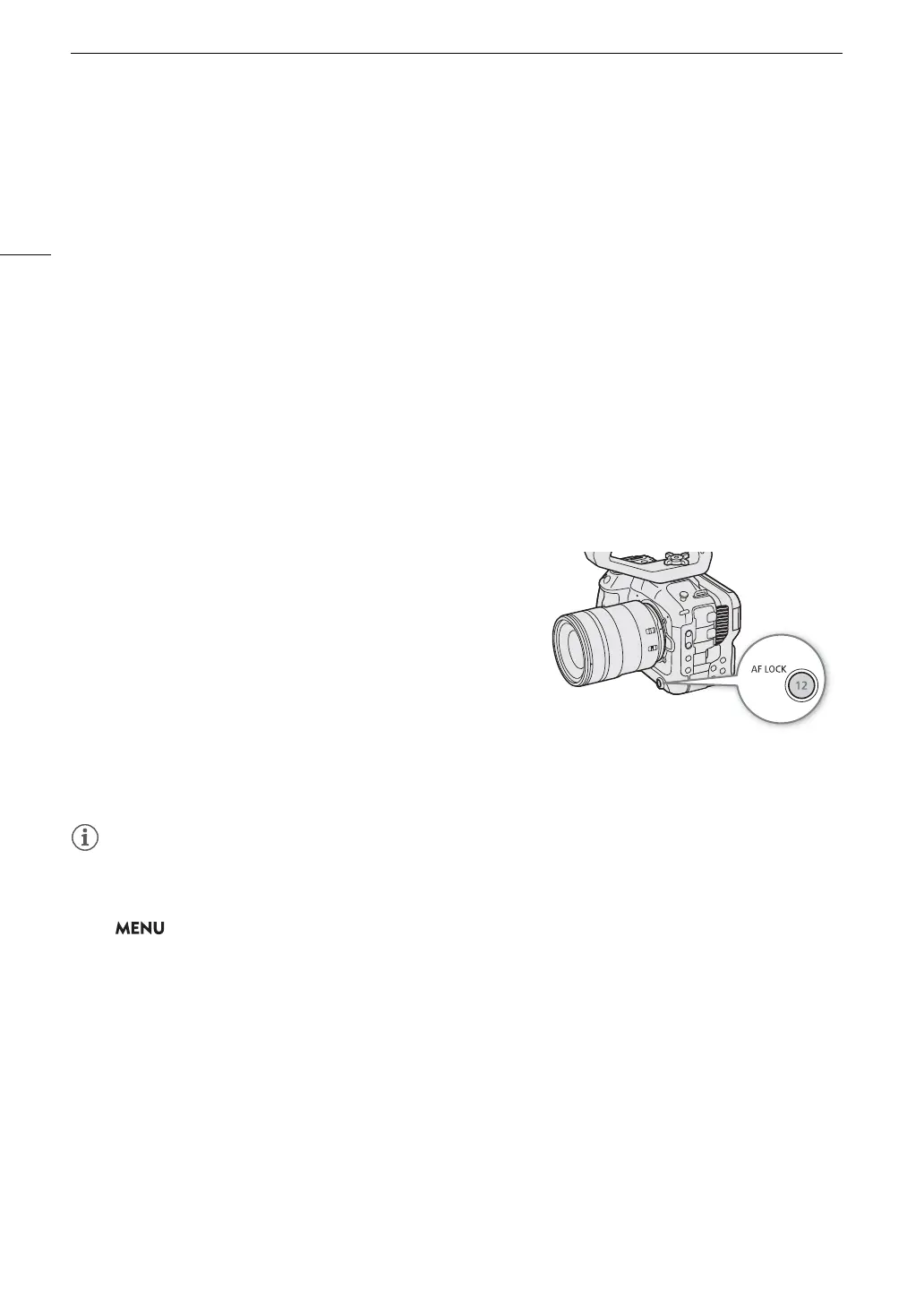
AF Lock
While using continuous AF or AF-Boosted MF, you can lock the
focus on a certain subject and then move the camera to change
the composition.
1 While the autofocus is active, press the AF LOCK button.
• The focus will be locked and
@
and the AF frame will turn
gray. When you are using Face AF, the face detection frame
around the main subject will turn gray.
• The frame displayed on the screen will be the focus guide
frame if [Focus Guide] is set to [On].
• When you use a button assigned to [AF Lock (While Pressed)],
the focus will only be locked while the button is held pressed down.
2 Press the AF LOCK button again to cancel the AF lock.
AF lock will be canceled automatically in the following cases:
- If the camera is turned off or the camera’s system frequency is changed.
- If the lens is removed or replaced.
- If > [
v
Camera Setup] > [AF Mode] is changed to [One Shot].
- When slow & fast motion recording is activated.
- Reflective surfaces
- Subjects with low contrast or without vertical lines
- Fast moving subjects
- Through dirty or wet windows
-Night scenes
- Subjects with a repetitive pattern



 To Next Page