Shooting
Video
and
Taking
Photos
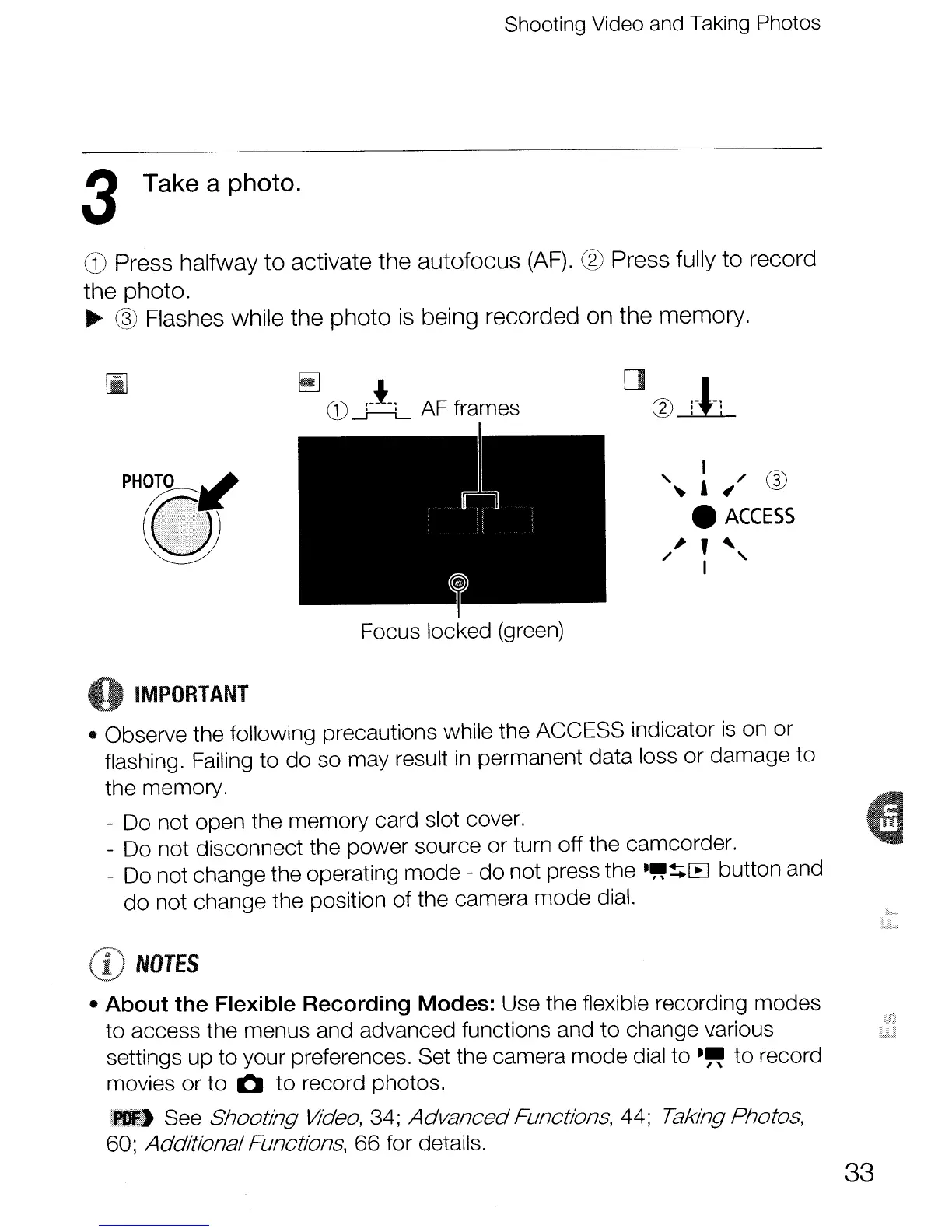
3 Take a photo.
G)
Press halfway
to
activate the
autofocus
(AF).
® Press fully
to
record
the
photo.
~
@ Flashes while
the
photo
is being
recorded
on
the
memory.
~
CD
A AF frames
I /
f-i\
"~
,~
0
•
ACCESS
~
,
~
/ I "
o
IMPORTANT
• Observe the following precautions while the ACCESS indicator
is
on or
flashing. Failing to do so may result
in
permanent data loss or damage
to
the memory.
- Do not open the memory card slot cover.
- Do not disconnect the power source or turn off the camcorder.
- Do not change the operating mode - do not press the
."!;[B
button and
do not change the position of the camera mode dial.
CD
NOTES
• About the Flexible Recording Modes: Use the flexible recording modes
to access the menus and advanced functions and
to
change various
settings up
to
your preferences. Set the camera mode dial to
~~
to
record
movies or
to
0
to
record photos.
_,I
See Shooting
Video,
34; AdvancedFunctions, 44; Taking Photos,
60; AdditionalFunctions, 66 for details.
33



 To Next Page