Shooting
Video
and
Taking Photos
•
In
flexible recording mode you can change the aspect ratio
of
movies from
16:9 (widescreen)
to
4:3. The aspect ratio selected will apply also
in
Dual
Shot.
;'11. See
[WIDESCREENJ,
86, for details.
• When recording photos,
if
the camcorder cannot focus on the subject
automatically,
0 turns yellow.
In
flexible recording mode you can focus
manually.
1_
See Manual Focus Adjustment,
51
for details.
I
When
you
have
finished
recording
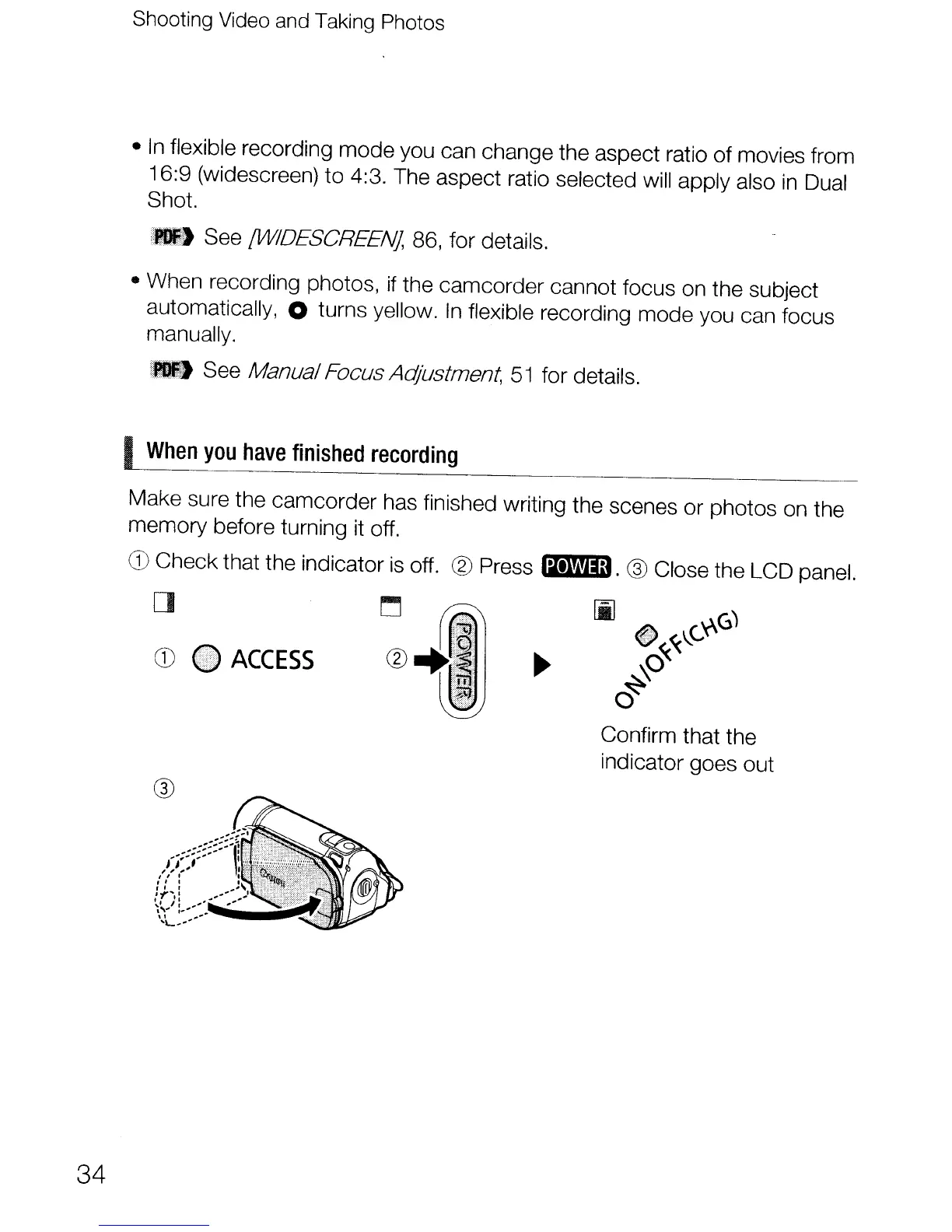
Make sure the camcorder has finished writing the scenes or photos on the
memory before turning it off.
CD
Check that the indicator
is
off. ® Press
Bm.
® Close the LCD panel.
[]
CD
~
ACCESS
[i]
•
~~"-Cy.6)
\0
~
Confirm that the
indicator goes out
34


 To Next Page
 Loading...









