Additional Information
90
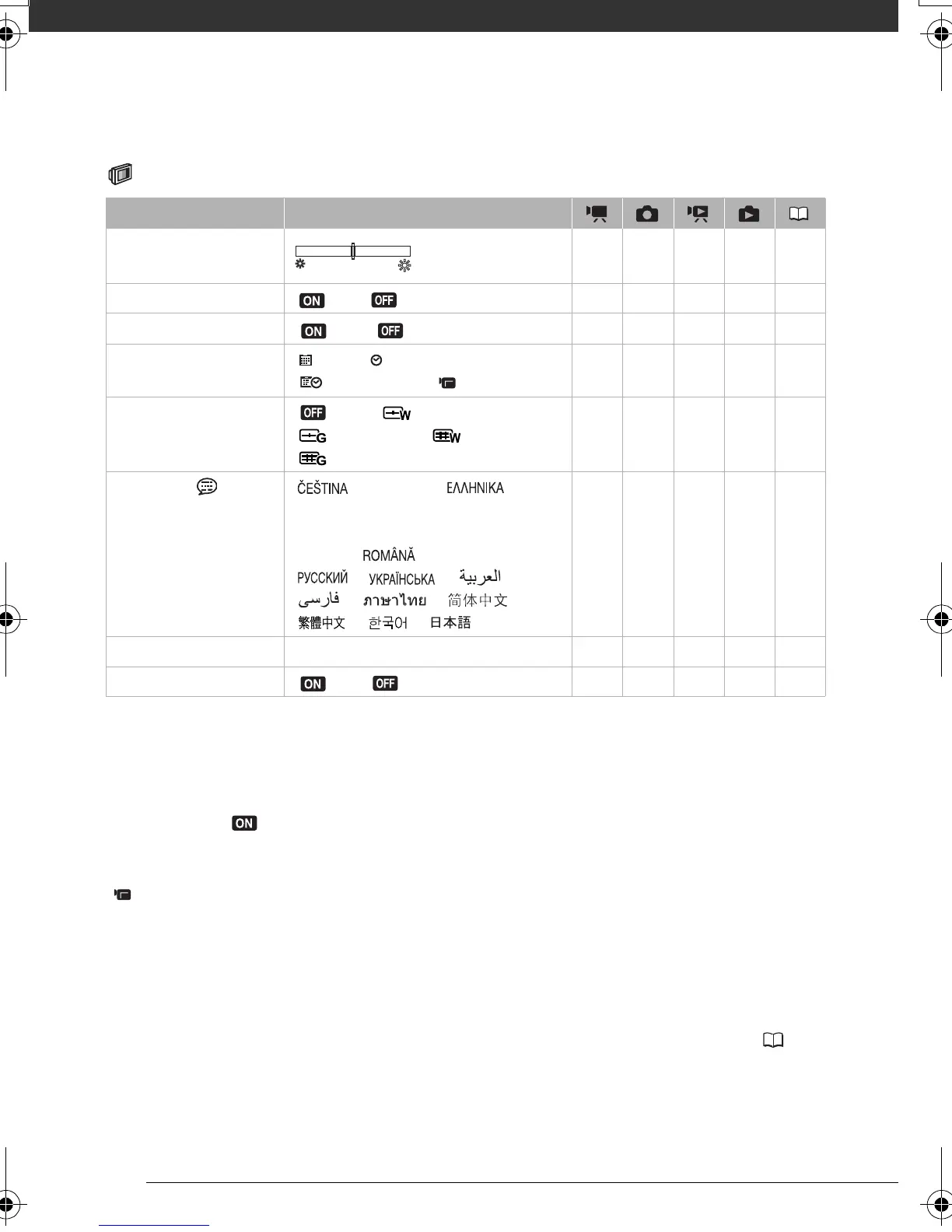
Display Setup (LCD Brightness, Language, etc.)
DISPLAY SETUP
[BRIGHTNESS]: Adjusts the brightness of the LCD screen.
• Changing the brightness of the LCD screen does not affect the brightness of your
recordings or that of the playback image on a TV.
[TV SCREEN]
• When set to [ ON], the camcorder’s on-screen displays will appear also on the
screen of a TV or monitor connected using the STV-250N Stereo Video Cable.
[DATA CODE]: Displays the date and/or time when the scene was recorded.
[ CAMERA DATA]: Displays the aperture (f-stop) and shutter speed used when recording
the image.
[MARKERS]: You can display a grid or a horizontal line at the center of the screen. Use the
markers as a reference to make sure your subject is framed correctly (vertically and/or
horizontally).
• Using the markers will not affect the recordings.
[START WEEK]: Select the day on which the week starts for the calendar display ( 36).
Menu item Setting options
[BRIGHTNESS] zzzz –
[AUDIO LEVEL] [ ON], [ OFF] z –––49
[TV SCREEN]
[ ON], [ OFF]
zz –––
[DATA CODE] [ DATE], [ TIME],
[DATE & TIME], [ CAMERA DATA]
––z ––
[MARKERS] [ OFF], [ LEVEL(WHT)],
[ LEVEL(GRY)], [ GRID(WHT)],
[GRID(GRY)]
zz –––
[LANGUAGE ] [ ],[DEUTSCH], [ ]
[ENGLISH], [ESPAÑOL], [FRANÇAIS],
[ITALIANO], [MAGYAR], [MELAYU],
[POLSKI], [ ], [TÜRKÇE],
[ ], [ ], [ ],
[ ], [ ], [ ],
[ ], [ ], [ ]
zzzz26
[START WEEK] [SATURDAY], [SUNDAY], [MONDAY] ––z ––
[DEMO MODE] [ON], [ OFF] zz –––
D128_PAL_E.book Page 90 Thursday, March 6, 2008 7:53 PM











 To Next Page