Additional Information
96
Indicators and Onscreen Displays
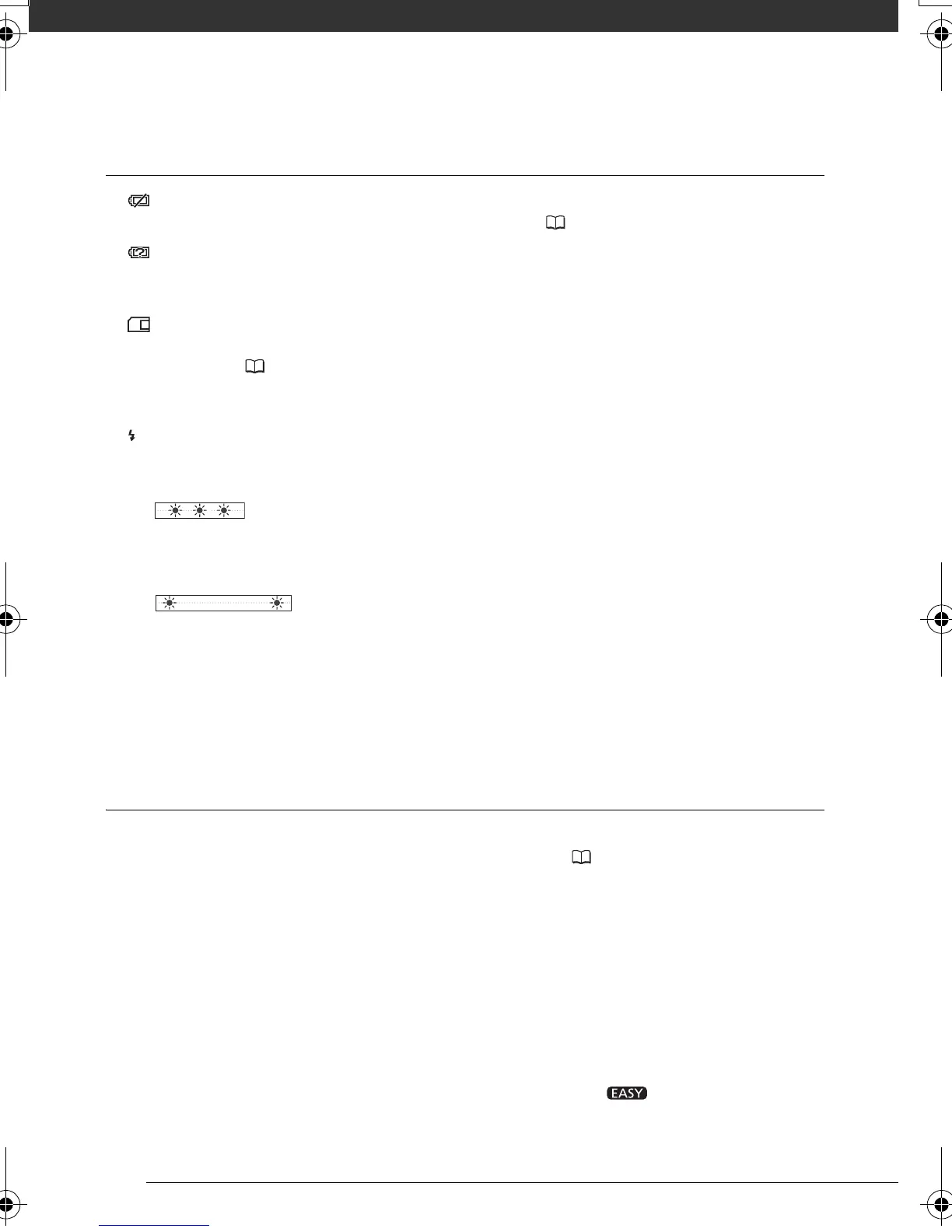
lights up in red.
- Battery pack is exhausted. Replace or charge the battery pack ( 17).
appears on the screen.
- The camcorder cannot communicate with the battery pack attached so the remaining battery time cannot be
displayed.
lights up in red.
- A memory card error occurred. Turn off the camcorder. Remove and reinsert the memory card. Initialize the
memory card ( 29) if the display does not change back to normal.
- The memory card is full. Replace the memory card or delete some recordings to free some space on the
memory card.
flashes in red on the screen.
- The camcorder has malfunctioned. Consult a Canon Service Center.
The CHG (charge) indicator flashes rapidly.
- (one flash at 0.5-second intervals)
Charging has stopped because the compact power adapter or the battery pack is faulty. Consult a Canon
Service Center.
The CHG (charge) indicator flashes very slowly.
- (one flash at 2-second intervals)
The battery pack is too hot. The charging will start once the battery pack temperature is below 40 °C.
- Charge the battery pack in temperatures between 0 °C and 40 °C.
- The battery pack is damaged. Use a different battery pack.
The CHG (charge) indicator does not turn on even though a battery pack is attached.
- The camcorder cannot communicate with the battery pack attached. Such battery packs cannot be charged
using this camcorder.
Picture and Sound
Screen displays turn on and off repeatedly.
- The battery pack is exhausted. Replace or charge the battery pack ( 17).
- Remove the battery pack and reattach it correctly.
Abnormal characters appear on the screen and the camcorder does not operate properly.
- Disconnect the power source and reconnect it after a short time. If the problem still persists, disconnect the
power source and press the RESET button with a pointed item. Pressing the RESET button resets all settings.
Video noise appears on screen.
- When using the camcorder close to devices that emit strong electromagnetic fields (plasma TVs, cellular
phones, etc.), keep a distance between the camcorder and these devices.
Horizontal bands appear on the screen.
- This is a phenomenon typical of CMOS image sensors when recording under some types of fluorescent,
mercury or sodium lamps. To reduce the symptoms set the camcorder to mode. This is not a
malfunction.
D128_PAL_E.book Page 96 Thursday, March 6, 2008 7:53 PM



 To Next Page