11
En
Useful Tasks
This section describes an overview of the functions that you
can use routinely.
Print
Enlarged/Reduced Printing
Reduced Layout
You can reduce multiple documents to print them on to one
sheet.
Poster Printing
Watermark Printing
Selecting a "Prole"
Network Settings
This machine comes equipped with a network interface that
enables you to construct a network environment easily. The
machine can be used to increase work eciency as a shared
machine in the oce.
Remote UI
You can view the machine's status from the computers on
the network. You can access the machine and manage jobs or
specify various settings via the network.
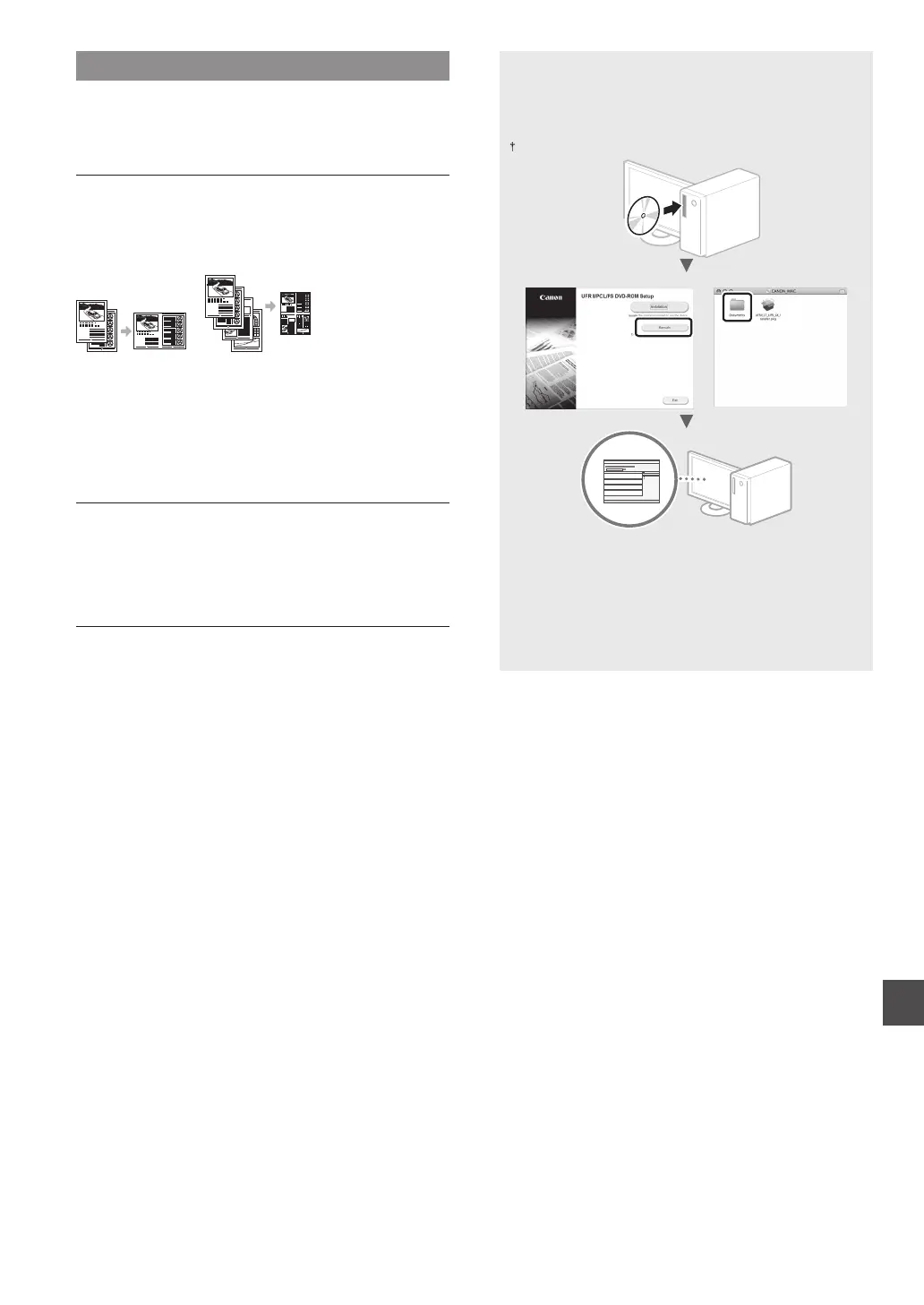
For details on the installation procedures:
Install the driver and software using the provided
User Software DVD-ROM. For details on the installation
procedures, see the Printer Driver Installation Guide.
You can also download the driver from the Canon website.
Windows Mac OS
For Mac users:
The User Software DVD-ROM supplied with this machine
may not include the driver for Mac OS. This is dierent,
depending on when you purchase the machine. Please nd
and download the appropriate driver on our Canon home
page. For further information on installation or using the
driver, see the Printer Driver Installation Guide.












 To Next Page