8
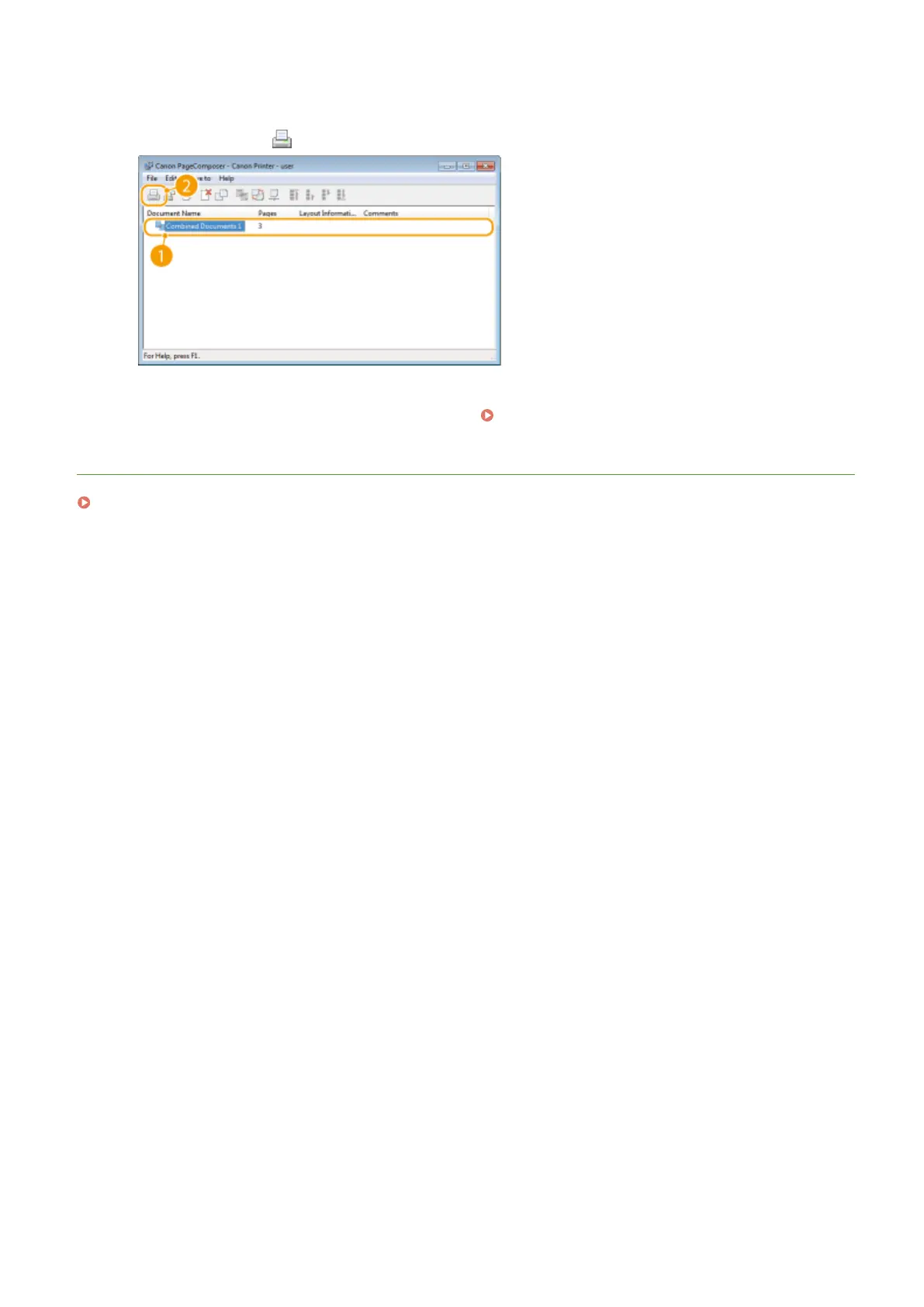
On the [Document Name] list, select the combined-document print job you want to
print, and click .
➠ Printing starts.
● For instructions on how to cancel printing, see
Canceling Prints(P. 90) .
LINKS
Printing a Document(P. 86)
Using the Machine as a Printer
120











 To Next Page