Conguring the Machine for Printing from a Computer
1560-03X
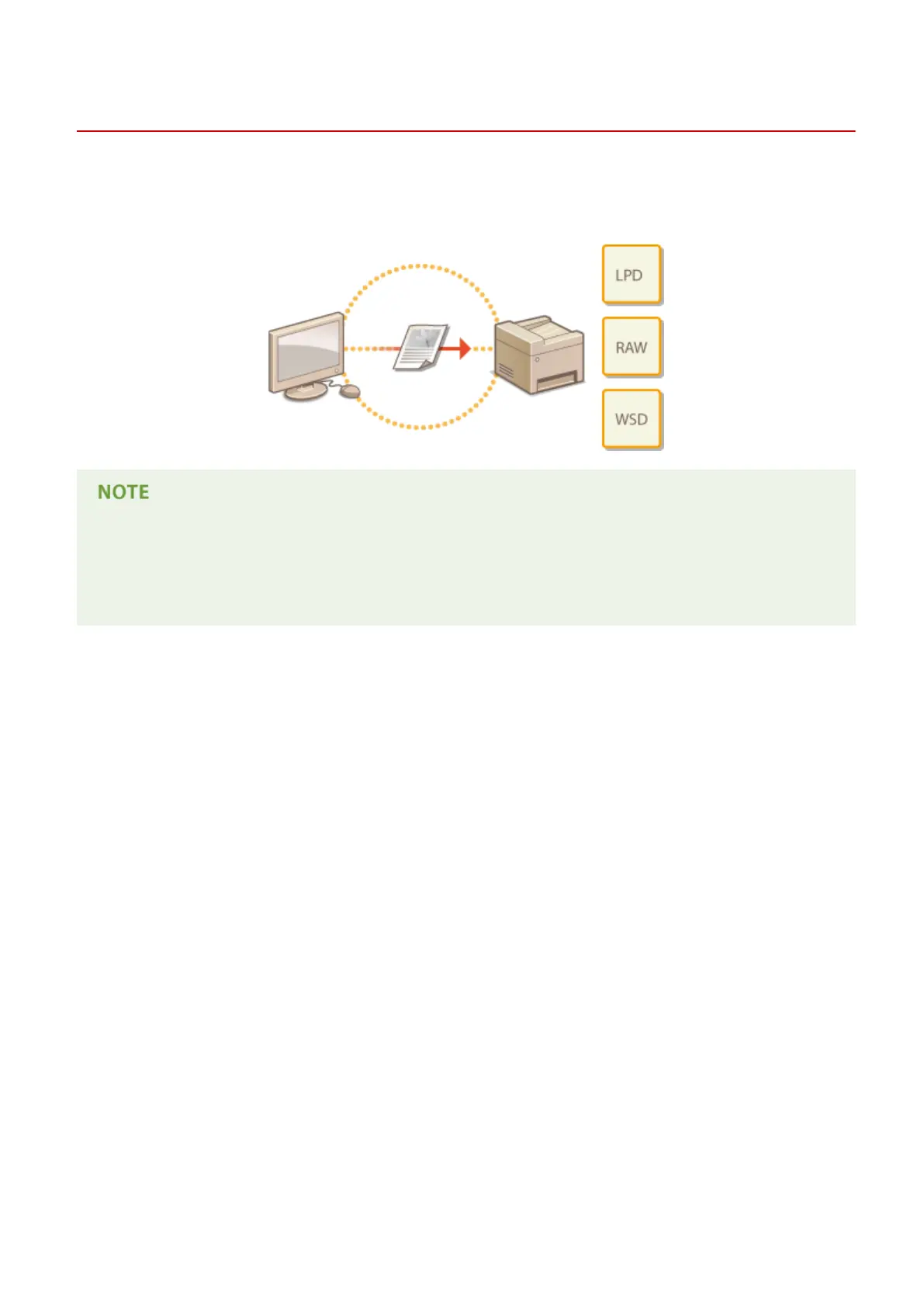
When using the machine as a network printer, you can congure the protocols and ports used for printing and create
a print server for the machine. Before conguring the machine for printing from a computer, perform the basic setup
procedures, including the printer driver installation. For more information, see "MF Driver Installation Guide."
● Printing protocols are rules for delivering document data created on a computer to the machine, and can be
selected according to the printing purpose or the network environment.
● Ports are gateways for passing document data from a computer to the printer. Incorrect port settings are
often the cause when documents cannot be printed from a network computer.
Network (MF244dw / MF232w)
196











 To Next Page