Conguring Printer Ports
1560-040
Printing errors can occur when the IP address of the machine has been changed, or when a printer has been added via
the Windows printer folder. These errors are typically caused by incorrect printer port settings. For example, an
incorrect port number or port type may have been specied. In such situations, your attempt to print fails because the
document data cannot reach the machine. To x this type of problem, congure the printer port settings on the
computer.
To perform the following procedure, log on to your computer with an administrator account.
1
Open the printer folder. Displaying the Printer Folder(P. 433)
2
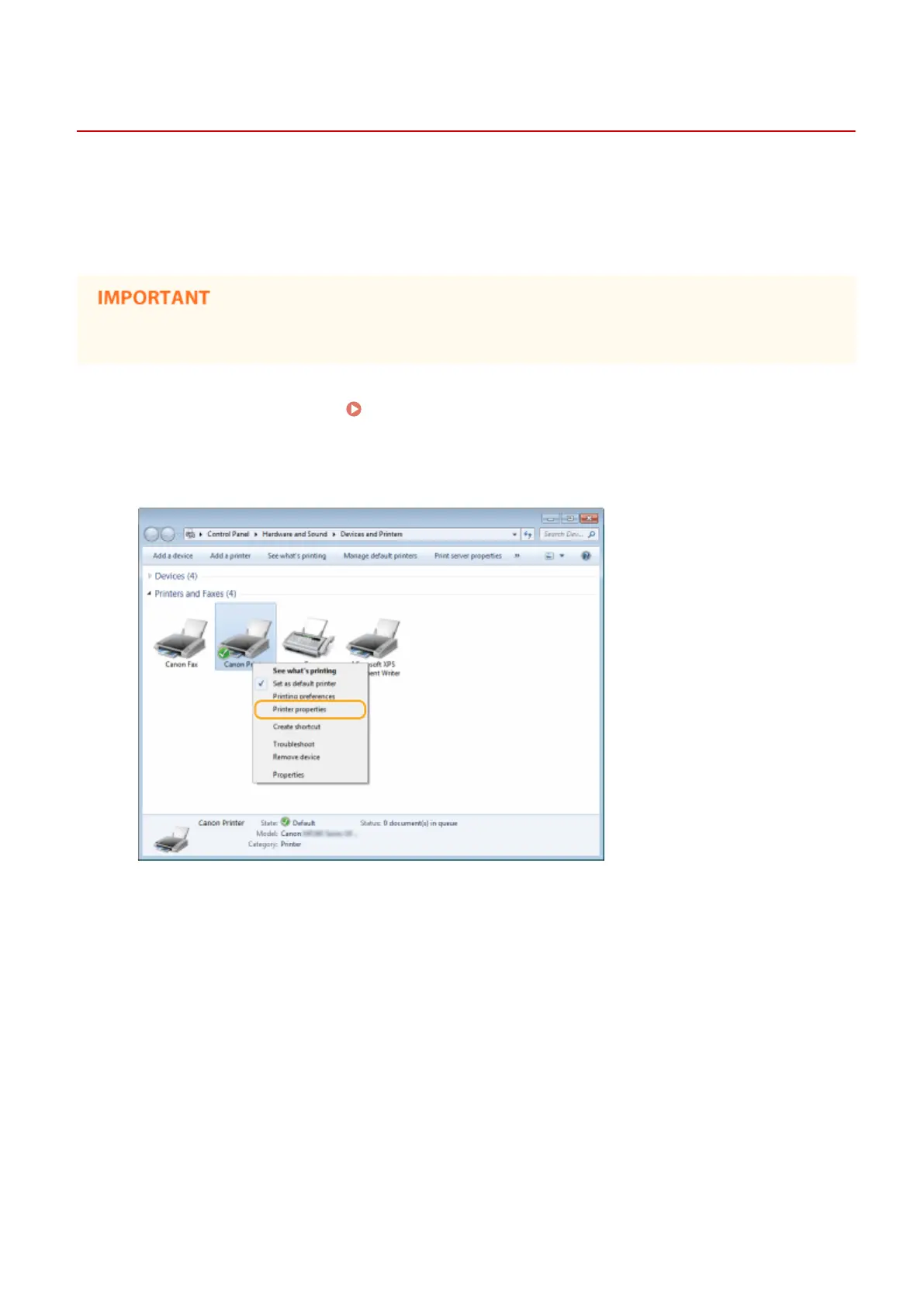
Right-click your printer icon and click [Printer properties] (or [Properties]).
3
Click the [Ports] tab and congure the required settings.
Network (MF244dw / MF232w)
200











 To Next Page