3
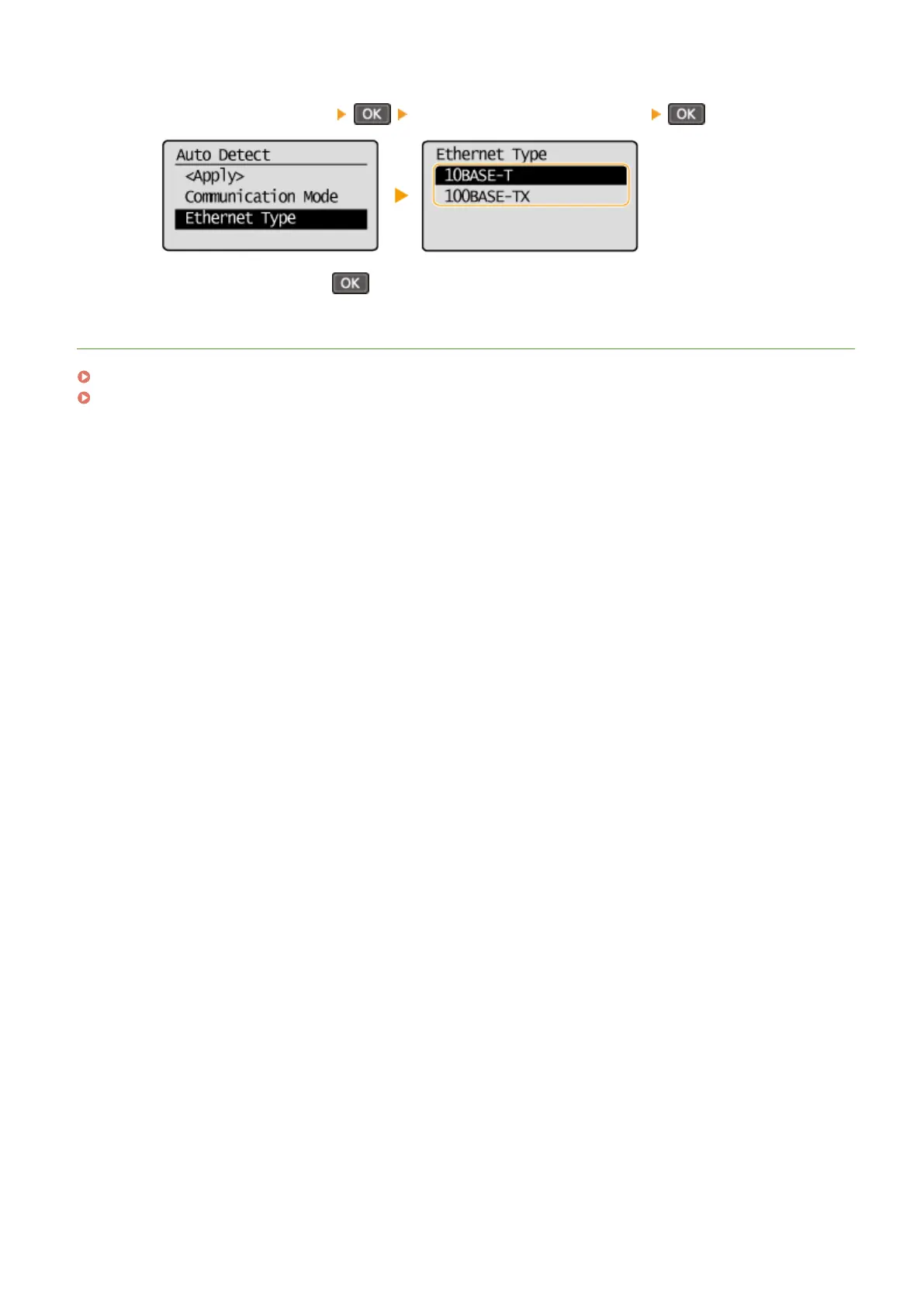
Select the Ethernet type.
● Select <Ethernet Type> select <10BASE-T> or <100BASE-TX> .
4
Select <Apply>, and press .
LINKS
Changing the Maximum Transmission Unit(P. 209)
Setting a Wait Time for Connecting to a Network(P. 210)
Network (MF244dw / MF232w)
208











 To Next Page