3
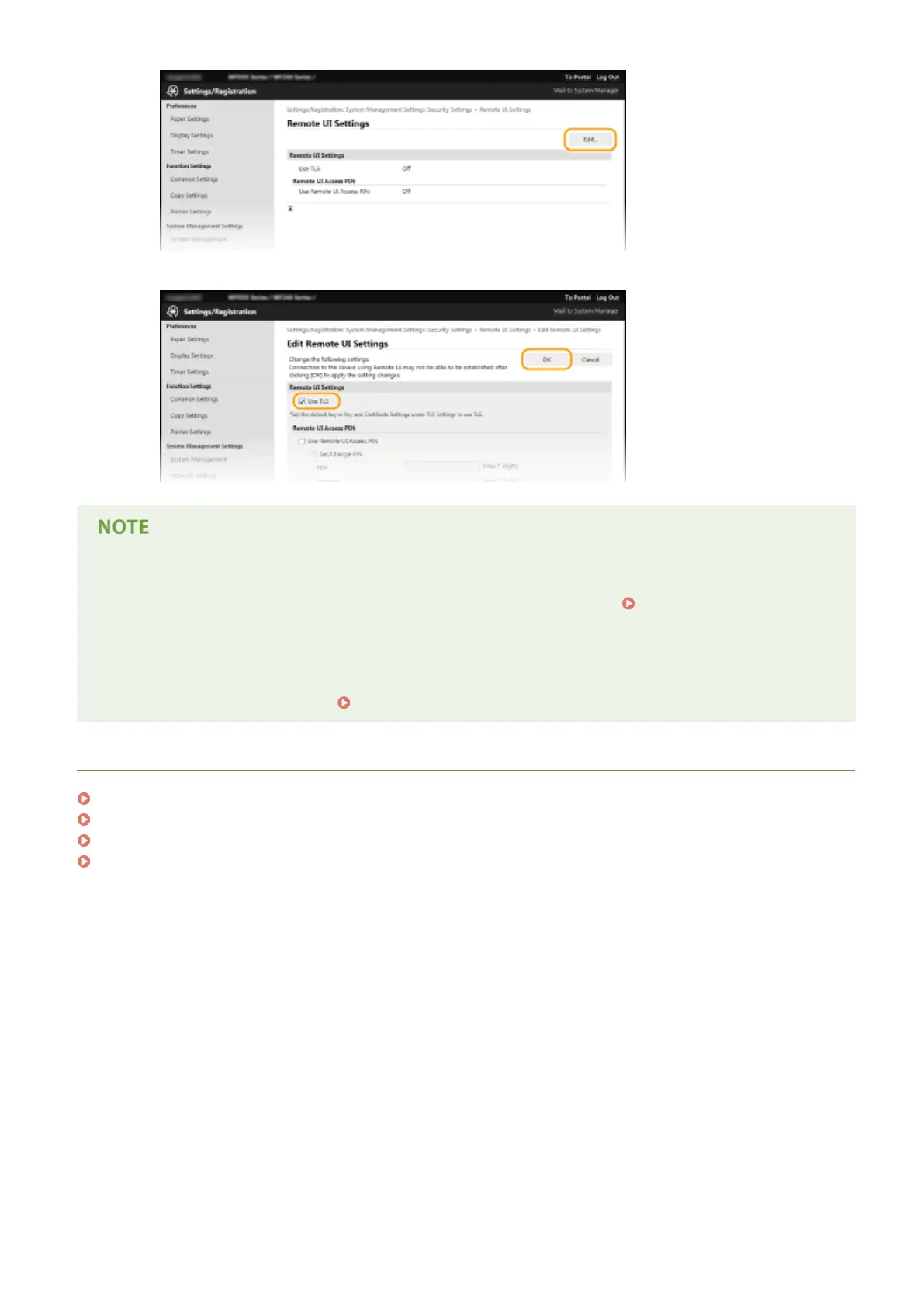
Select the [Use TLS] check box and click [OK].
Using the operation panel
● You can also enable or disable TLS encrypted communication from <Menu>.
Use TLS(P. 331)
Starting the Remote UI with TLS
● If you try to start the Remote UI when TLS is enabled, a security alert may be displayed regarding the
security certicate. In this case, check that the correct URL is entered in the address eld, and then proceed
to display the Remote UI screen. Starting Remote UI(P. 272)
LINKS
Generating Key Pairs(P. 258)
Using CA-issued Key Pairs and Digital Certicates(P. 265)
Conguring IEEE 802.1X Authentication(P. 251)
Monitoring and Controlling the Machine with SNMP(P. 217)
Security
250











 To Next Page