Use as USB Device
Enable or disable the USB port that is used for connecting the machine to a computer.
Off
On
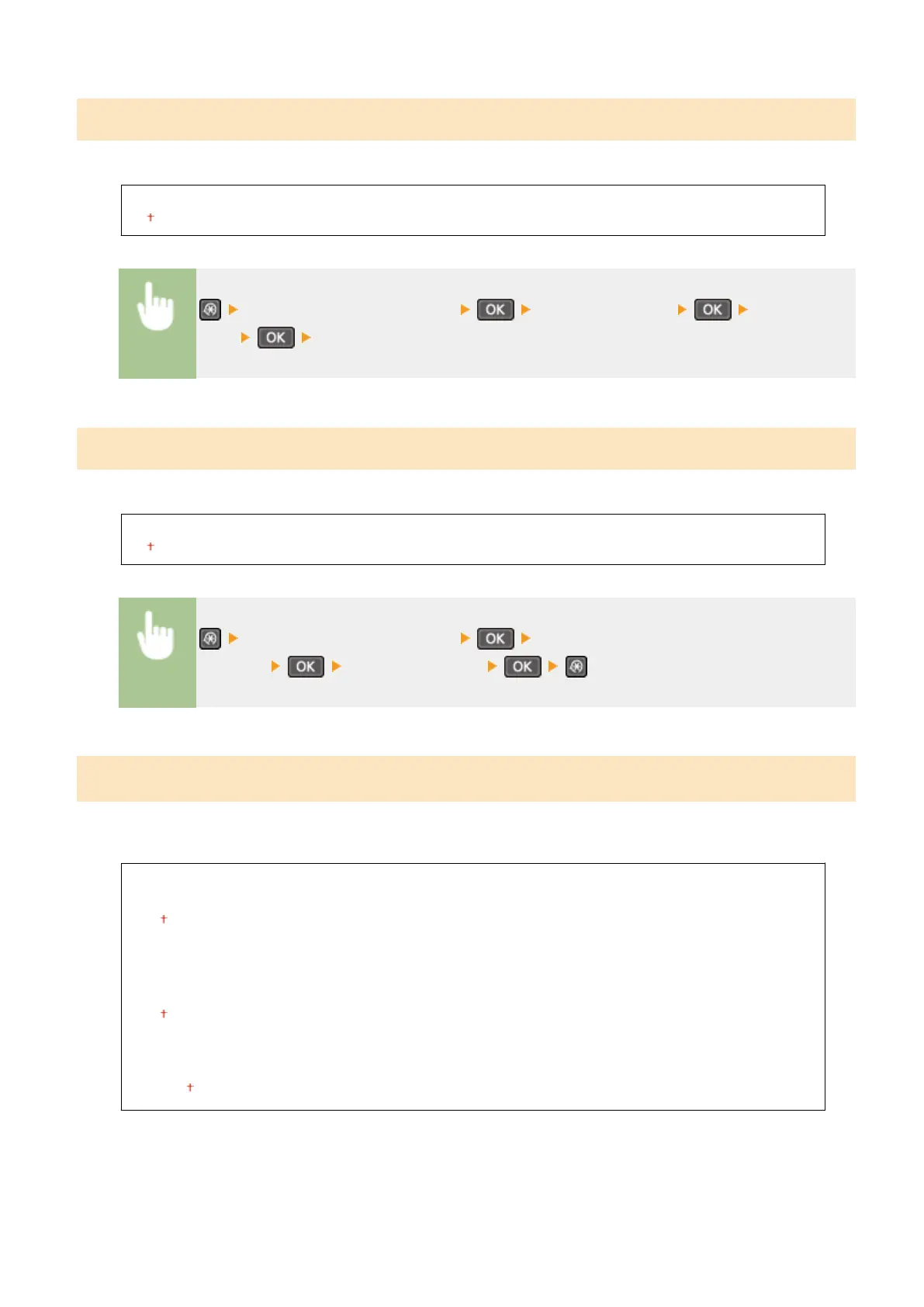
<System Management Settings> <Use as USB Device> Select <Off> or
<On> Restart the machine
Enable Product Extended Survey Program
Enable or disable the Product Extended Survey Program (a program for the machine usage survey).
Off
On
<System Management Settings> <Enable Product Extended Survey
Program> Select <Off> or <On>
Displ. Consmbls. Info (RUI/Toner Status)
*3
Set whether to display a button in the Remote UI for accessing the Web site for purchasing toner cartridges. Also set
whether to use Toner Status.
Displ. Consumables Purchase Button (RUI)
*1
Off
On
Toner Status Settings
Off
On
Displ. Purchase Button
Off
On
Setting Menu List
334











 To Next Page