4
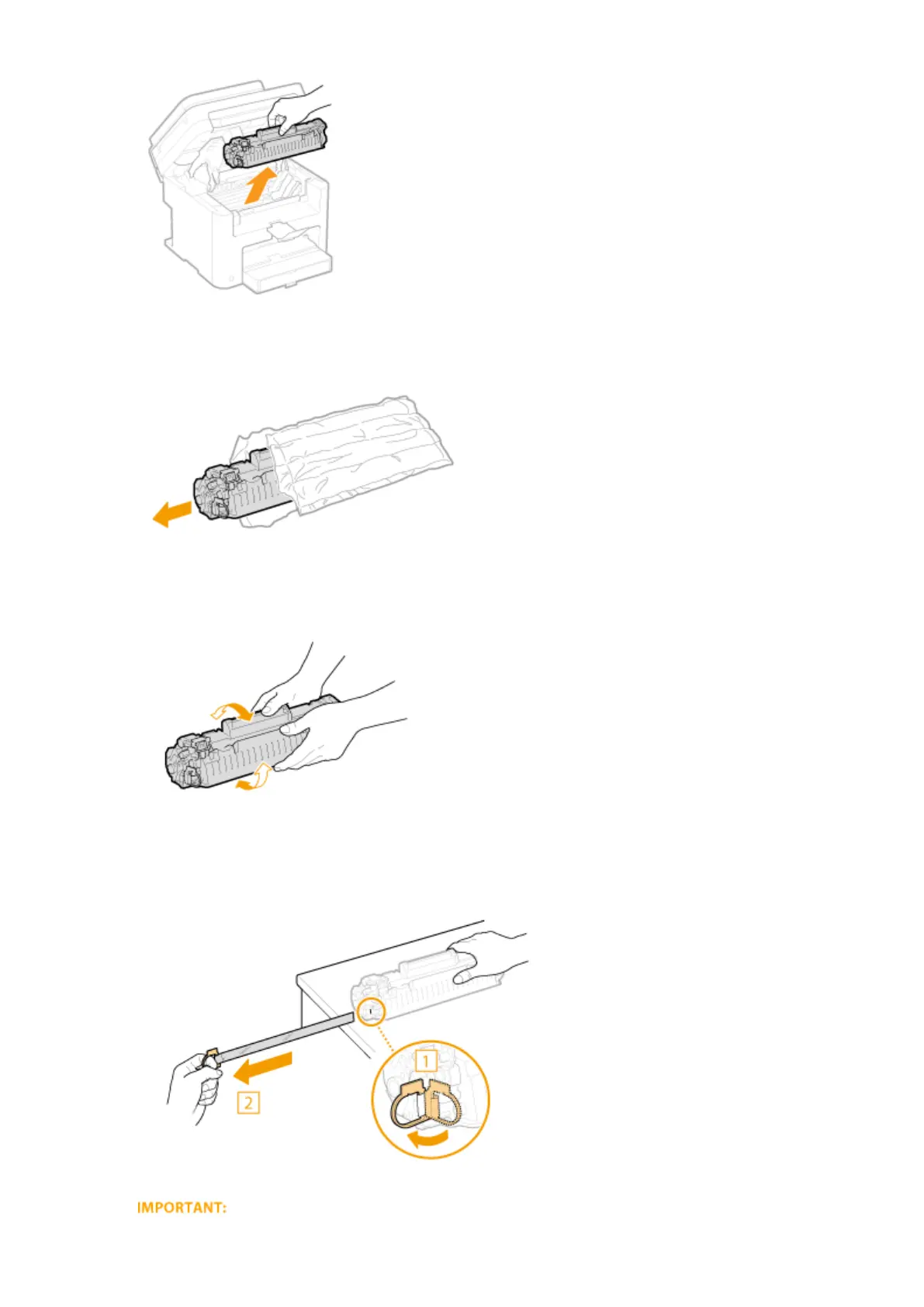
Remove the replacement toner cartridge from the protective bag.
5
Shake the toner cartridge 5 or 6 times as shown below to evenly distribute the toner
inside the cartridge, and then place it on a at surface.
6
Pull the sealing tape straight out.
● The full length of the sealing tape is approximately 50 cm.
Maintenance
391











 To Next Page