14
En
Perform Useful Tasks
You can use various functions in this machine. Following functions are the overview of the main functions that you can use routinely.
Copy
Enlarged/Reduced Copies
You can enlarge or reduce standard
size documents to copy on standard
size paper or specify the copy ratio in
percentage.
2-Sided Copying*
You can copy 1-sided documents on
both sides of paper.
Collating
You can sort copies into sets arranged
in page order.
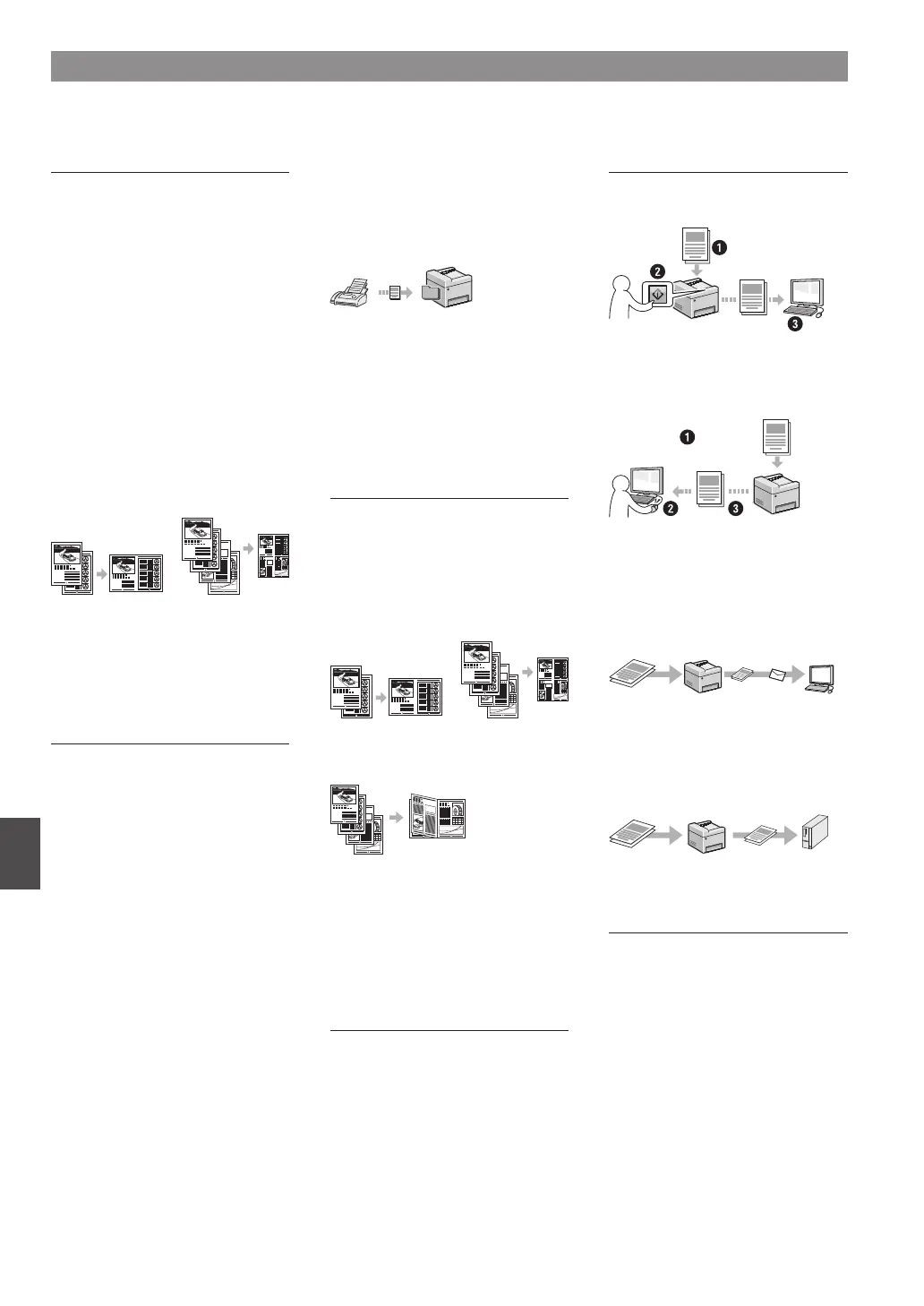
Reduced Layout
You can reduce the amount of paper
by printing multiple documents onto
one sheet.
2 on 1 4 on 1
Copying ID Card
You can make a copy of a 2-sided card
onto one side of paper.
Fax
Sending a Document Directly from a
Computer (PC Fax)
In addition to the normal sending and
receiving faxes, you can use the PC fax.
Sending
You can register fax destinations in
the address book. You can specify the
destinations using various methods,
enabling you to send documents
quickly and easily.
• Destination search
• One-touch buttons
• Coded dialing
• Destination Group
• Specifying from the sending history
• Sequential broadcast
Receiving
●
Receiving in the memory
You can store the received documents
in the memory. You can print the stored
documents at any time, and if you do
not need them, you can delete them.
●
Remote Receiving
If an external telephone is connected,
you can switch to the fax receiving
mode immediately by dialing the ID
number for fax receiving using the
dial buttons of the telephone during a
phone call.
Print
Enlarged/Reduced Printing
2-Sided Printing*
Reduced Layout
You can reduce the amount of paper
by printing multiple documents onto
one sheet.
2 on 1 4 on 1
Booklet Printing*
Poster Printing
Watermark Printing
Displaying a Preview before Printing
Selecting a “Pro le”
Network Settings
This machine comes equipped with a
network interface that you can construct
a network environment easily. You can
print a document, use the PC fax, and
use the network scan from all computers
which are connected with the machine.
The machine supports to increase work
e ciency as a shared machine in the
o ce.
Scan
Saving the Documents Using the
Operation Panel of the Machine
Documents
Data
Saving the Documents Using
Operations from a Computer
●
Scanning with the MF Scan Utility
Documents
Data
●
Scanning from an Application
●
Scanning with the WIA Driver
E-mailing Scanned Documents
You can send scanned documents to
your e-mail application.
+
Documents Data E-mail
Sending Scanned Documents to a
File Server
You can send scanned documents to a
le server.
Documents Data File server
Remote UI
You can understand the condition of
the machine from the computers on the
network. You can access the machine
and manage jobs or specify various
settings via network.
* MF249dw/MF247dw Only












 To Next Page