imageCLASS MF410dw Series Service Guide for AS
imageCLASS MF410dw Series Service Guide for AS April 2016
Page 32
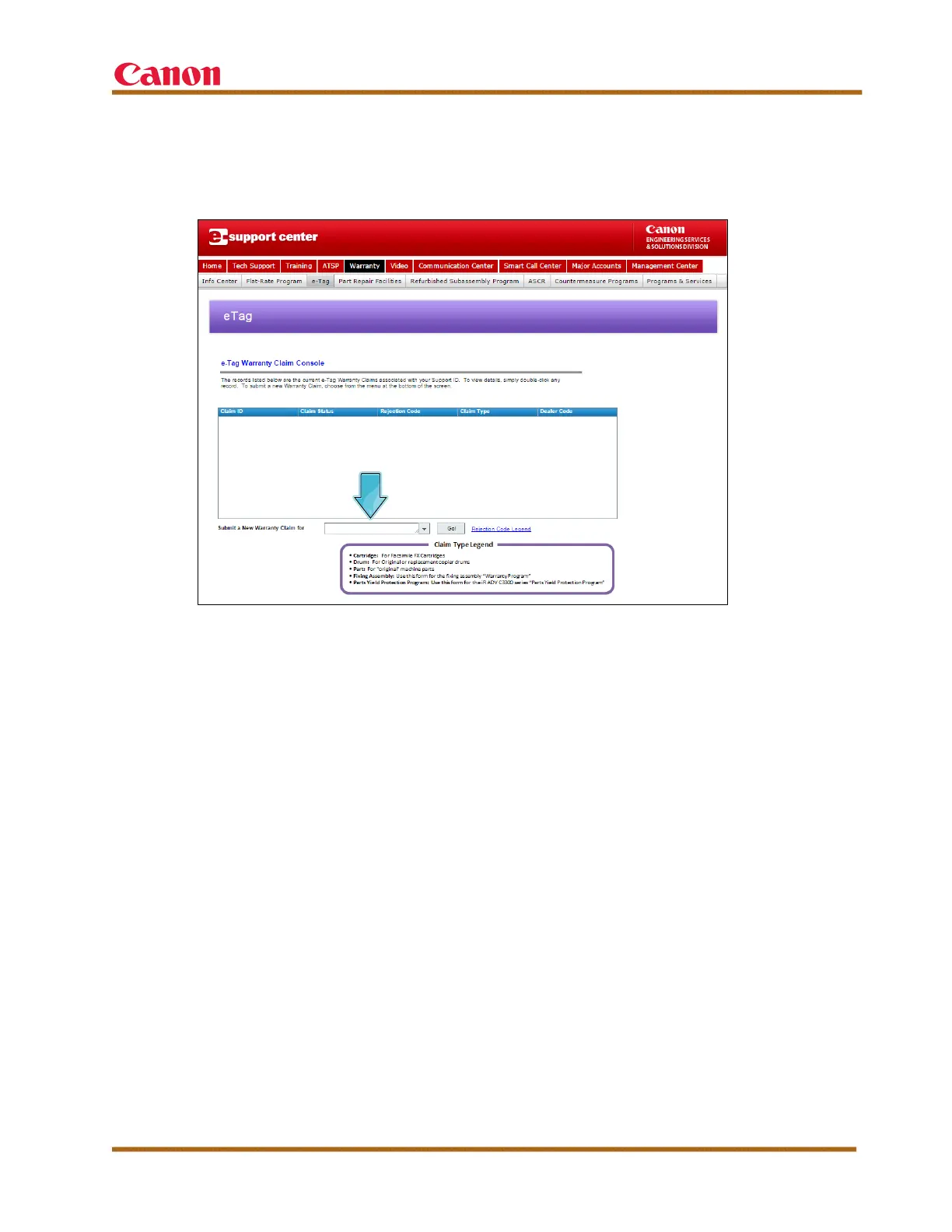
To submit a new warranty claim, select the type of claim from the
drop-down list, shown below, and complete the required sections of the
e-Tag limited warranty claim form.
Figure 8 — e-Support: e-Tag Claim Console
A copy of the e-Tag warranty claim form and the machine’s service history
must be returned with the original defective parts to the address provided on
the bottom of the e-Tag warranty claim form.
The service history log can be handwritten or computer-generated, and must
include the following information:
• Machine’s Installation Date
• Machine’s Serial Number
• Work Performed (Highlight Current Service Call)
For defective toner assemblies, ship the toner assembly to the address
provided on the bottom of the e-Tag warranty claim form, accompanied by a
copy of the e-Tag warranty claim form, the machine’s service history log, a
“before” sample copy that depicts the problem, and an “after” sample copy
that shows that the problem has been resolved.
After a claim form is authorized, parts and labor reimbursements are
deposited into your direct deposit account within 30 days, if you have elected
to receive direct deposit.













 To Next Page