30
17
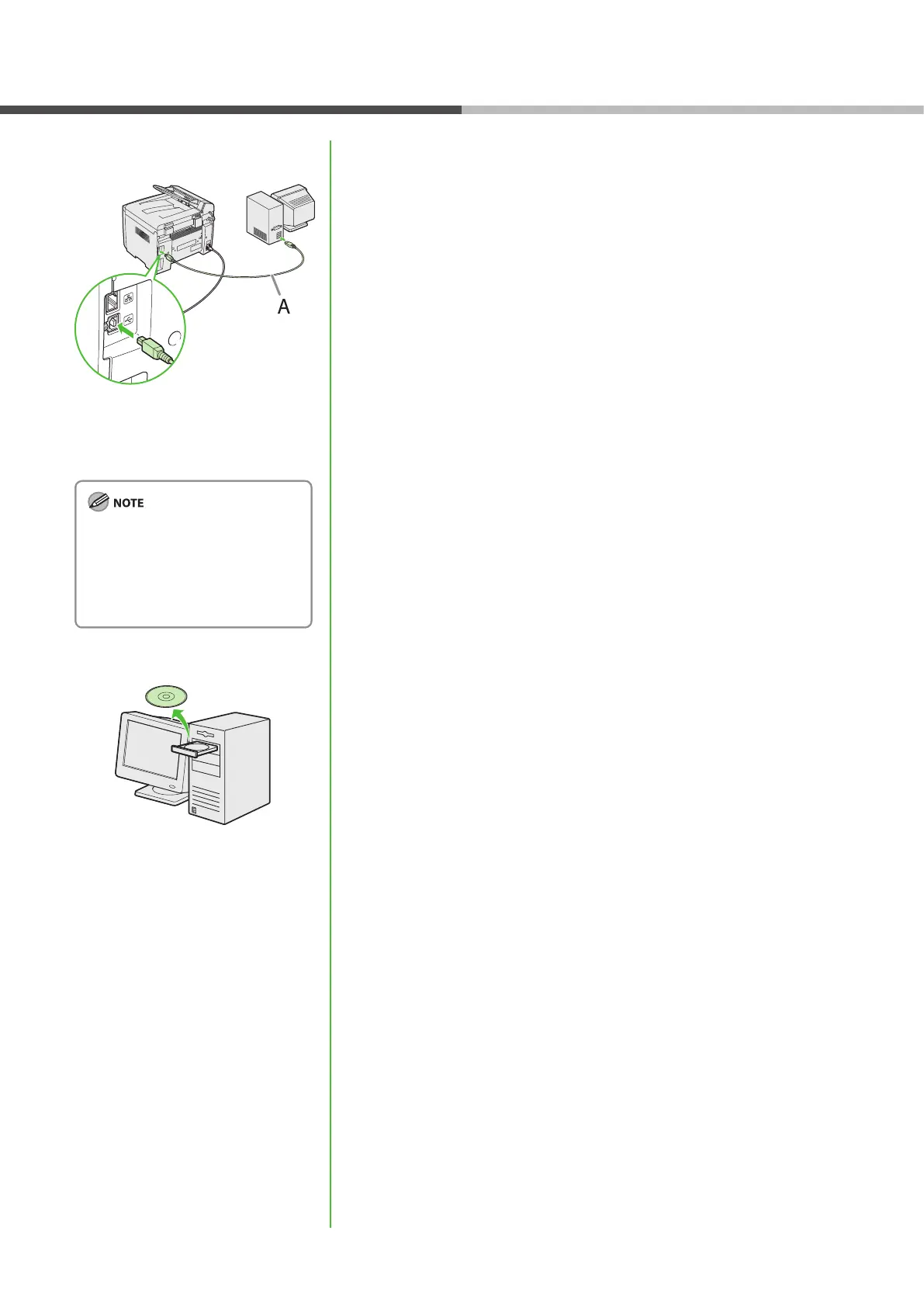
After restarting your computer,
connect the machine and your
computer with a USB cable (A).
Depending on the operation system
you use, the dialog box to inform
you that new hardware is detected
may appear. Follow the on-screen
instruction to complete the
installation.
18
You have now completed
installation.
Software Settings with Computer












 To Next Page