1-10
Before Using the Machine
6 Press [ ] until the letter “N” appears on the
display.
Register Unit Name
CANON
<Apply>
Entry Mode: A
7 Press [ ] or [ ] to select <Apply>, and then
press [OK].
The entry is applied.
Entering IP Address
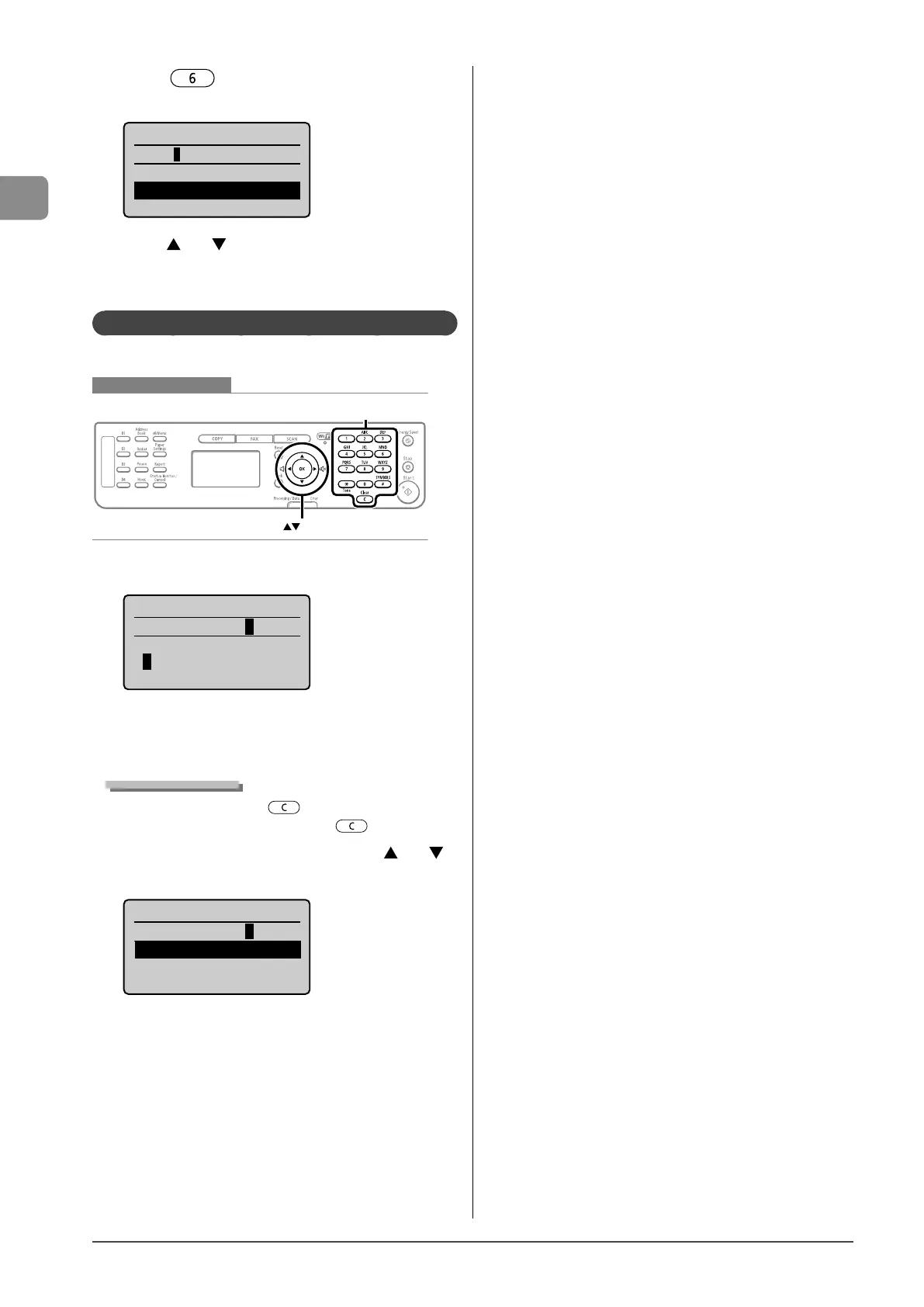
Enter numbers using the following keys.
Keys to be used for this operation
OK
Numeric keys, Clear
1 Use the numeric keys to enter numbers.
IP Address
192.168.000.080
<Apply>
1 2 3 4 5 6 7 8 9 0
<BS>
* Enter numbers by three digits.
To specify “192.168.0.80,” enter “192.168.000.080.”
(If the number is less than three digits, add “0” before the
number.)
Deleting numbers
To delete a number, press [ ] (Clear).
To delete all numbers, press and hold [
] (Clear).
2 When you are finished entering, press [ ] or [ ]
to select <Apply>, and then press [OK].
IP Address
192.168.000.080
<Apply>
1 2 3 4 5 6 7 8 9 0
<BS>










 To Next Page