1
2
3
4
5
6
7
8
9
10
11
Back
Next
Previous
TOP
7-15
Before Using the
Machine
Document and Paper
Copying
Sending and
Receiving
Printing and
Scanning
Network
Remote UI
System Manager
Settings
Maintenance
Troubleshooting
Appendix
Index
Table of Contents
Specifying Forwarding Settings
The Remote UI enables you to automatically forward received
documents to specified addresses. To use this function, you
need to specify the forwarding settings in two ways, and
depending on the settings the function will work differently:
Forwarding conditions are set: the machine will forward only
documents that meet specified conditions.
Forwarding conditions are not set: the machine will forward
all received documents.
[Forwarding Settings] is displayed only when you are in the
Administrator Mode.
You can store 10 forwarding settings with specific conditions.
You can store the forwarding settings without conditions one at a time,
according to the Receive Type of the received document.
●
●
–
–
–
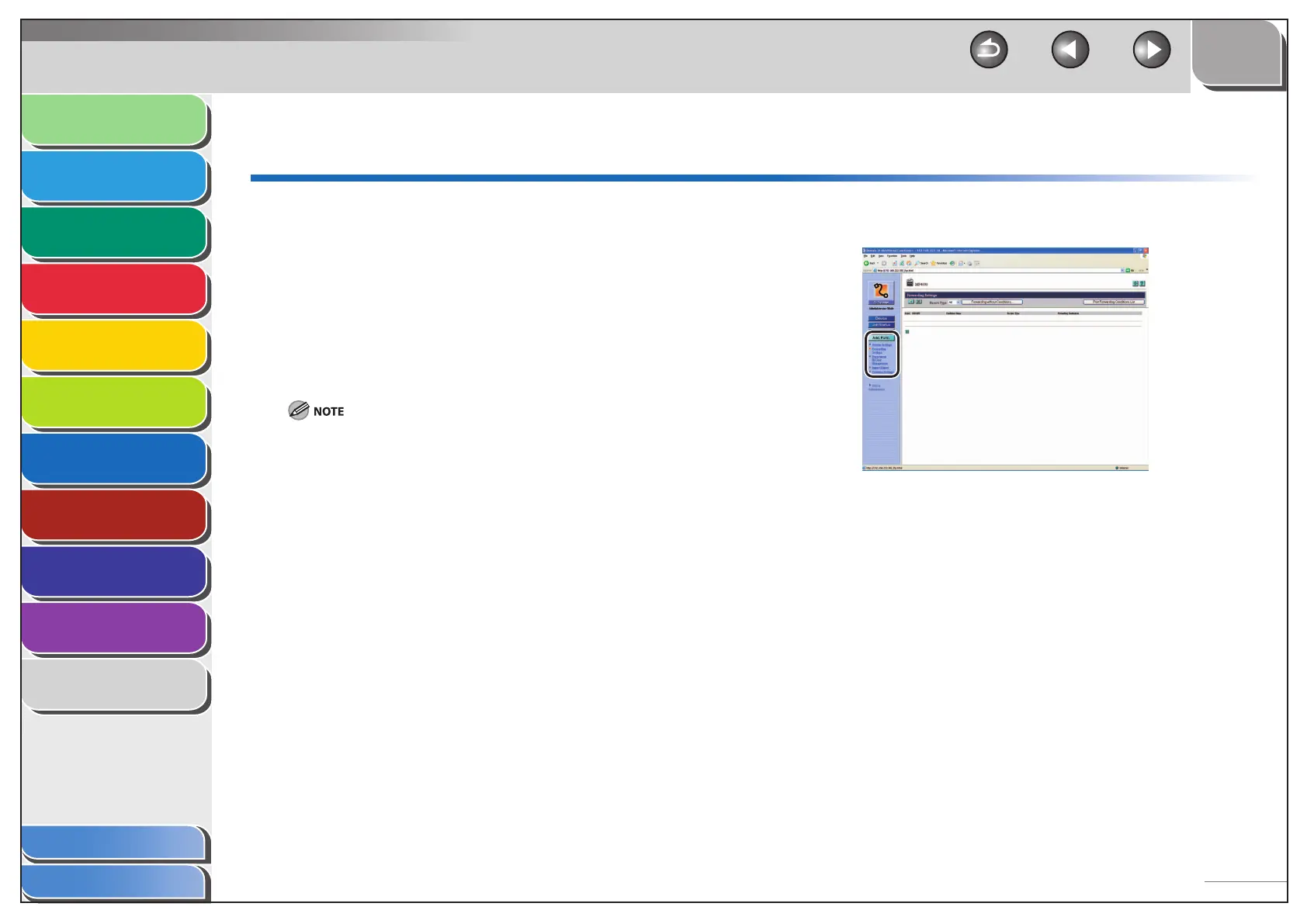
1. Click [Add.Func.] [Forwarding Settings] from
the menu that appears under [Add.Func.].










 To Next Page