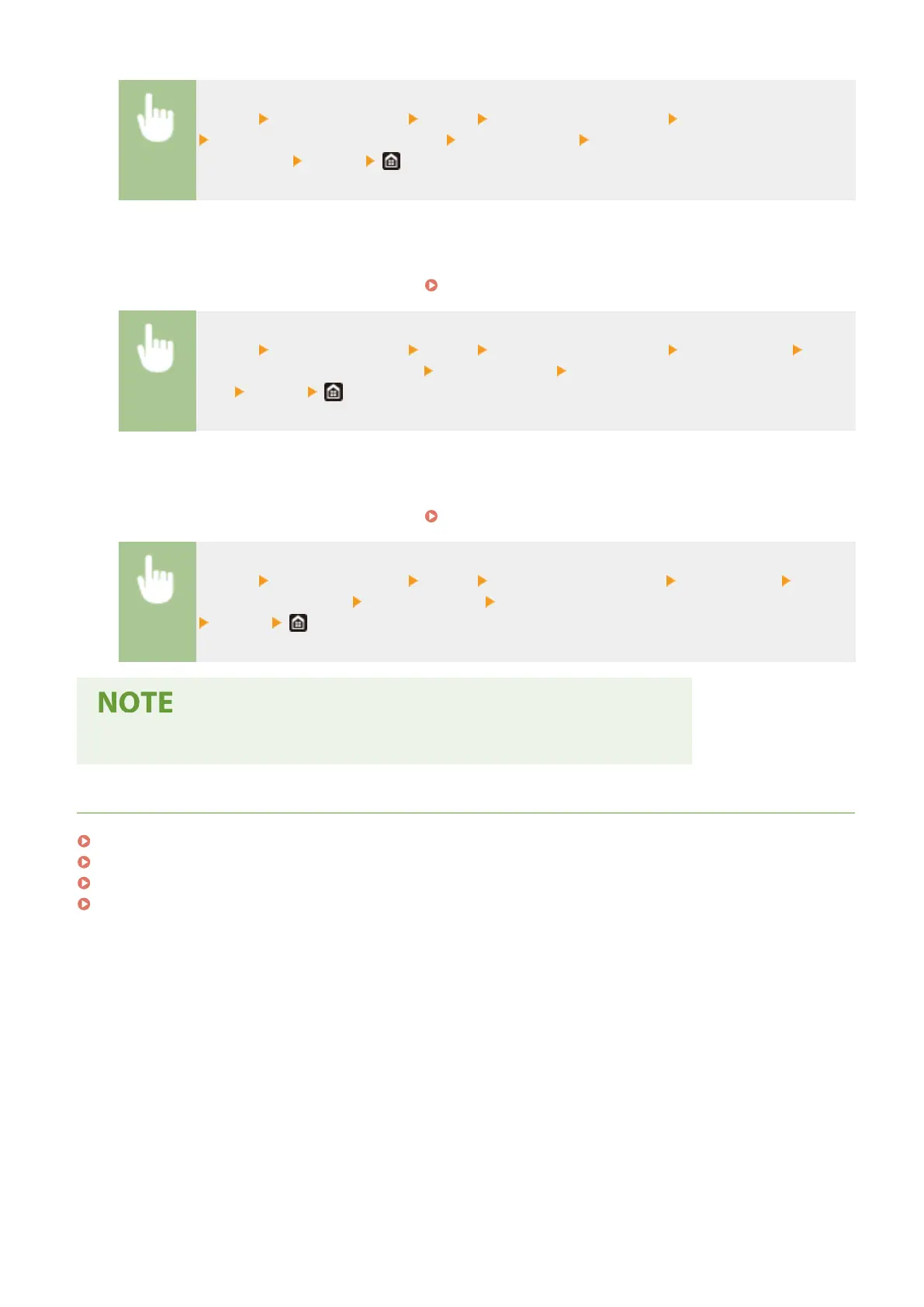
<Menu> <Function Settings> <Send> <Scan and Store Settings> <E-Mail Settings>
<Change Default Settings (E-Mail)> Select the setting Change the default value of the
selected item <Apply>
◼ I-Fax
For information about changeable setting items, see
<I-Fax Settings>(P. 539) .
<Menu> <Function Settings> <Send> <Scan and Store Settings> <I-Fax Settings>
<Change Default Settings (I-Fax)> Select the setting Change the default value of the selected
item <Apply>
◼
Shared Folder/FTP Server
For information about changeable setting items, see
<File Settings>(P. 540) .
<Menu> <Function Settings> <Send> <Scan and Send Settings> <File Settings> <Change
Default Settings (File)> Select the setting Change the default value of the selected item
<Apply>
● If you select <Initialize> on each setting screen, you can restore the default settings.
LINKS
Basic Copy Operations(P. 195)
Basic Operations for Sending Faxes(P. 217)
Printing from a USB Memory Device (Memory Media Print)(P. 270)
Basic Operations for Scanning Originals(P. 284)
Basic Operations
177







 To Next Page