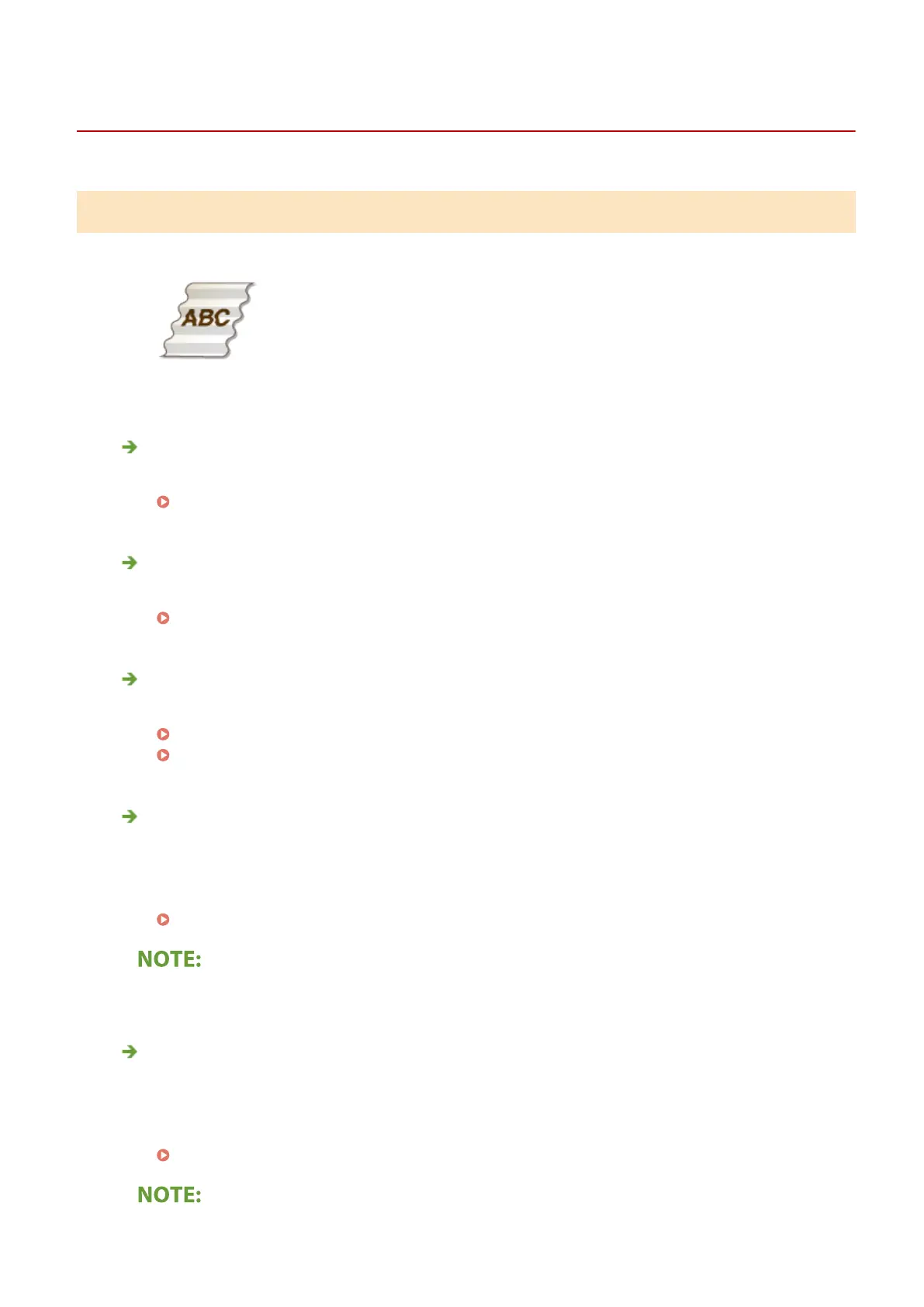
Paper Creases or Curls
1647-0E7
Paper Creases
Is paper loaded correctly?
● If paper is not loaded below the load limit line or is loaded obliquely, it may crease.
Loading Paper(P. 139)
Are you using paper that has absorbed moisture?
● Replace with appropriate paper.
Loading Paper(P. 139)
Are you using appropriate paper?
● Check usable paper, and replace with appropriate paper.
Available Paper(P. 701)
Loading Paper(P. 139)
Does this problem occur when printing on plain paper or thin paper?
(MF735Cdw / MF733Cdw / MF731Cdw)
● Change the setting of <Paper Wrinkle Correction>. The improvement effect is stronger with <Mode 2> than
<Mode 1>. First try with <Mode 1>.
<Paper Wrinkle Correction>(P. 473)
● Setting a greater improvement effect may result in faded printouts or slower printing speed.
Does this problem occur when printing on envelopes or thin paper?
(MF634Cdw / MF632Cdw)
● Change the setting of <Paper Wrinkle Correction>. <Mode 1> is effective for envelopes. <Mode 2> provides
stronger improvement, and is effective for envelopes and thin paper. First try with <Mode 1>.
<Paper Wrinkle Correction>(P. 473)
Troubleshooting
639







 To Next Page