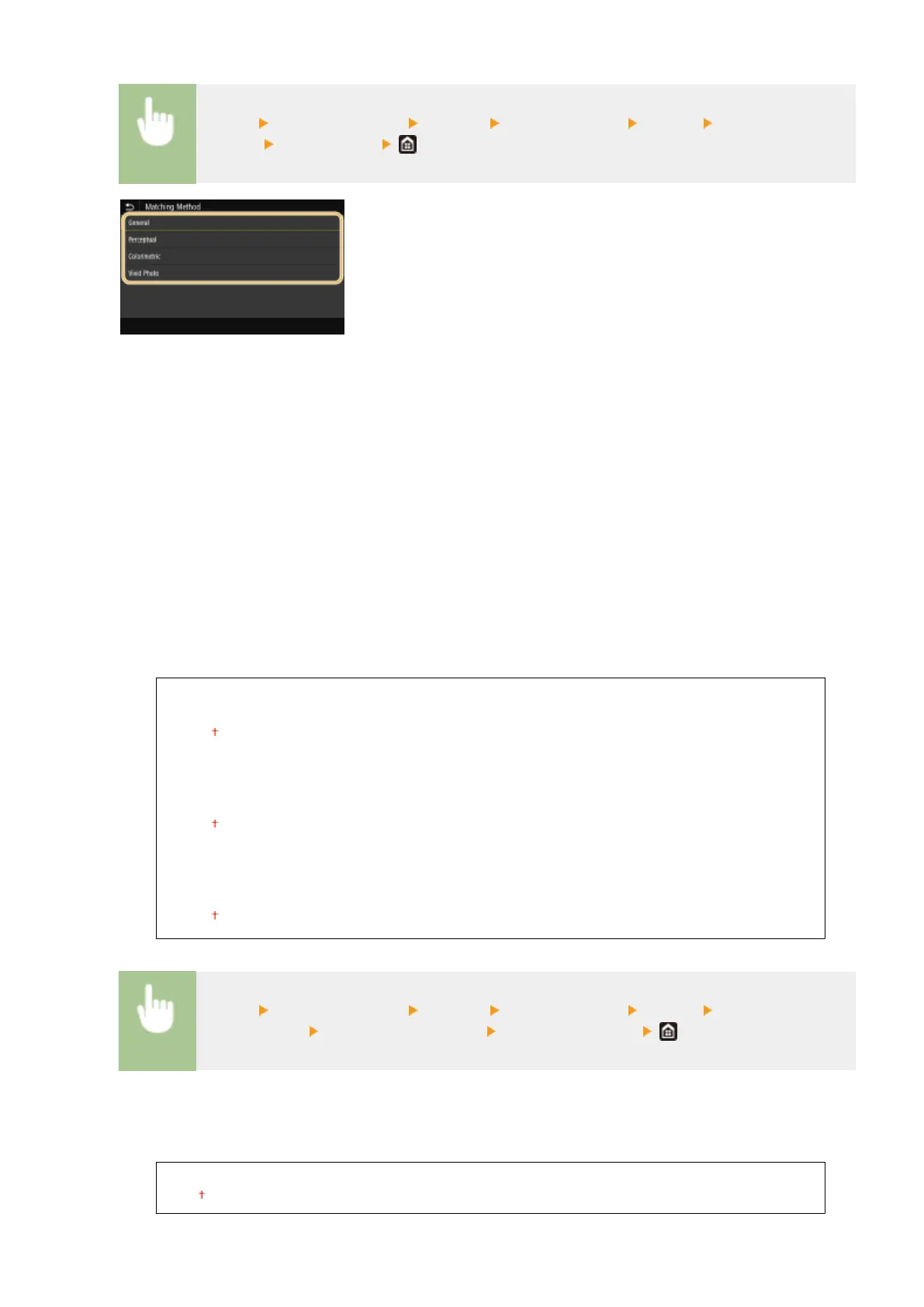
<Menu> <Function Settings> <Printer> <Printer Settings> <UFR II> <Matching
Method> Select the item
<General>
Performs processing so that the color tone is suitable for printing general papers such as photos or documents.
<Perceptual>
Performs processing so that the color tone is suitable for printing bitmap images. When this item is selected, an
image is printed in the colors closest to those displayed on the monitor.
<Colorimetric>
Minimizes a color variance that occurs when RGB data is converted to CMYK data.
<Vivid Photo>
Performs processing so that the color tone is deeper and more vivid than <General>.
<Gray Compensation>
Congures a setting so that black or gray data of which color information is "R = G = B" is printed using only
the K (black) toner. If <Off> is selected, data is printed using the toner of four colors: CMYK. This option can
be specied for each image type in any one document.
<Text>
<Off>
<On>
<Graphics>
<Off>
<On>
<Image>
<Off>
<On>
<Menu> <Function Settings> <Printer> <Printer Settings> <UFR II> <Gray
Compensation> Select the type of image Select <Off> or <On>
<Paper Save>
Specify whether to disable a blank page in print data from being output.
<Off>
<On>
Setting Menu List
507







 To Next Page