Keys and Buttons Used in This Manual
The followings are examples of how keys and
buttons are expressed in this manual.
•
Touch Panel Display Keys: [Key Name]
[Copy]
[Close]
•
Control Panel Keys: Key Icon (Key Name)
(Start) (Stop)
•
Buttons on Computer Operation Screens: [Button
Name]
[OK], [Add], [Cancel]
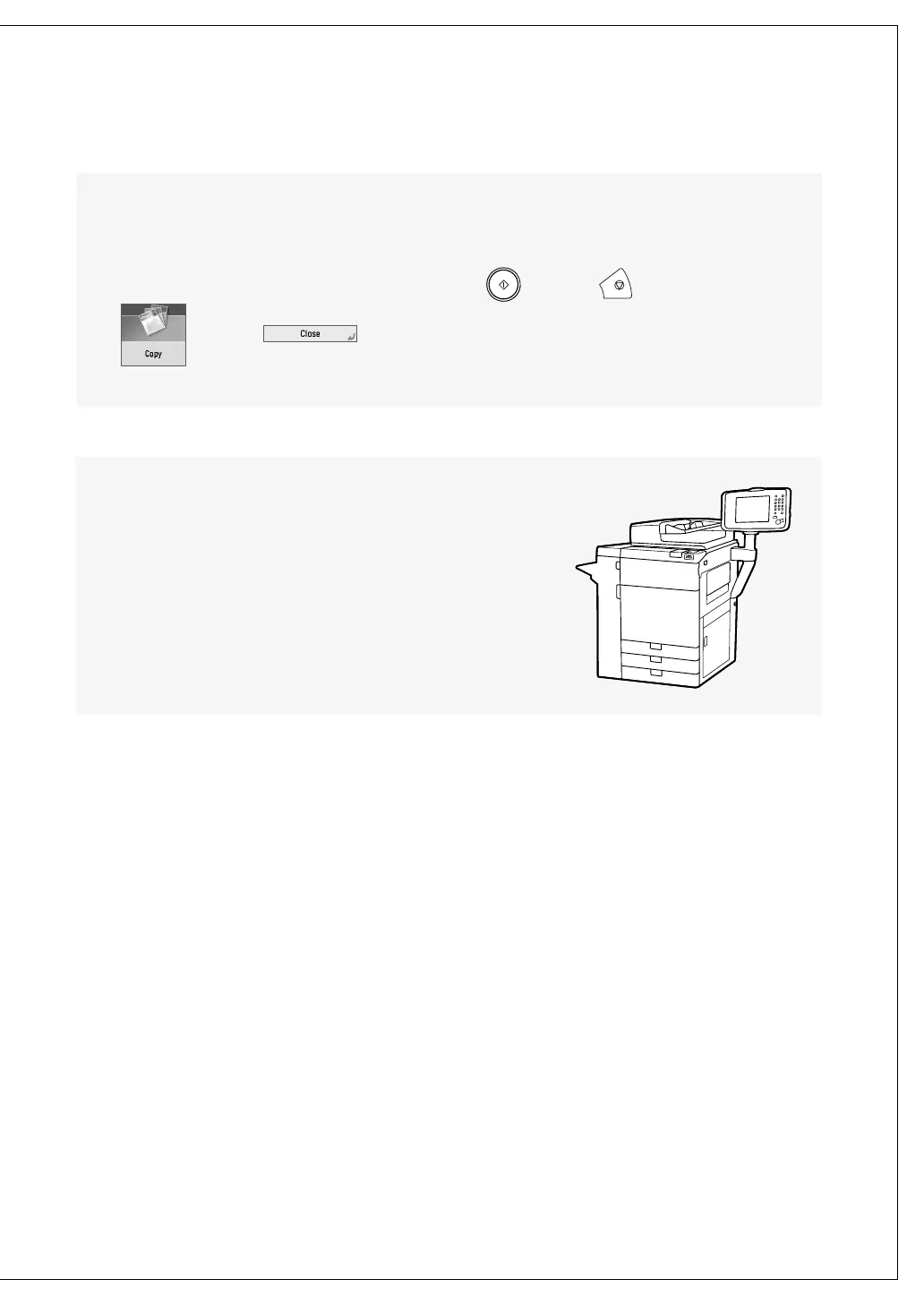
Illustrations Used in This Manual
Illustrations used in this manual are those displayed when
the imagePRESS C850 has the following optional equipment
attached to it: the Duplex Color Image Reader Unit-K1, Upright
Control Panel-G1, and Copy Tray-R2.











 To Next Page