55
Appendix
Installation Precautions
Avoid installing the machine near computers or other precision
electronic equipment.
Electrical interference and vibrations generated by the machine while
printing can adversely aff ect the operation of such equipment.
Avoid installing the machine near televisions, radios, or similar
electronic equipment.
The machine might interfere with sound and picture signal reception.
Insert the power plug into a dedicated power outlet, and maintain as
much space as possible between the machine and other electronic
equipment.
Moving the Machine
If you intend to move the machine, even to a location on the same fl oor
of your building, contact your local authorized Canon dealer
beforehand. Do not attempt to move the machine yourself."
CAUTION
•
Do not connect any unauthorized optional products to the outlet for
connecting optional products, as this could result in a fi re or smoke.
•
When disconnecting the power cord, wait at least 5 seconds before
connecting the power cord again.
•
Excessive voltage drop may cause a malfunction or loss of data in the
machine and computers.
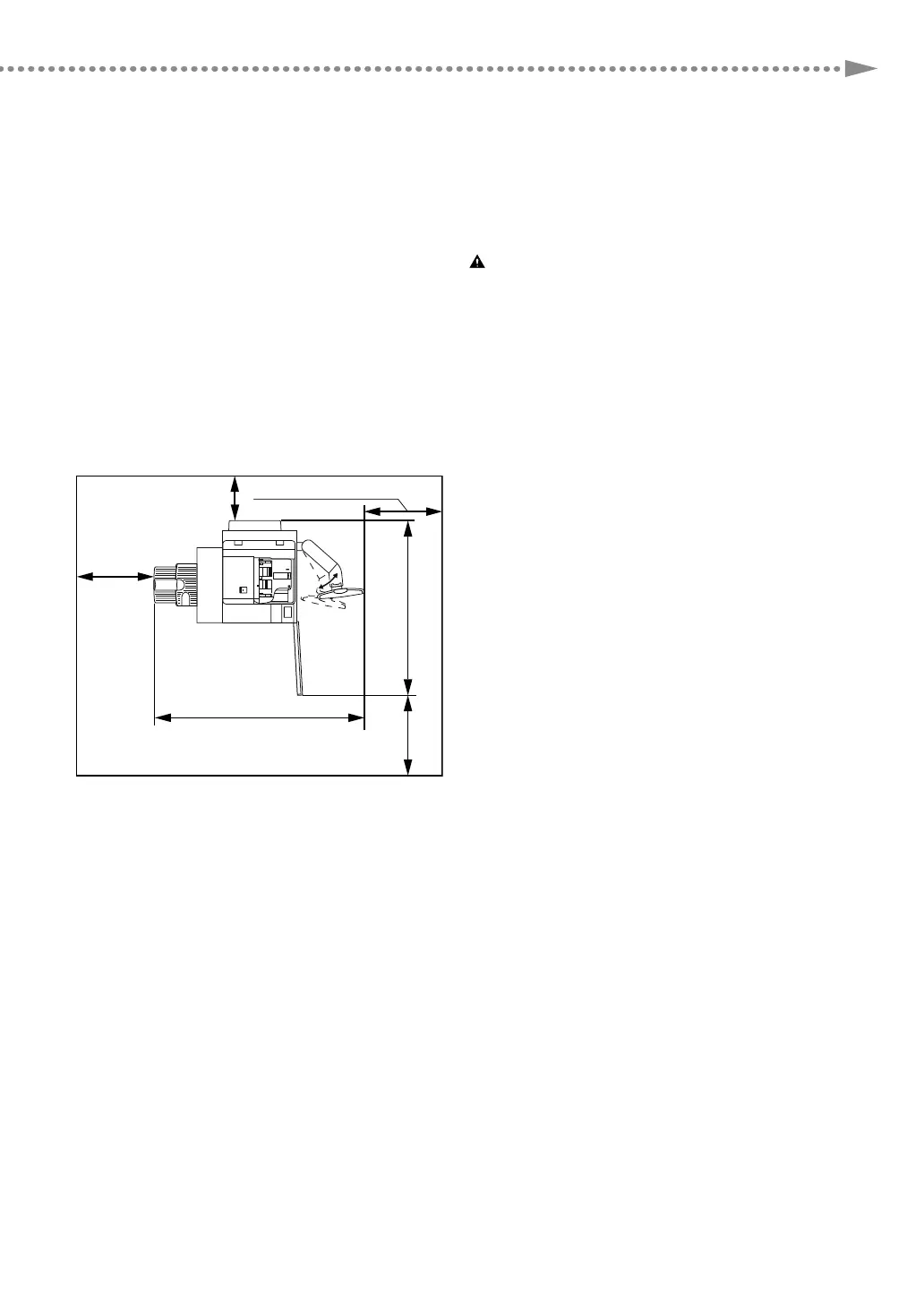
Installation Space Requirements
Provide enough space on each side of the machine for unrestricted operation.
Standard (minimum) con guration
When the Copy Tray-R2, Duplex Color Image Reader Unit-K1, and Upright Control Panel-G1 are attached.
76 7/8" (1,952 mm)
60" (1,524 mm)
4" (100 mm)
or more
*
1
*
2
19 3/4
"
(500 mm)
or more
*
3
19 3/4
"
(500 mm)
or more
*
3
19 3/4
"
(500 mm) or more
*
3
*1 Regarding the rear side of the machine, be sure to secure at least 4" (100 mm) or more space for unrestricted operation.
Make sure to provide at least 7 7/8" (200 mm) of space if you install Stack Bypass Alignment Tray-C2 and Long Sheet Tray-B1.
*2 Regarding the rear side of the machine, be sure to secure at least 4" (100 mm) or more space for unrestricted operation.
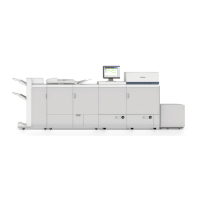
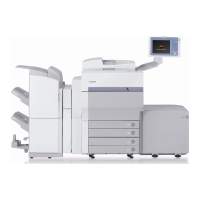
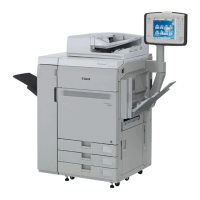
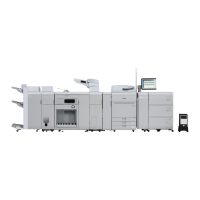
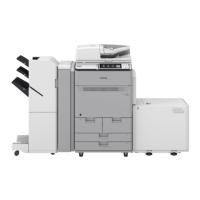
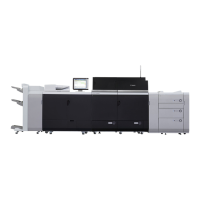
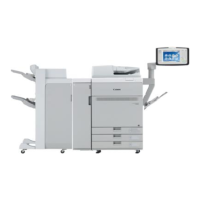
Make sure to provide at least 31 1/2" (800 mm) of space if you install one of the delivery/pickup system options illustrated below as a full set of unit.
*3 Be sure to secure at least 19 3/4" (500 mm) or more space for service work.
Also, make sure to provide at least 39 3/8" (1000 mm) of space if you install one of the delivery/pickup system options illustrated below as a full set
of unit.




 To Next Page