21
If you cannot fi nd the scrap or paper jam, look for the paper in the lower part of the printer and inside
the top cover. (→"Troubleshooting When Paper Jams are not Found," User Manual)
•
1
2
3
4
5
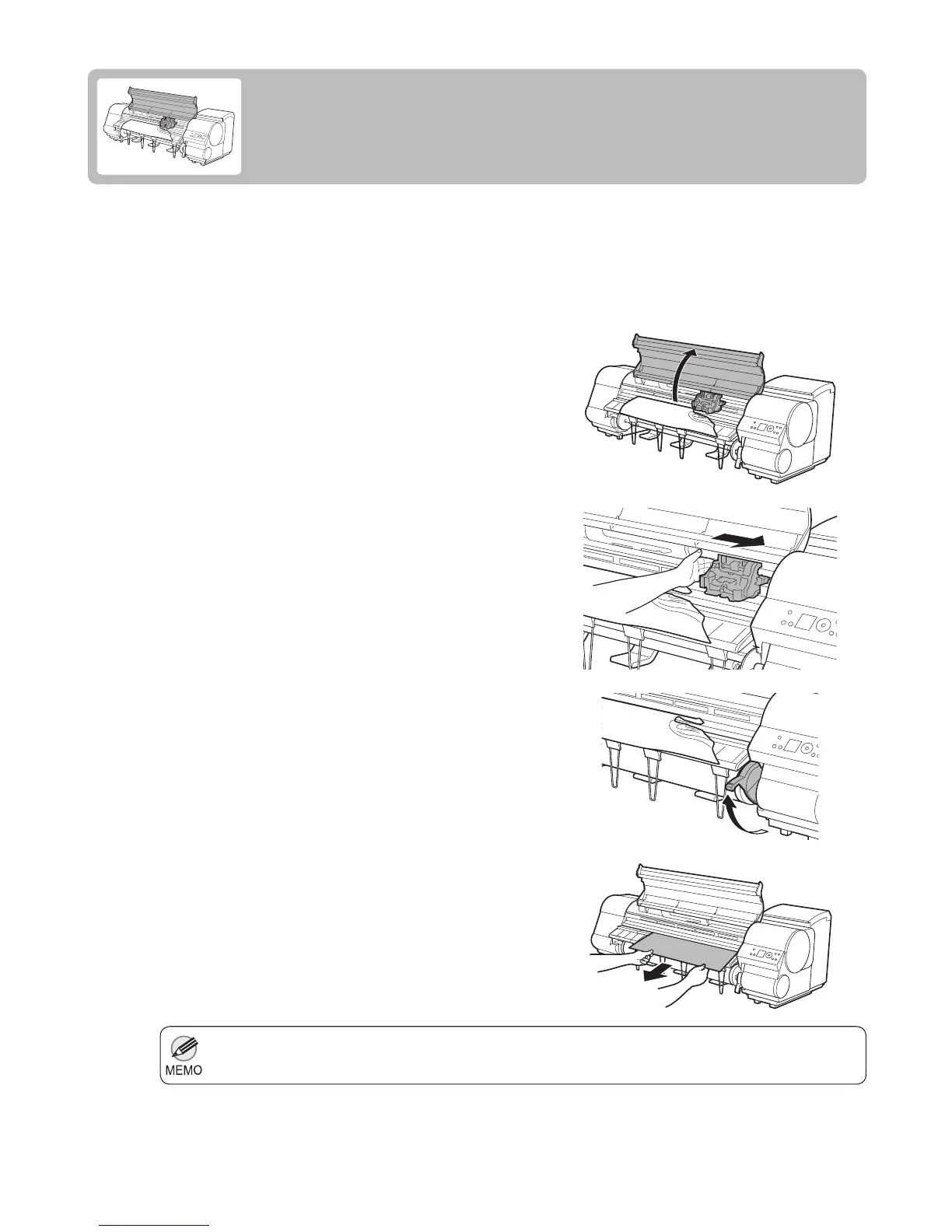
If a sheet jams, follow the steps below to remove it.
Turn the printer off. (→"Turning the Printer On and Off,"
User Manual)
Open the Top Cover .
If the Carriage is out, move the Carriage out of the way,
away from the paper.
Lift the Release Lever .
If a Sheet Jams
Clear jammed sheets as follows.
Hold the paper and pull it out, toward the front.













 To Next Page