22
If a Sheet Jams
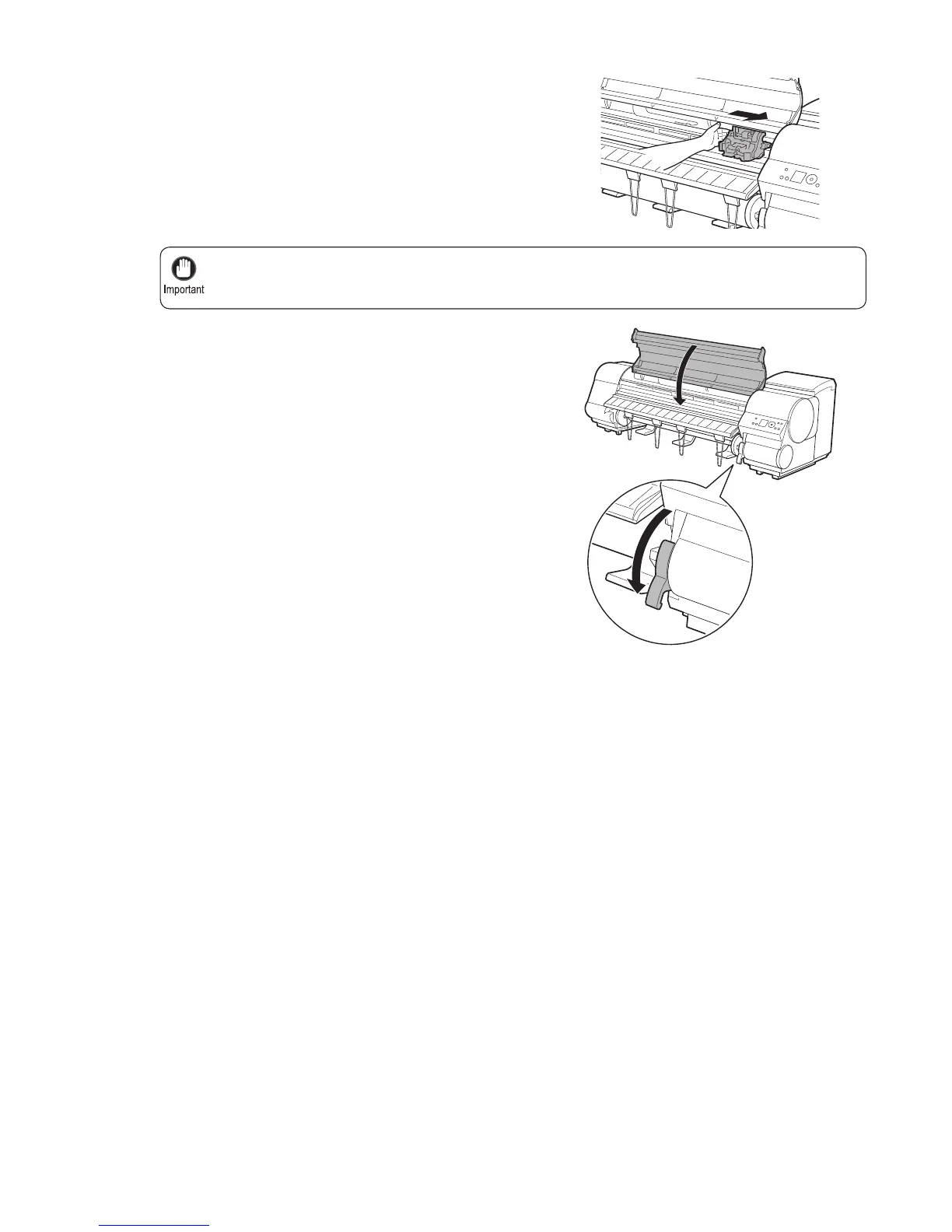
Always move the Carriage to the right side. If the Carriage is on the left, a Carriage error may occur
when you turn on the printer.
•
6
7
8
If the Carriage is on the left, move the Carriage to the
right until it stops.
Lower the Release Lever and close the Top Cover .
Turn the printer on. (→"Turning the Printer On and Off,"
User Manual)













 To Next Page