3
Preparing to Transfer the Printer
If consumables must be replaced, the message Consumables must be replaced. Call for service. is
shown on the Display Screen and preparation is not possible. If this message is displayed, press the
OK button and contact your Canon dealer for assistance.
•
1
2
2
3
4
1
5
Remove the Wheeled Output Stacker from the printer
(iPF825 only).
Remove the paper.
Press ▲ or ▼ to select Maintenance , and then press the
► button.
Press ▲ or ▼ to select Move Printer , and then press the
► button.
Press ▲ or ▼ to select the level of transfer, and then
press the OK button.
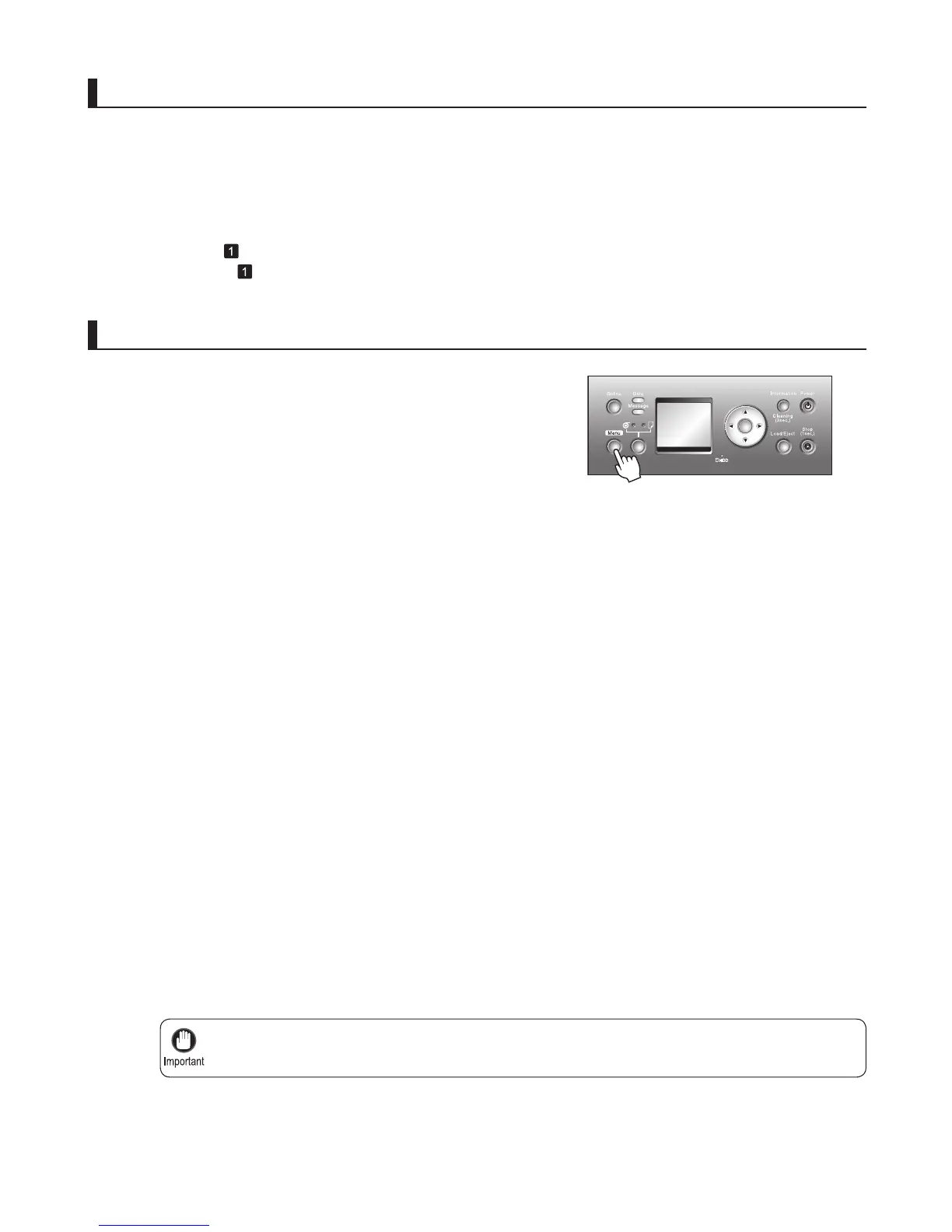
Press the Menu button to display MAIN MENU .
After the message Always contact service before
preparing to move the printer. is shown on the Display
Screen , press the OK button.
If you have selected Level 1 , after processing in
preparation to move the printer is fi nished, the
message Finished preparing to move printer. Turn
off printer. is shown on the Display Screen . In this
case, follow the instructions in "Pack the printer."
•
When you are fi nished preparing to transfer the printer
after selecting Level 2 or Level 3 conditions, the
Display Screen requests you to open the Ink Tank
Cover . In this case, follow the instructions in "Remove
the ink tanks."
•
Remove paper
Access the menu for moving the printer
Rolls: (→ , Removing the Roll from the Printer)
Sheets: (→
, Removing Sheets)
OK















 To Next Page