When setting up a USB connection, connect the printer and computer with the USB cable during printer driver
installation following the instructions displayed.
•
When the printer is connected to a network (via TCP/IP), the printer's IP address may be changed if you reinstall
the printer. In this case, be sure to reconfi gure the printer's IP address.
•
If you accidentally connect the USB cable fi rst, the printer driver may not be installed correctly.
12
1
2
The printer driver works over USB or network (TCP/IP) connections.
Supported connection methods
Installing the Printer Driver (Windows)
The basic instructions for installing the printer driver are as follows.
Installing the printer driver and User Manual
For detailed instructions, see the Setup Guide .
The driver installation procedure varies depending on the type of connection.
Windows 7, Windows Server 2008, Windows Vista, Windows Server 2003, Windows XP and Windows 2000
When setting up a TCP/IP (network) connection, after
making sure the printer is on, connect the Ethernet Port
on the back of the printer to your network hub port using
the LAN cable.
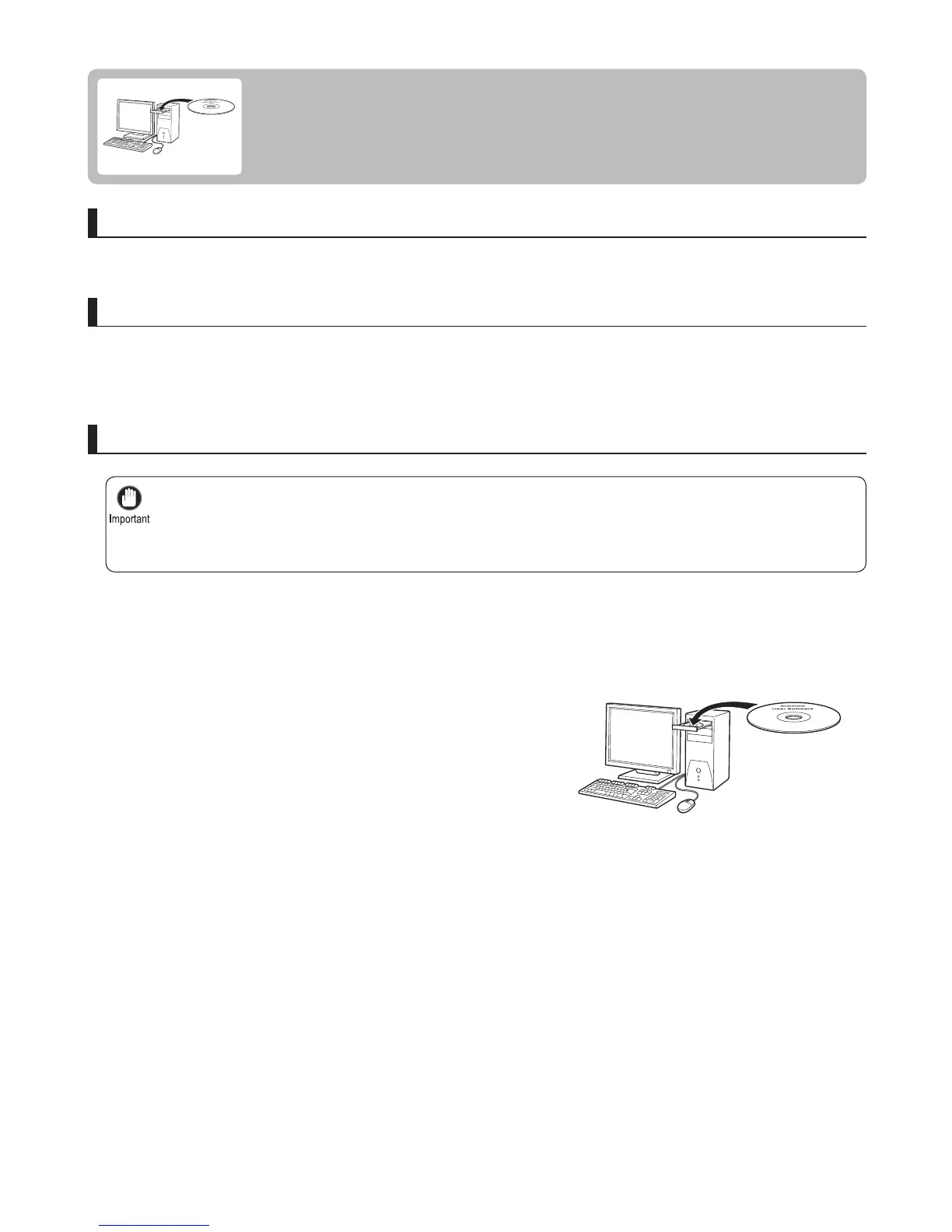
Insert the provided User Software CD-ROM for the
appropriate operating system in the CD-ROM drive.
Compatible operating systems
Follow these steps to install the printer driver and User Manual .















 To Next Page