Reinstalling the Printer
10
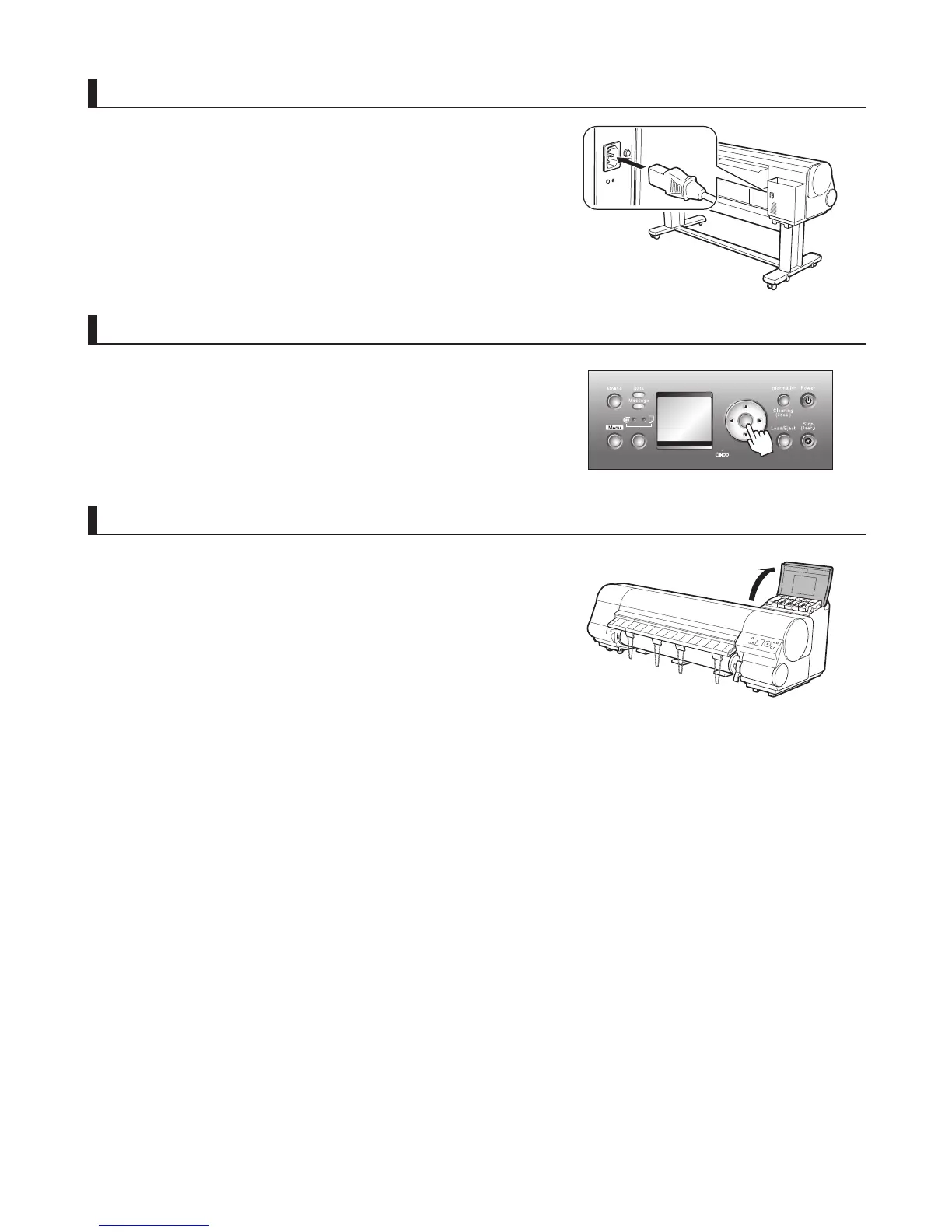
Connect the power cord
Connect the power cord to the Power Supply Connector on the
back of the printer.
Plug the power cord into the outlet.
Install the ink tanks
Open the Ink Tank Cover and install the ink tanks.
Turn the printer on
Press the power button to turn the printer on.
When the message Has printer been reinstalled? (Do not load
ink tanks yet.) is displayed, select Yes and press the OK button.
OK















 To Next Page