Reinstalling the Printer
9
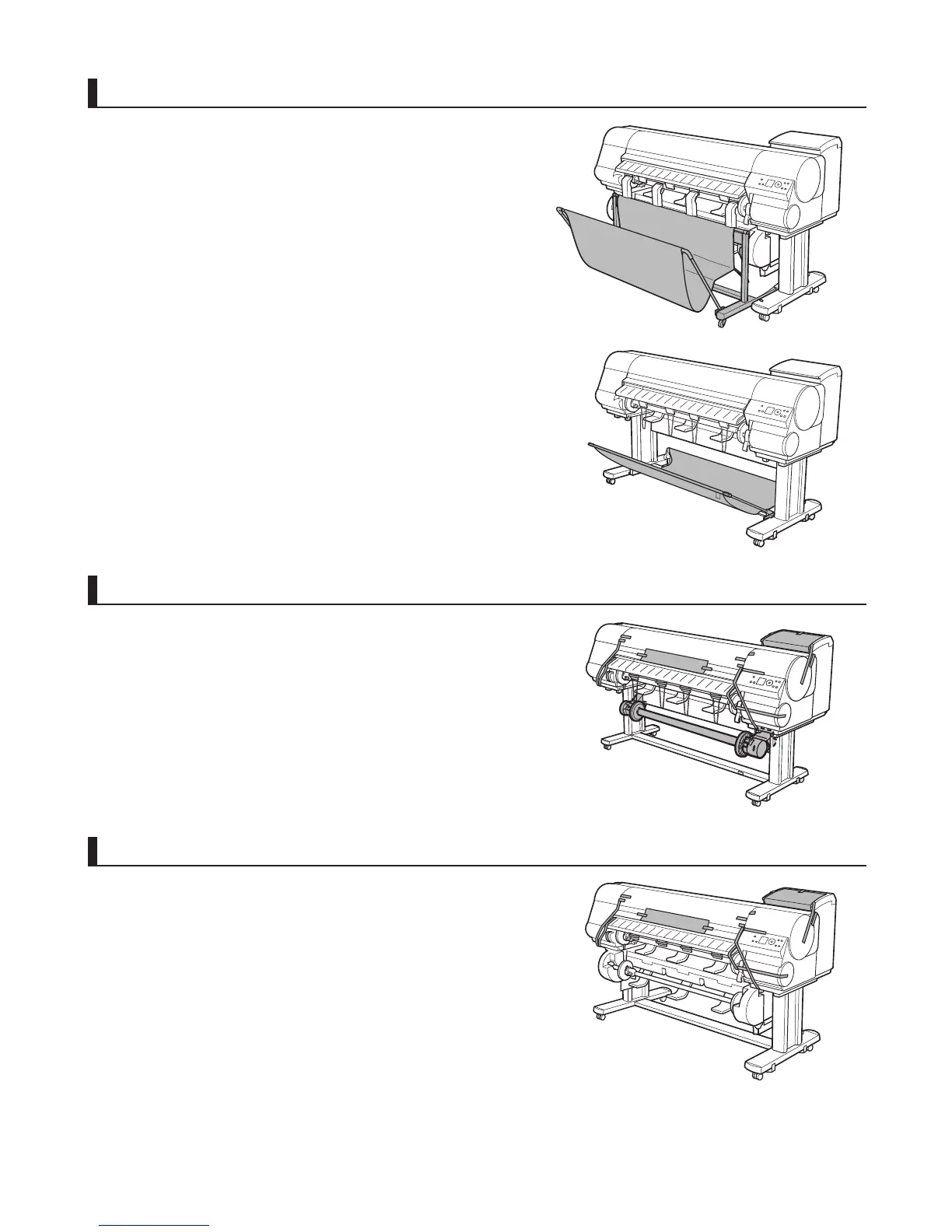
Attach the media take-up unit (iPF815: optional)
Referring to the Setup Guide included with the Media Take-up
Unit , attach the Media Take-up Unit .
Install the output stacker
Remove the packaging material
Remove tape and packaging material attached to the printer. Also
open the Top Cover and remove stoppers and spacers inside the
printer.
When installing the Stationary Output Stacker , refer to the
Printer Stand Setup Guide .
When installing the Wheeled Output Stacker , refer to the
Wheeled Output Stacker Setup Guide .















 To Next Page