5
Preparing to Transfer the Printer
Do not remove the Maintenance Cartridge during this process.•
5
6
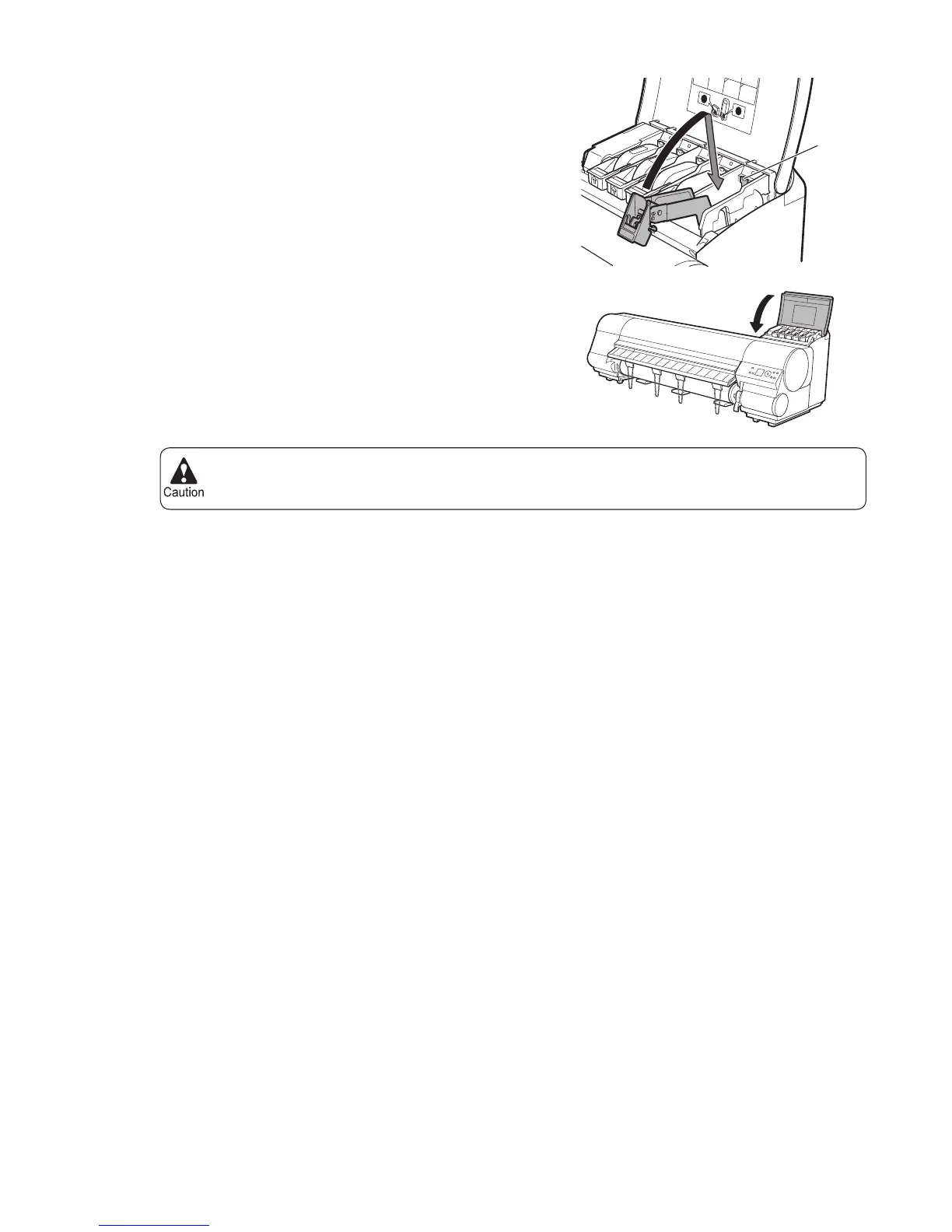
Push down the release lever (a) as shown as you gently
return all ink tank lock levers to the original position.
Close the Ink Tank Cover .
At this point, ink is drawn out from inside the tubes.
When the process is fi nished, Finished preparing to
move printer. Turn off printer. is displayed.
BK
A
A
M
B
K
GY
Y
M
a















 To Next Page