7
Preparing to Transfer the Printer
5
6
7
8
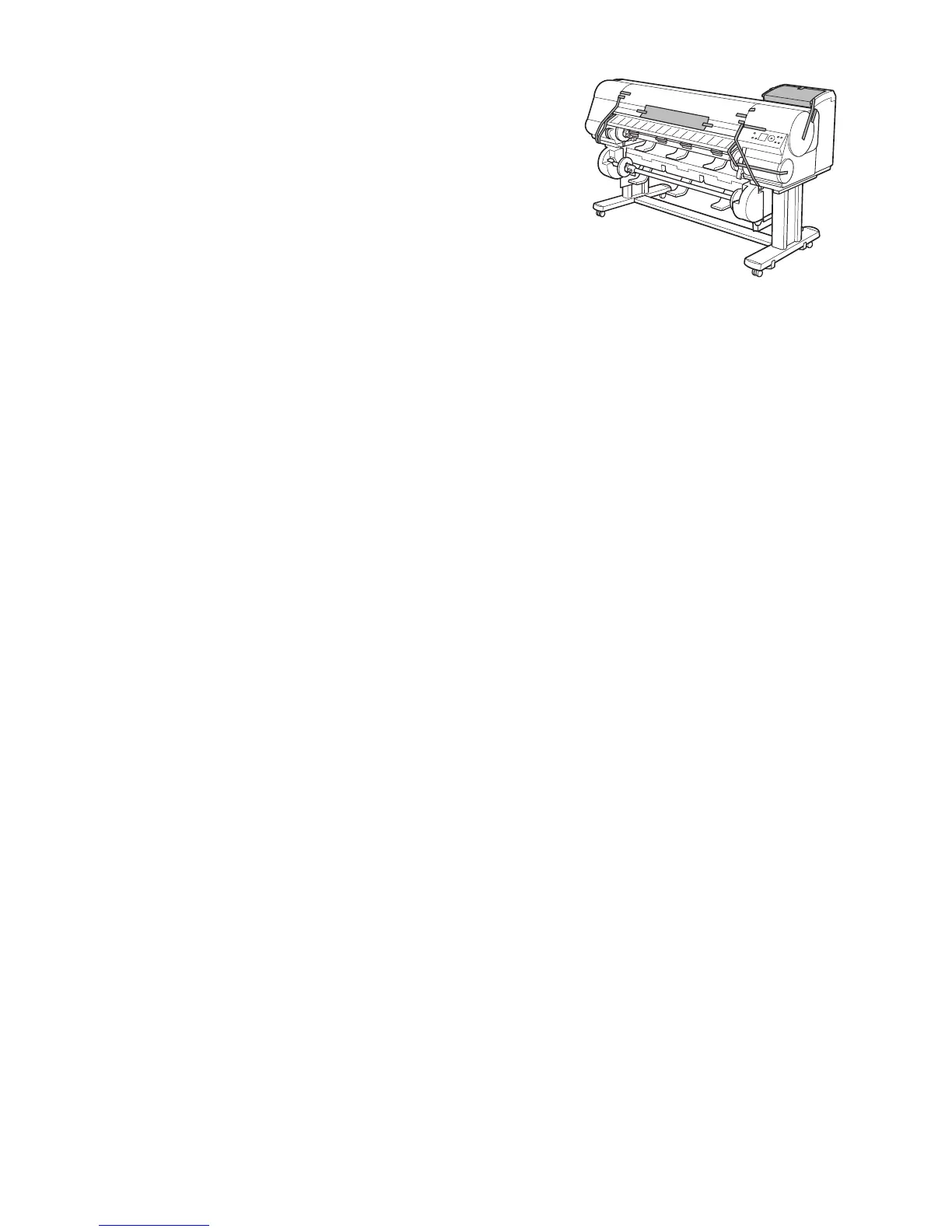
Tape down printer covers to secure them, in the reverse
order of tape removal during installation.
Remove the Stand by reversing the installation procedure,
when it was attached to the printer.
Disassemble and repackage the Stand by following the
installation procedure in reverse.
Repack the Roll Holder , Holder Stopper , and printer in
shipping materials, and then package them in a shipping
box.















 To Next Page