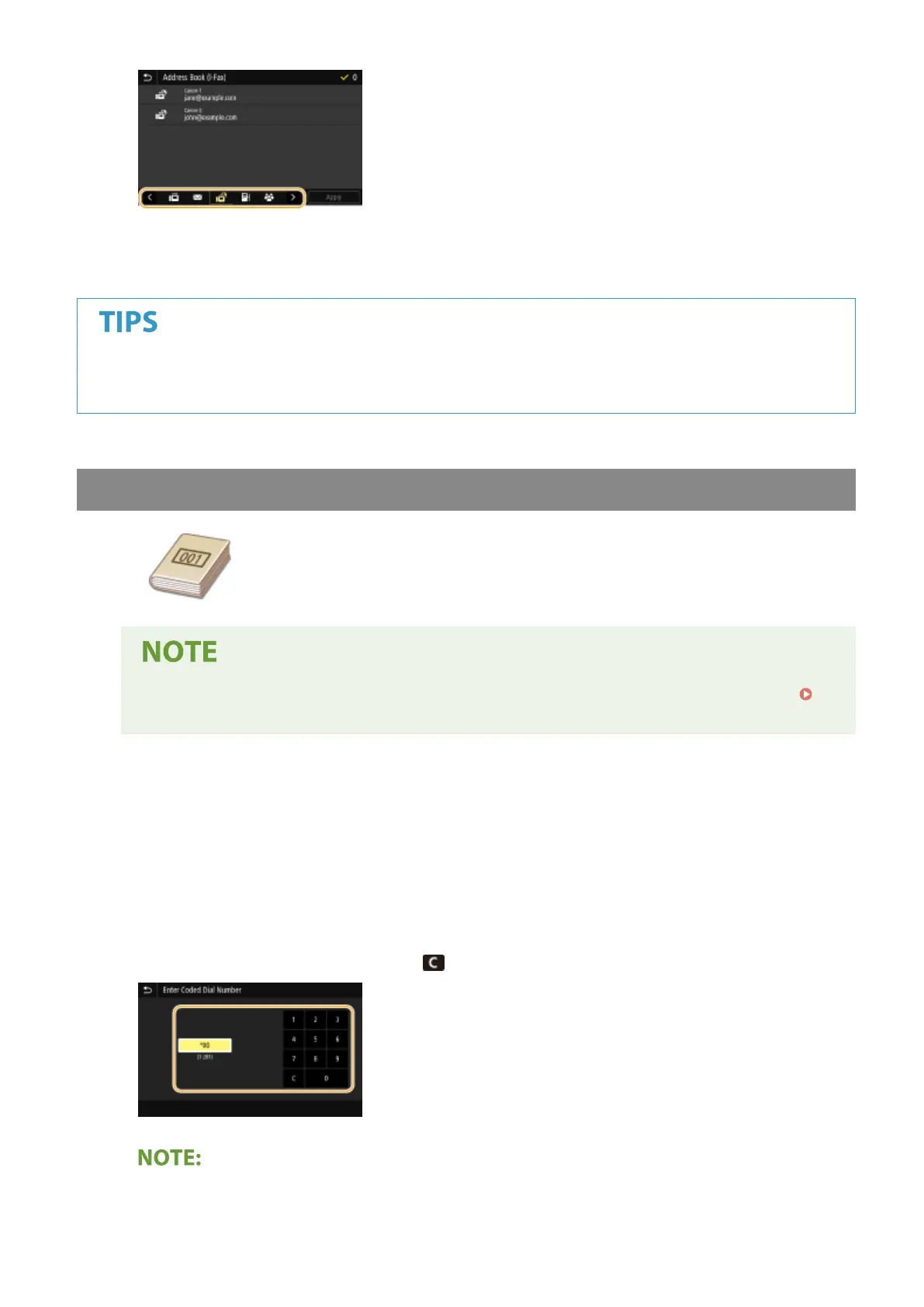
4
Select the check box for the desired destination, and select <Apply>.
● If a destination is selected from <Addr
ess Book> in the Home screen, the Basic Features screen for I-Fax
sending can be displayed while the selected destination remains being specied.
Specifying from Coded Dial Numbers
Three-digit numbers (coded dial numbers) are assigned to addresses in the Address
Book. You can specify an addr
ess simply by entering its coded dial number.
● To use coded dial numbers, the destination must be registered in the Address Book beforehand.
Registering Destinations(P. 180)
1
Select <Coded Dial> in the <Specify Destination> tab.
2
Select <To>.
3
Enter a three-digit number.
● If you have enter
ed an incorr
ect value, use
to clear it.
If a conrmation screen appears
Faxing
252




 To Next Page