Cleaning the Feeder
19YU-09H
If streaks appear on originals fed thr
ough the feeder, or if smudges appear on printouts, or if a paper jam occurs
frequently, then perform feeder cleaning.
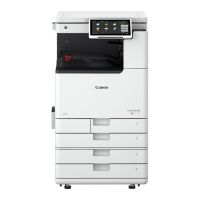
● The feeder is optional for imageRUNNER C3025.
Cleaning the Feeder(P. 587)
If Streaks Still Appear On Paper(P. 591)
Cleaning the Feeder
1
Turn the power OFF, and remove the power plug from the power outlet.
Turning OFF the Machine(P. 111)
● Check
the operation status of the machine before turning the power OFF. You can turn the power OFF
e
ven if the machine is executing an operation, but this may cause the operation to be interrupted or data
to become damaged.
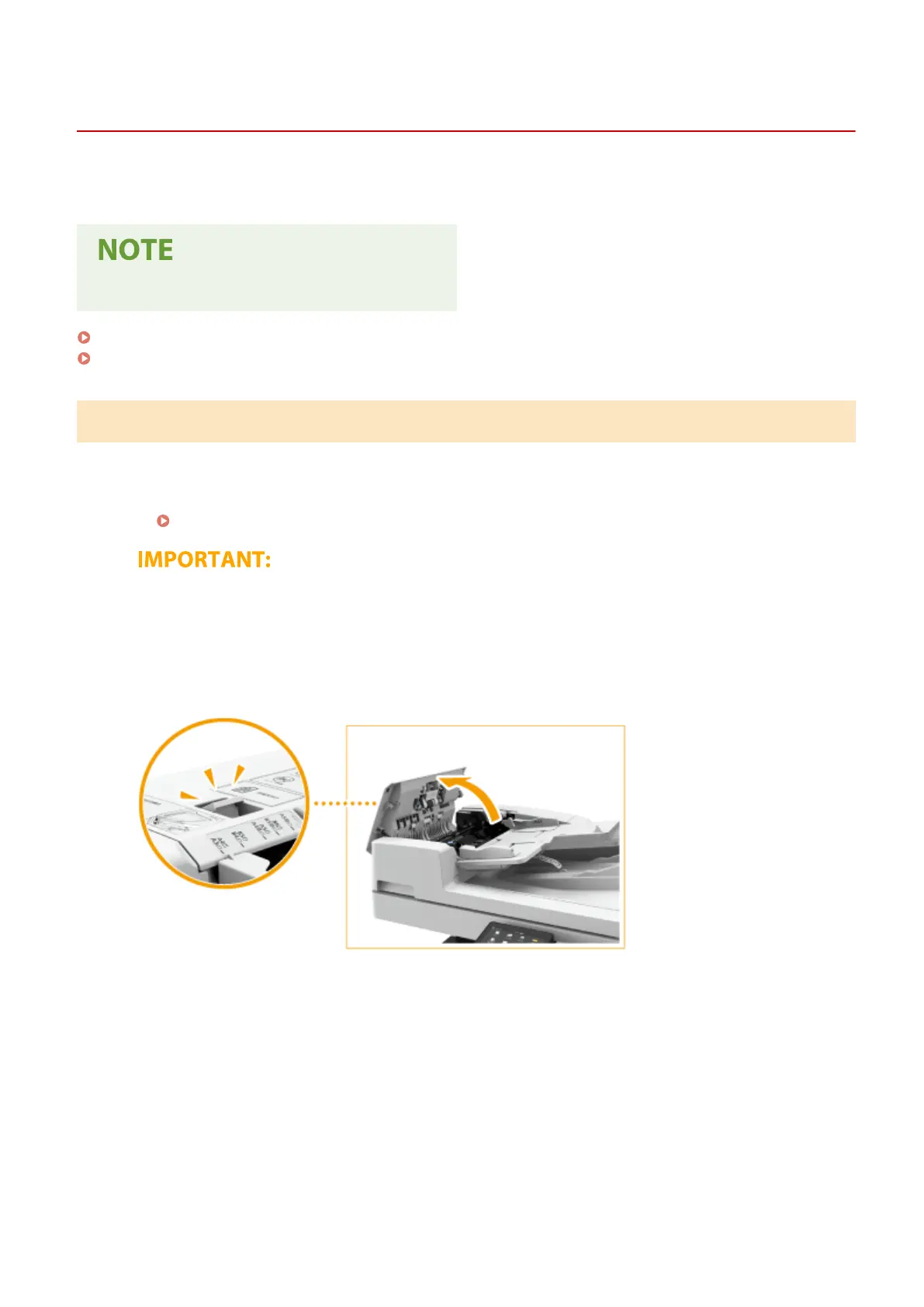
2
Pull the lever, and open the feeder cover.
3
Clean the rollers inside the feeder cover.
● Wet a soft cloth with water and wring it out well, then wipe the rollers with it. Afterwards, wipe the rollers
with a soft and dry cloth.
Maintenance
587




 To Next Page